Skip to content
robots.net text
Menu
  • Home
  • AI
  • TECH
  • Robotics
  • FINTECH
    • Cryptocurrency
    • Digital Banking
    • Digital Payments
    • Investments
  • Gaming
    • Console Gaming
    • Mobile Gaming
    • PC Gaming
  • How to
    • Gadget Usage
    • Gaming Tips
    • Online Safety
    • Software Tutorials
    • Tech Setup & Troubleshooting
  • Tech Reviews
    • Gadget Reviews
  • Gadgets
    • Mobile Devices
    • PCs & Laptops
    • Smart Home Gadgets
    • Wearables
  • Media
    • Content Creation Tools
    • Digital Photography
    • Video & Music Streaming
    • TV & Streaming
  • Internet
    • Online Security
    • Online Services
    • VPN
    • WiFi & Ethernet
  • Software
    • Browsers & Extensions
  • Innovation
    • AI & Machine Learning
    • Cybersecurity
    • Emerging Tech
    • IoT & Smart Devices
    • Virtual & Augmented Reality
  • Featured
  • News
    • New Product Launches
  • Topics
  • All
Menu Logo
  • Robots.net
  • Tag
  • MIDI Keyboard

MIDI Keyboard

How To Set Up A MIDI Keyboard On FL Studio With Akai MPK Mini
Content Creation Tools

How To Set Up A MIDI Keyboard On FL Studio With Akai MPK Mini

by Doria English | 31 December 2023
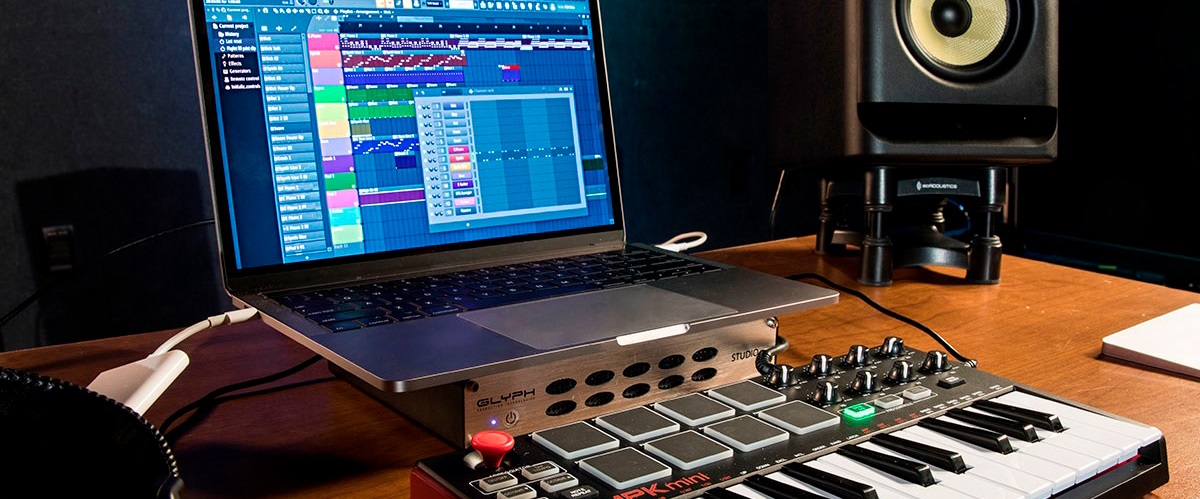
To set up Akai MPK Mini FL Studio, connect the keyboard via USB, select the DAW preset on the hardware, and configure the MIDI input in FL Studio's settings. This...
How To Connect A MIDI Keyboard To An iPhone
Content Creation Tools

How To Connect A MIDI Keyboard To An iPhone

by La Verne Haun | 31 December 2023
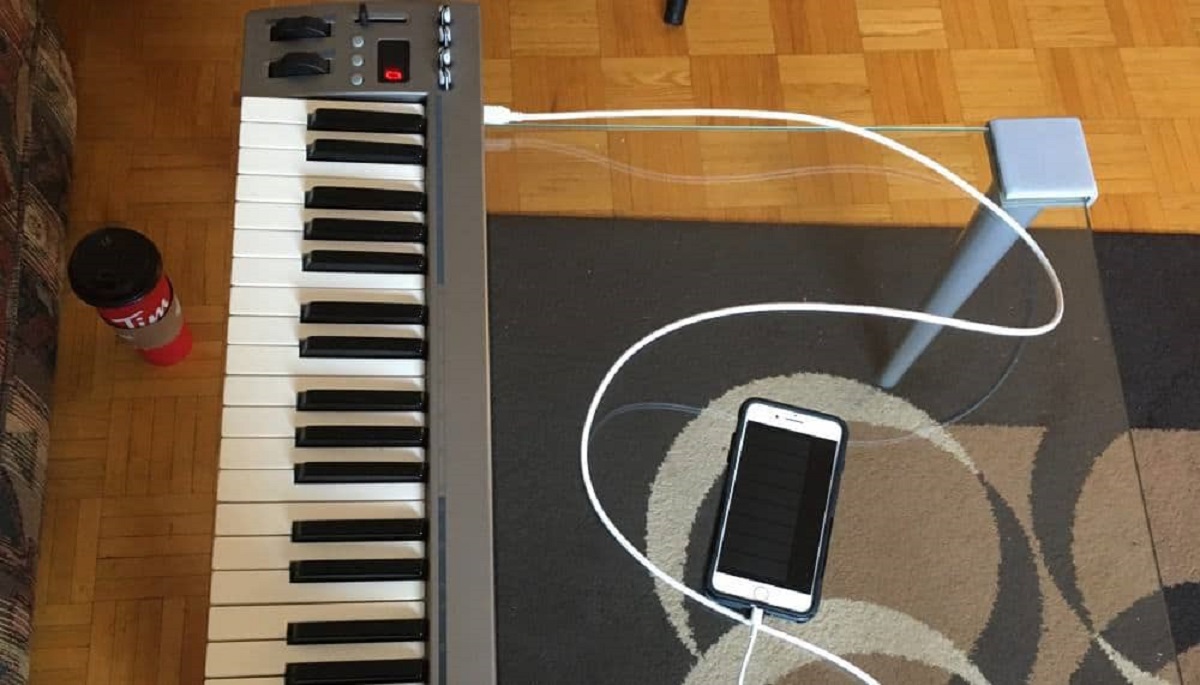
To connect a MIDI keyboard to an iPhone, you need the correct adapter for your keyboard’s port type and then set the keyboard as an input device inside a music...
Why Isn't Reaper Recognizing My MIDI Keyboard
Content Creation Tools

Why Isn't Reaper Recognizing My MIDI Keyboard

by Karrie Atwell | 31 December 2023
If Reaper isn't recognizing your MIDI keyboard, the cause is almost always a settings issue, not a hardware failure. Reaper requires you to manually enable each MIDI device in its...
How To Use A MIDI Keyboard With Korg Volca
Content Creation Tools

How To Use A MIDI Keyboard With Korg Volca

by Toinette Florez | 31 December 2023
To use a MIDI keyboard with Korg Volca, you only need a standard 5-pin DIN MIDI cable, any MIDI keyboard with a MIDI Out port, and a Korg Volca, all...
How To Use A MIDI Keyboard In BandLab
Content Creation Tools

How To Use A MIDI Keyboard In BandLab

by Malanie Hopson | 31 December 2023
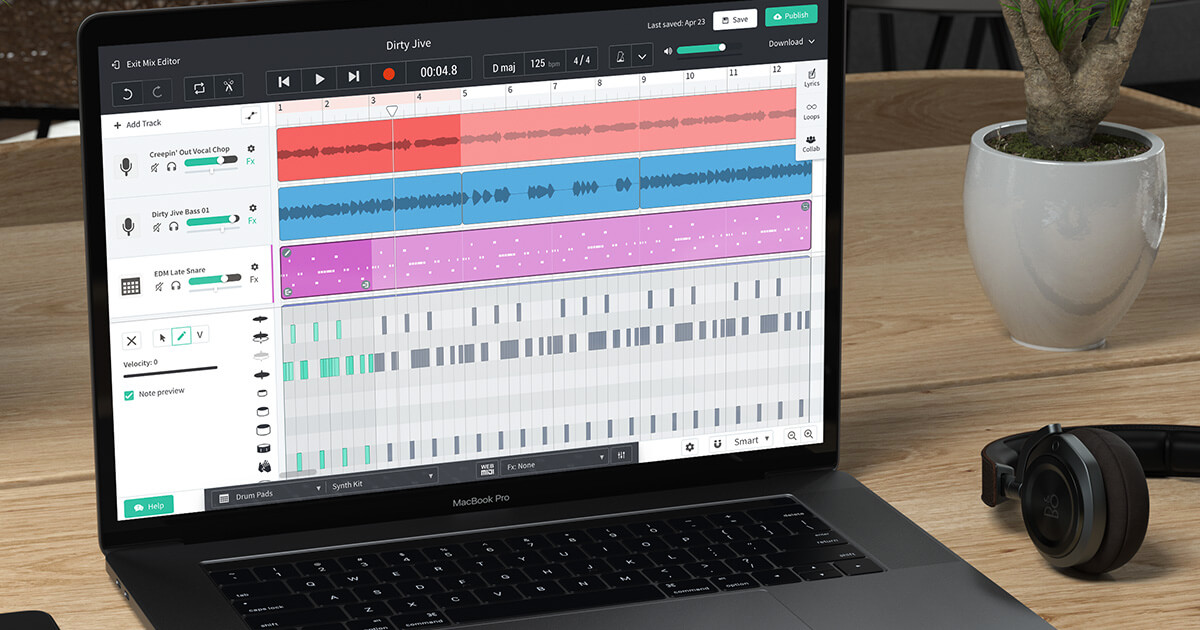
To use a MIDI keyboard in BandLab, connect it to your computer or mobile device, open BandLab Studio, and create a Virtual Instrument track, your keyboard should be detected automatically,...
How To Record MIDI Keyboard In Piano Roll In FL
Content Creation Tools

How To Record MIDI Keyboard In Piano Roll In FL

by Minny Head | 31 December 2023
To record MIDI keyboard in piano roll in FL Studio, you connect your controller, enable it in MIDI settings, and capture live note data directly into the Piano Roll for...
How To Connect A MIDI Keyboard To An Amp
Content Creation Tools

How To Connect A MIDI Keyboard To An Amp

by Nalani Straight | 31 December 2023
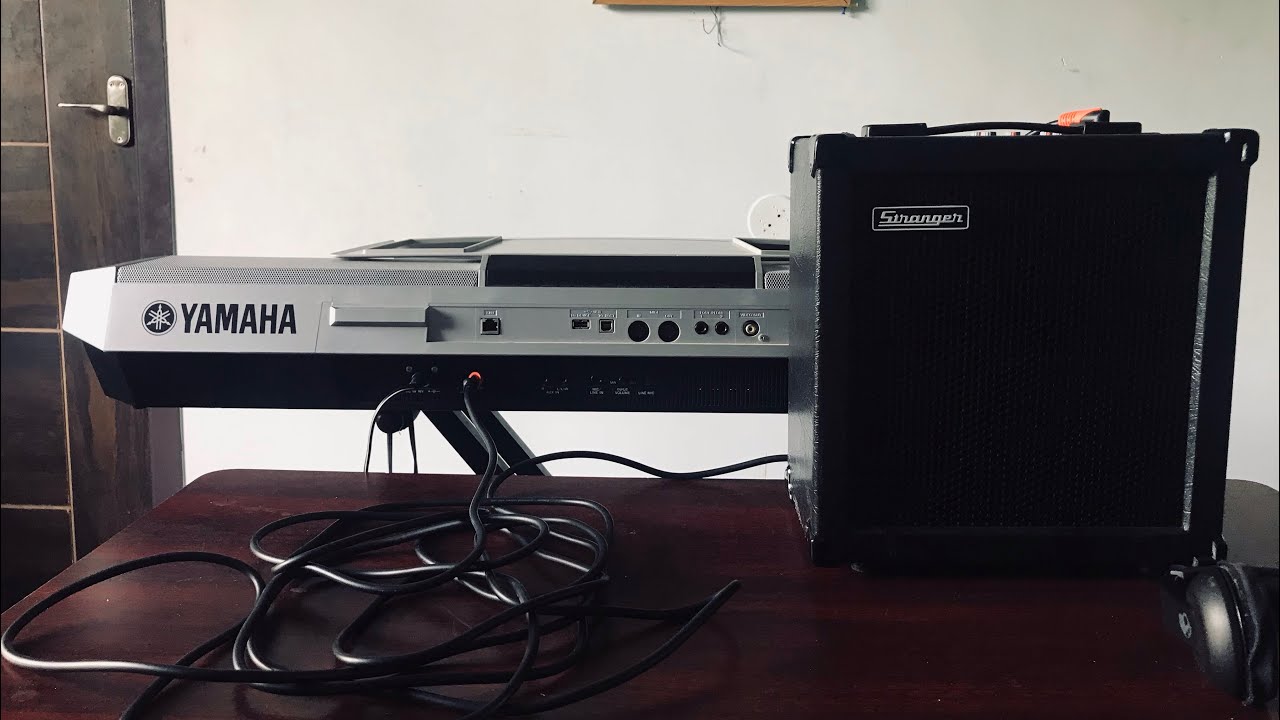
To connect a MIDI keyboard to an amp, you need a sound-generating device in between, because a MIDI keyboard transmits note and control data, not audio. The direct cable from...
How To Change Octaves Of A Computer MIDI Keyboard In Ableton
Content Creation Tools

How To Change Octaves Of A Computer MIDI Keyboard In Ableton

by Charita Grinnell | 31 December 2023
To change the octave of Ableton Live's built-in computer MIDI keyboard, press the **Z** key on your QWERTY keyboard to shift the pitch down by one octave, or press the...
How To Use A MIDI Keyboard As A Drum Pad In FL Studio
Content Creation Tools

How To Use A MIDI Keyboard As A Drum Pad In FL Studio

by Nalani Straight | 31 December 2023
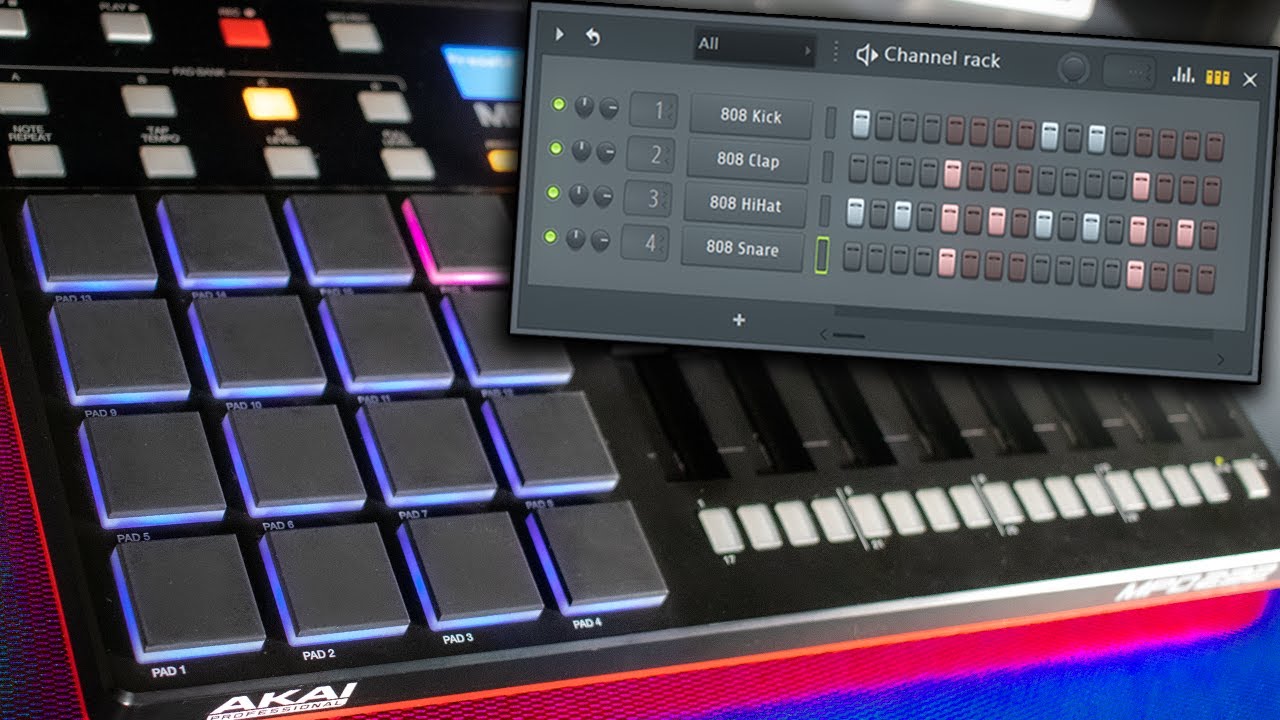
To use a MIDI keyboard as a drum pad in FL Studio, you need to map your keyboard's keys to trigger drum sounds instead of notes, and the two most...
Close
Menu
  • Home
  • AI
  • TECH
  • Robotics
  • FINTECH
    • Cryptocurrency
    • Digital Banking
    • Digital Payments
    • Investments
  • Gaming
    • Console Gaming
    • Mobile Gaming
    • PC Gaming
  • How to
    • Gadget Usage
    • Gaming Tips
    • Online Safety
    • Software Tutorials
    • Tech Setup & Troubleshooting
  • Tech Reviews
    • Gadget Reviews
  • Gadgets
    • Mobile Devices
    • PCs & Laptops
    • Smart Home Gadgets
    • Wearables
  • Media
    • Content Creation Tools
    • Digital Photography
    • Video & Music Streaming
    • TV & Streaming
  • Internet
    • Online Security
    • Online Services
    • VPN
    • WiFi & Ethernet
  • Software
    • Browsers & Extensions
  • Innovation
    • AI & Machine Learning
    • Cybersecurity
    • Emerging Tech
    • IoT & Smart Devices
    • Virtual & Augmented Reality
  • Featured
  • News
    • New Product Launches
  • Topics
  • All
Close Icon
Sidebar Logo

Navigation

  • Home
  • AI
  • TECH
  • Robotics
  • FINTECH
    • Crowdfunding
    • Cryptocurrency
    • Digital Banking
    • Digital Payments
    • Investments
  • Gaming
    • Esports
    • Console Gaming
    • Mobile Gaming
    • PC Gaming
    • VR/AR Gaming
    • Others
  • How to
    • Gadget Usage
    • Gaming Tips
    • Online Safety
    • Software Tutorials
    • Tech Setup & Troubleshooting
    • Others
  • Tech Reviews
    • Buyer’s Guides
    • Comparative Analysis
    • Gadget Reviews
    • Service Reviews
    • Software Reviews
  • Gadgets
    • Mobile Devices
    • PCs & Laptops
    • Smart Home Gadgets
    • Wearables
  • Media
    • Content Creation Tools
    • Digital Photography
    • Podcasting
    • Video & Music Streaming
  • Internet
    • Online Security
    • Online Services
    • VPN
    • Web Hosting
    • WiFi & Ethernet
  • Software
    • Browsers & Extensions
    • Communication Platforms
    • Operating Systems
    • Productivity Tools
  • Innovation
    • AI & Machine Learning
    • Cybersecurity
    • Emerging Tech
    • IoT & Smart Devices
    • Virtual & Augmented Reality
  • Featured
  • News
    • Latest News
    • AI Developments
    • Fintech Updates
    • Gaming News
    • New Product Launches
    • Others
  • All
Latest Articles
  • How To Send Large Files That Are Too Big To Email
  • How To Send Files From Your Phone To Your Computer Without A Cable
  • How to Delete or Unsend Messages on Messenger
  • How to Hide Your Active Status on Messenger
  • How to Tell if Someone Blocked You on Messenger

More from Robots.net

Content Creation Tools How To Set Up A MIDI Keyboard On FL Studio With Akai MPK Mini Content Creation Tools How To Connect A MIDI Keyboard To An iPhone Content Creation Tools Why Isn't Reaper Recognizing My MIDI Keyboard Content Creation Tools How To Use A MIDI Keyboard With Korg Volca Content Creation Tools How To Use A MIDI Keyboard In BandLab Content Creation Tools How To Record MIDI Keyboard In Piano Roll In FL Content Creation Tools How To Connect A MIDI Keyboard To An Amp Content Creation Tools How To Change Octaves Of A Computer MIDI Keyboard In Ableton Content Creation Tools How To Use A MIDI Keyboard As A Drum Pad In FL Studio
Footer Logo
  • About Us
  • Our Experts
  • Editorial Policy
  • Inclusivity
  • Products Testing
  • Contribute
  • Advertise
  • Contact Us
  • Terms
  • Privacy Policy
  • Affiliate Disclosure
  • DMCA
Share on facebook X Share on Pinterest Share on Instagram Share on youtube

Please accept our Privacy Policy.

Robots.net uses cookies to improve your experience and to show you personalized ads. Privacy Policy

Robots.net
Powered by  GDPR Cookie Compliance
Privacy Overview

This website uses cookies so that we can provide you with the best user experience possible. Cookie information is stored in your browser and performs functions such as recognising you when you return to our website and helping our team to understand which sections of the website you find most interesting and useful.

Strictly Necessary Cookies

Strictly Necessary Cookie should be enabled at all times so that we can save your preferences for cookie settings.

If you disable this cookie, we will not be able to save your preferences. This means that every time you visit this website you will need to enable or disable cookies again.