This tag collects articles that deal with the everyday management of a Microsoft account, as well as the software and services tied to it. It is intended for regular PC users who need practical, straightforward guidance on account access, device setup, and common productivity tools, not for IT professionals or advanced administrators. The articles here focus on tasks that most people will encounter at some point, such as signing in and out, recovering access, or getting a fresh copy of Windows running.
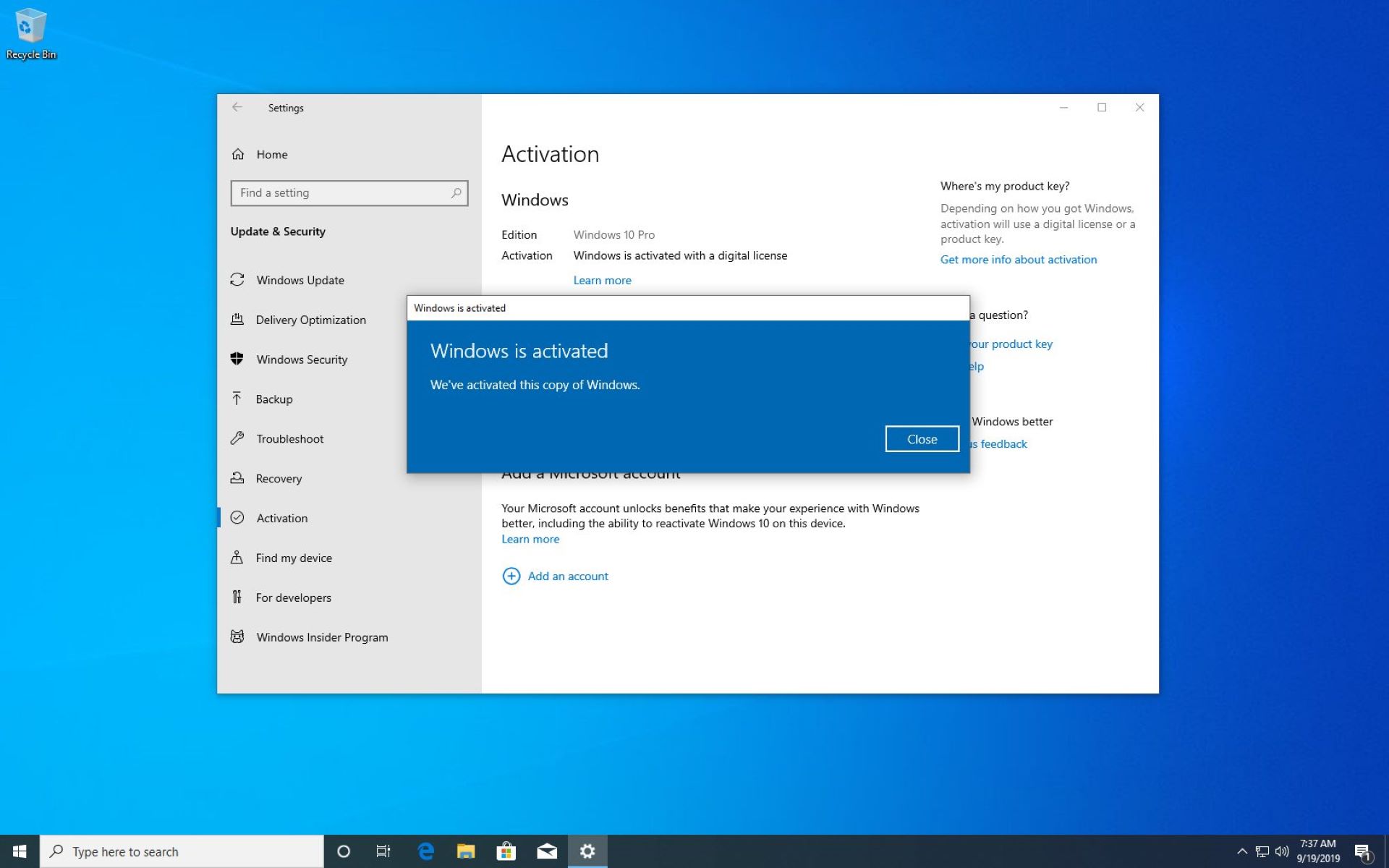
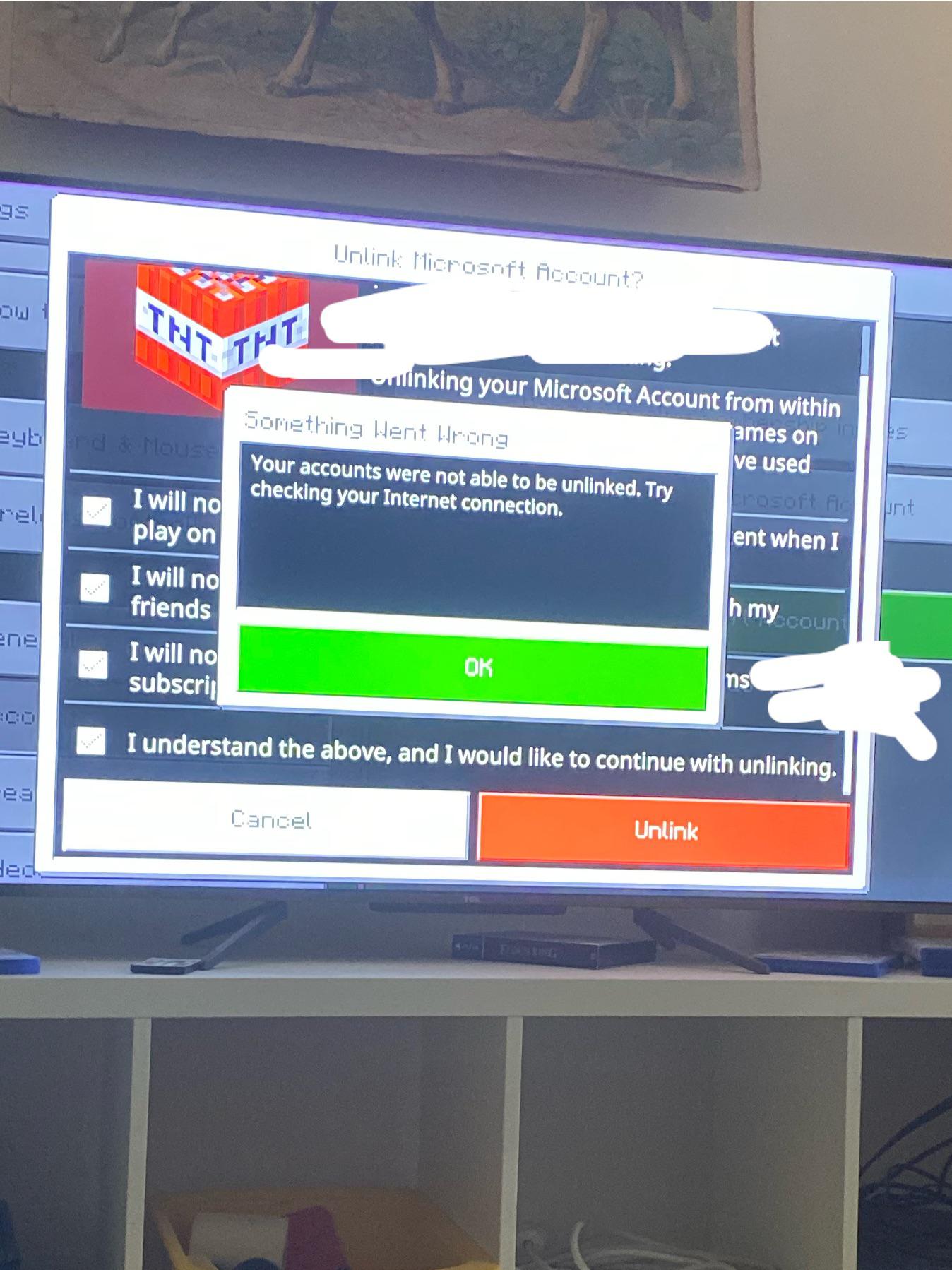
The problems covered fall into two main themes. The first is account security and cross-platform connections. For example, one article explains how to sign out of your Microsoft account on a PC, which is useful for shared computers or when you want to protect your data from others. Another walks through unlinking a PlayStation account from a Microsoft account, helping you manage which services can share your identity. The second theme is getting software and hardware working. This includes resetting a forgotten password on a Dell laptop, activating Windows 10 through legitimate, free methods, and downloading Office 2013 for installations you already own. These pieces help you restore access, set up a machine, or install software you are entitled to use.
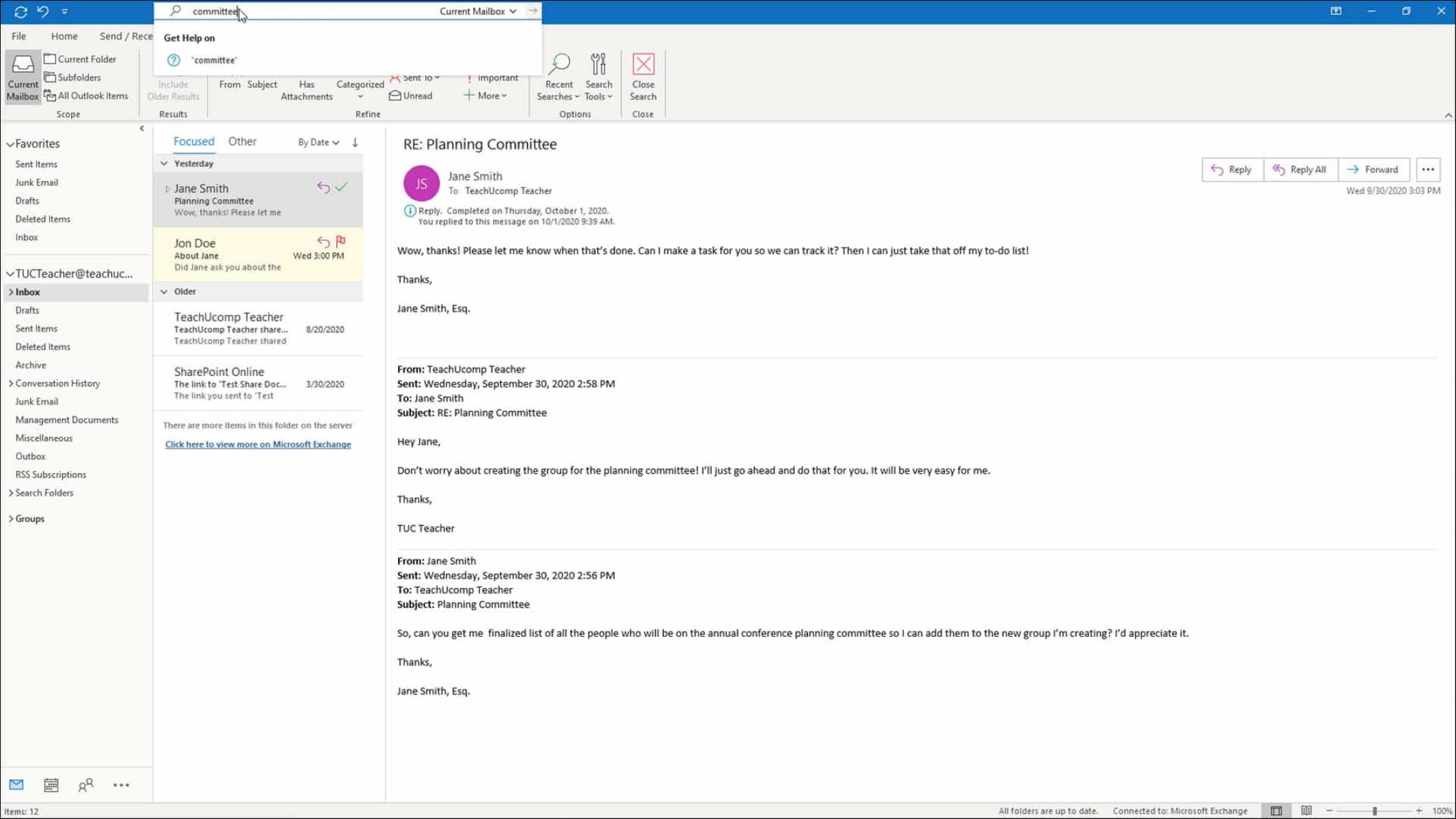
Additionally, the tag covers accessing your Outlook email, which is a core part of the Microsoft ecosystem. The articles are written to help you perform these actions safely and legally, with an emphasis on proper account recovery and authorized software installation. They do not encourage bypassing protections or using unlicensed copies; instead, they show you the correct paths to solve common problems.