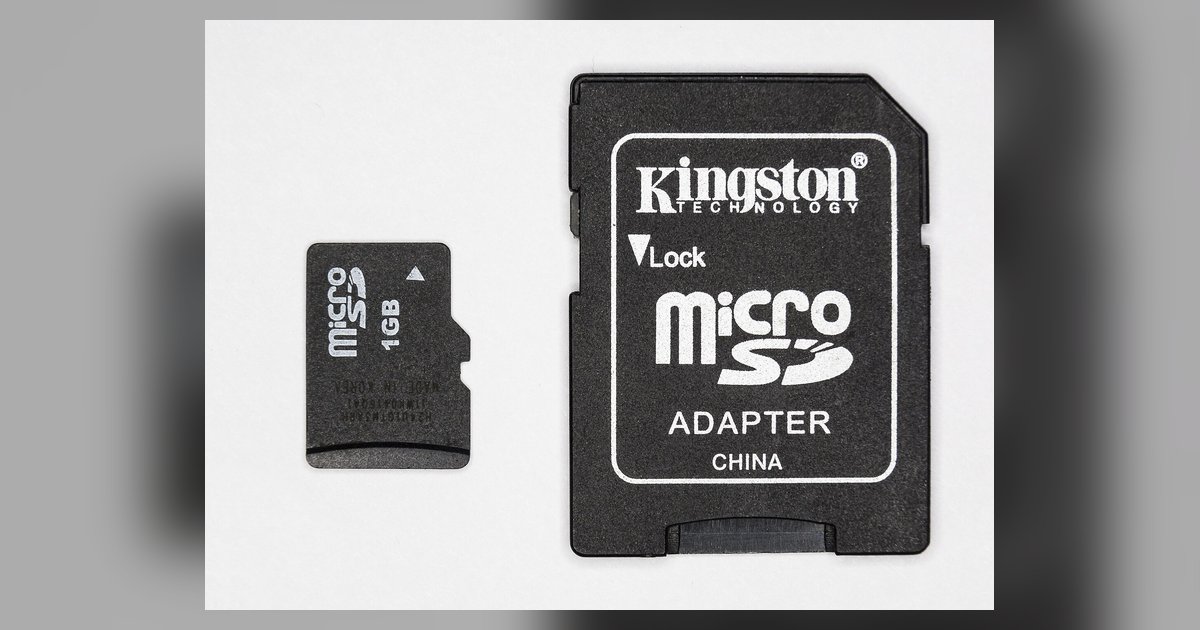
Practical, hands-on guides for anyone who owns a device that relies on removable storage, tablets, action cameras, game consoles, or GPS units. These articles are written for everyday users who want to expand capacity, move files, or simply understand what kind of card their hardware actually supports. If you have ever stared at a slot and wondered which card to buy, or bought a card and then struggled to make it useful, this is the place to start.
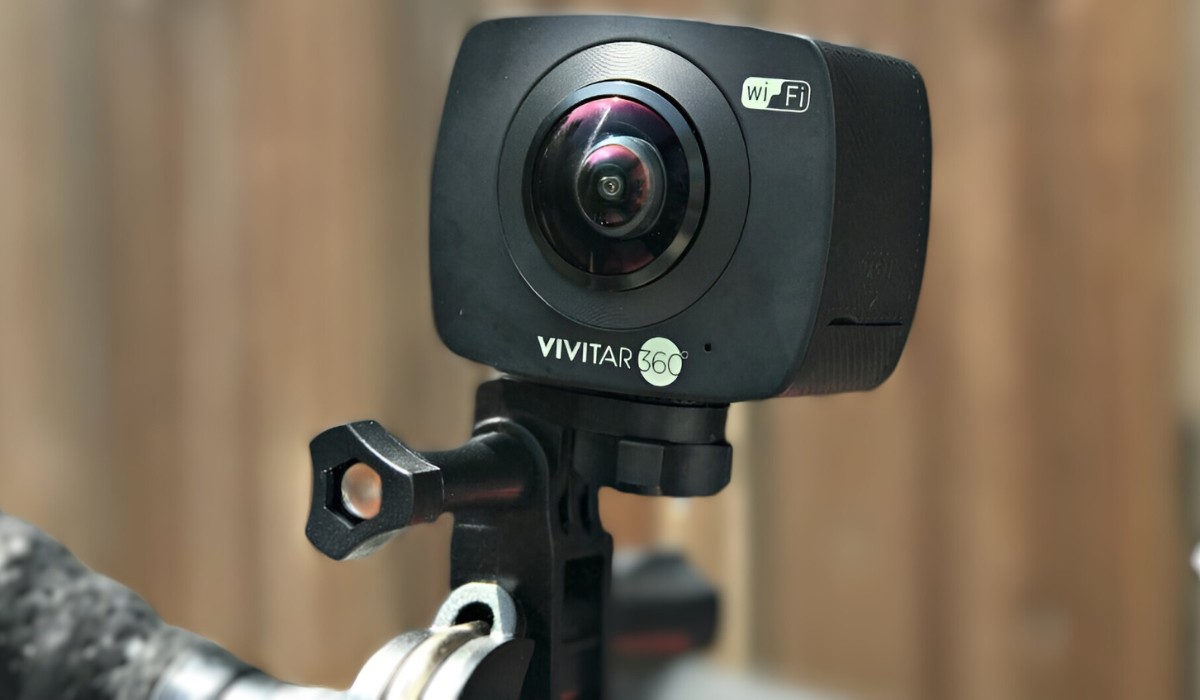
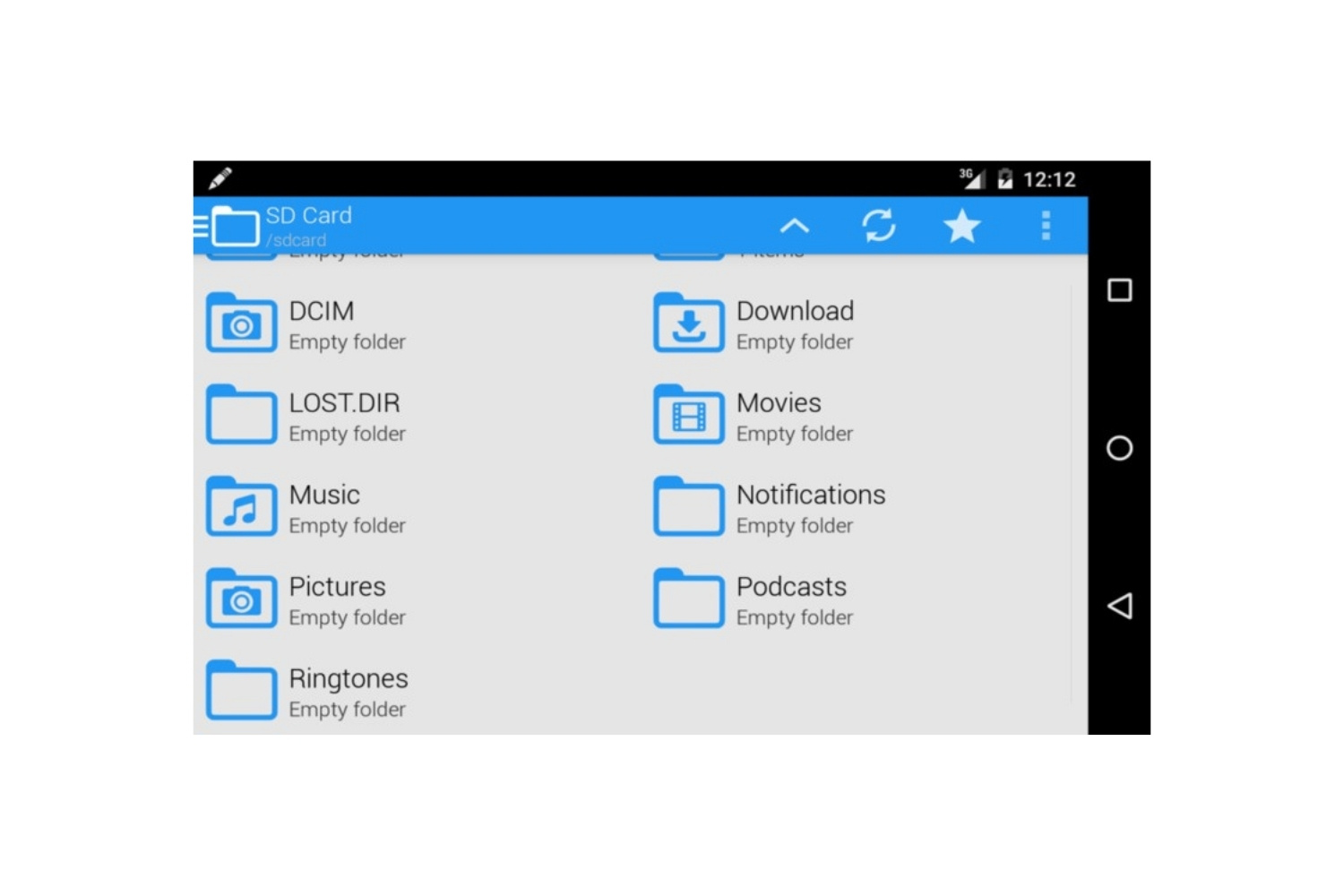
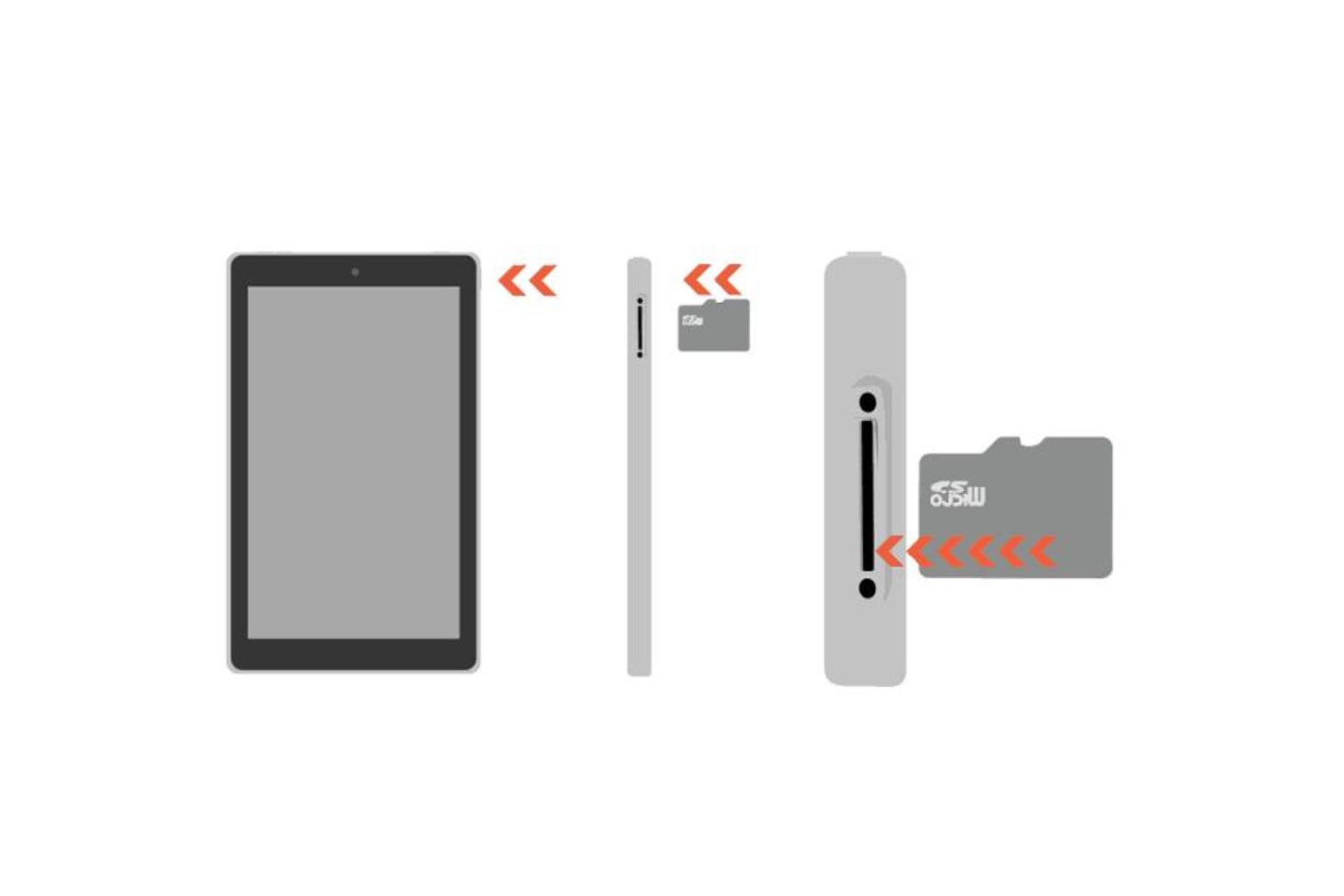
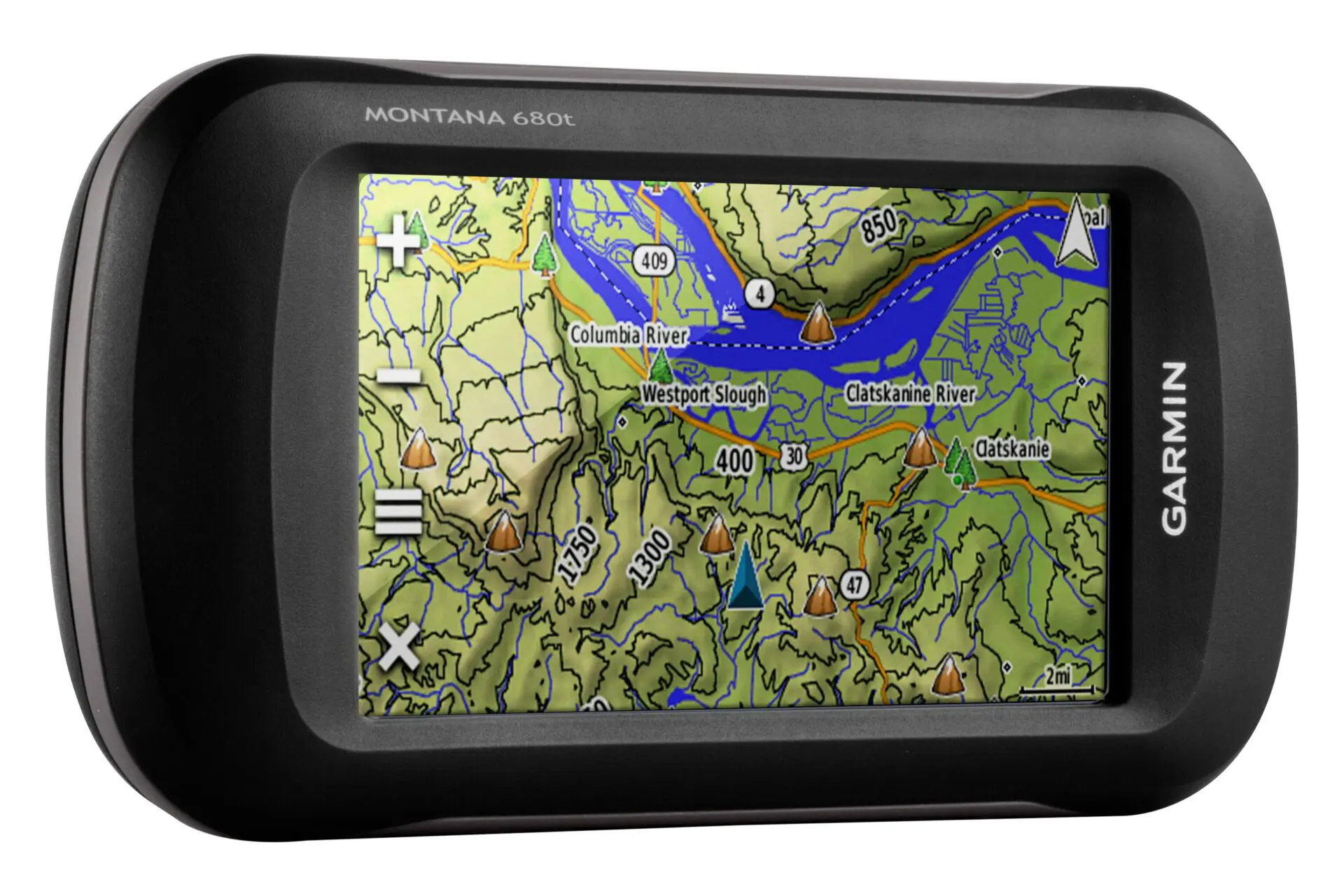
The articles here solve three broad kinds of problems. First, there are storage-expansion guides, like adding space to an Amazon Fire Tablet or choosing the right SD card size for a specific Fire model. Second, there are file-management and transfer pieces, such as how to access files on a Fire Tablet or download new maps to a Garmin Nuvi, tasks that often require moving data between a card and a computer. Third, there are setup and usage walkthroughs, like configuring a Vivitar Action Camera so its card works correctly for photos and video.
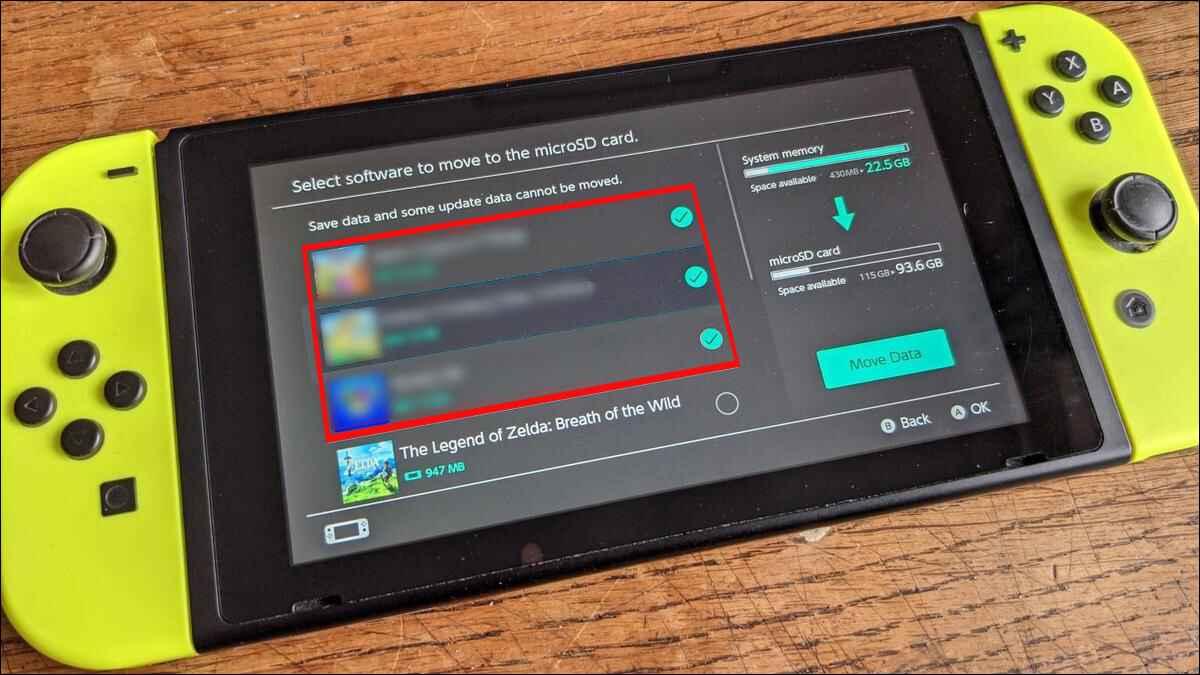
Several articles also address legitimate, safe alternatives to common frustrations. For example, the Nintendo Switch digital game storage options piece explains how to manage downloadable games within the console’s official limits, rather than suggesting any unofficial workaround. Similarly, the Fire Tablet file-access guide focuses on standard file-manager methods, and the Garmin map download article shows the manufacturer-supported route for updating your device. In every case, the goal is to help you do more with your hardware, safely, legally, and without guesswork.