This tag collects practical, everyday guides for getting headsets to work reliably across PCs, consoles, and office phone systems. It is written for anyone who has hit a snag with pairing, audio quality, or microphone performance, whether you are setting up a new Logitech or Turtle Beach model for the first time, or troubleshooting an older Plantronics or Jabra unit at your desk. The articles focus on real fixes, not jargon-heavy theory, so you can follow along step by step.
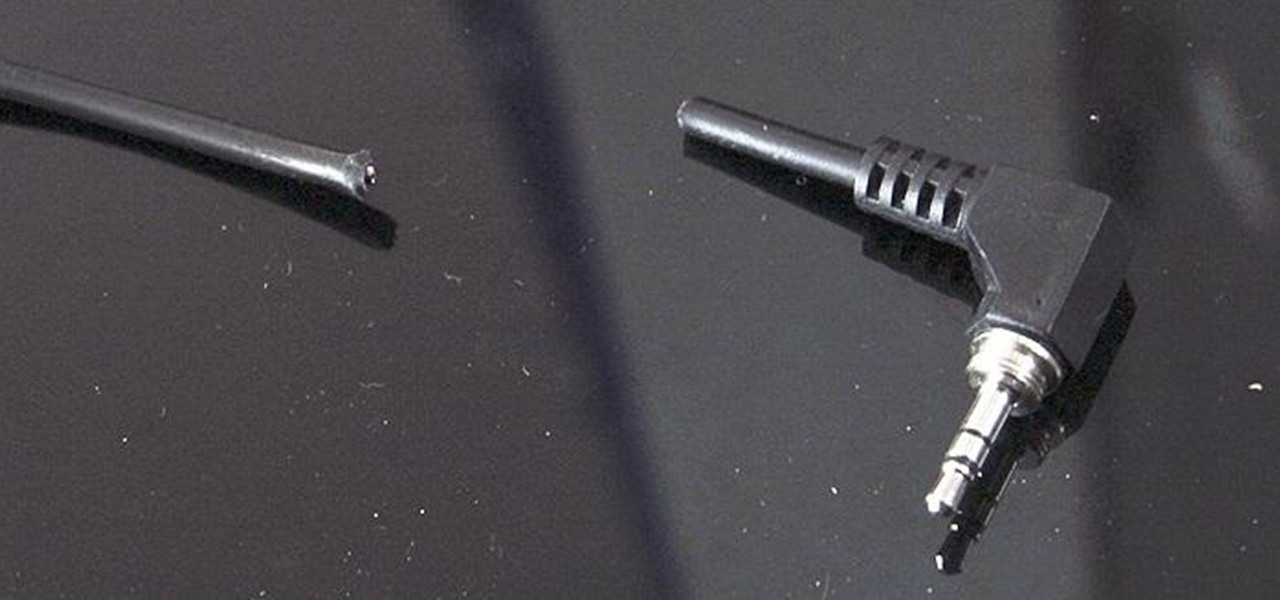
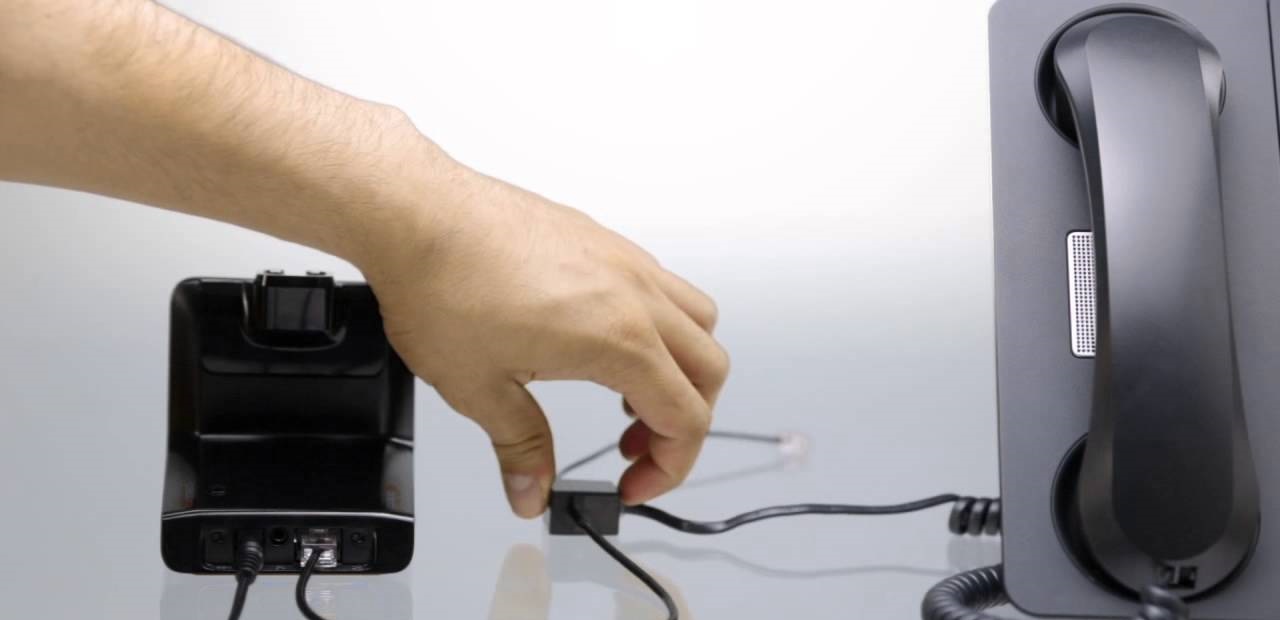
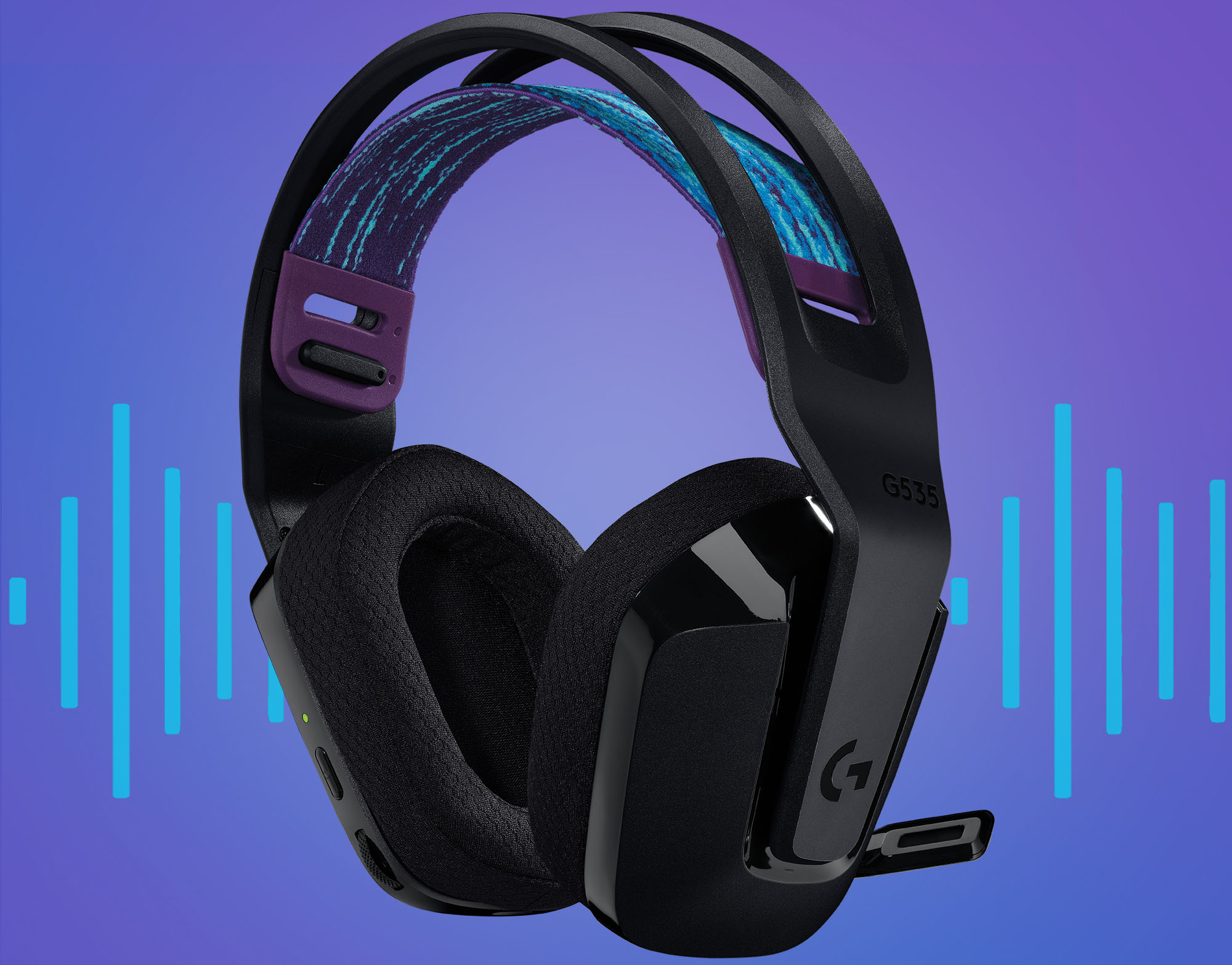
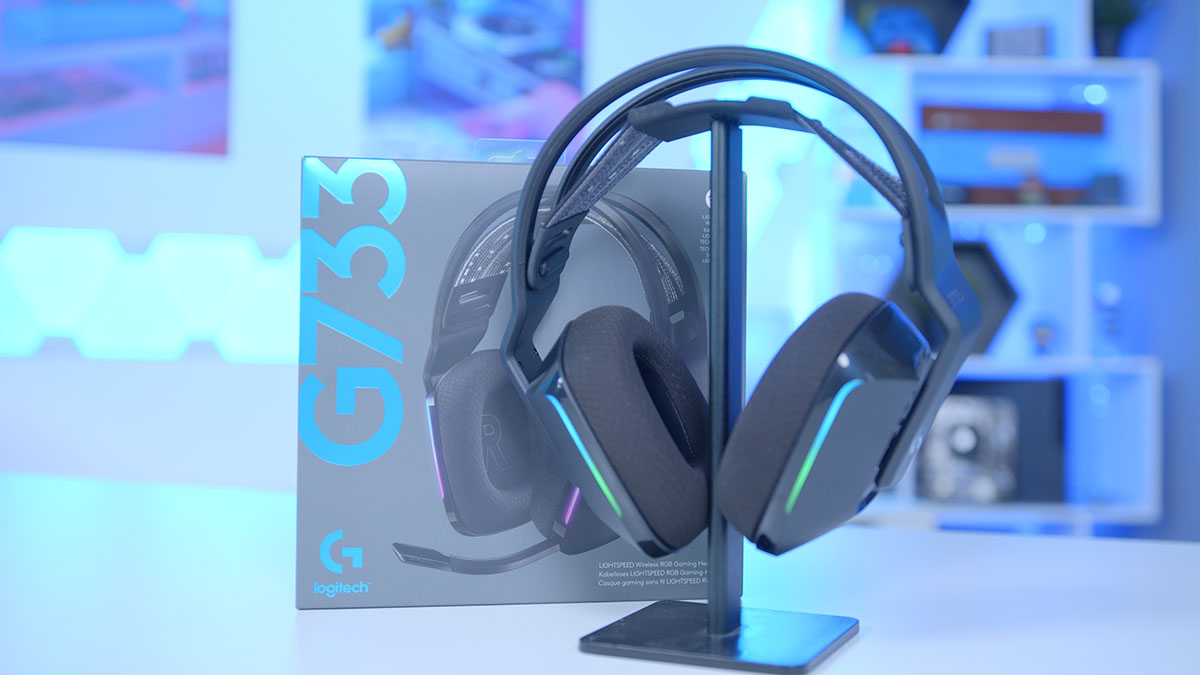
The problems covered fall into three clear themes. First, connection and setup: you will find walkthroughs for linking headsets to specific hardware, such as connecting a Logitech G733 to an Xbox or a Poly Bluetooth headset to a PC with a USB adapter. Second, audio and microphone troubleshooting: these pieces help you improve sound quality, fix a broken headset jack, or resolve issues like a Logitech G Pro X mic going silent or game audio bleeding into Discord on a PS5. Third, device-specific resets and system settings: this includes guides for resetting a Yealink headset, fixing a greyed-out chat mixer on Xbox, or configuring OBS to capture your headset properly.
Several articles also address configuration choices from a safety and compatibility perspective, for example, explaining how to set up dual audio on a PS5 between your TV and headset, or why a Poly headset might not connect even with its adapter. These are framed as practical, legitimate solutions for everyday tech frustrations, not as workarounds for restricted features. The goal is simple: help you get your gear working as intended, without guesswork.