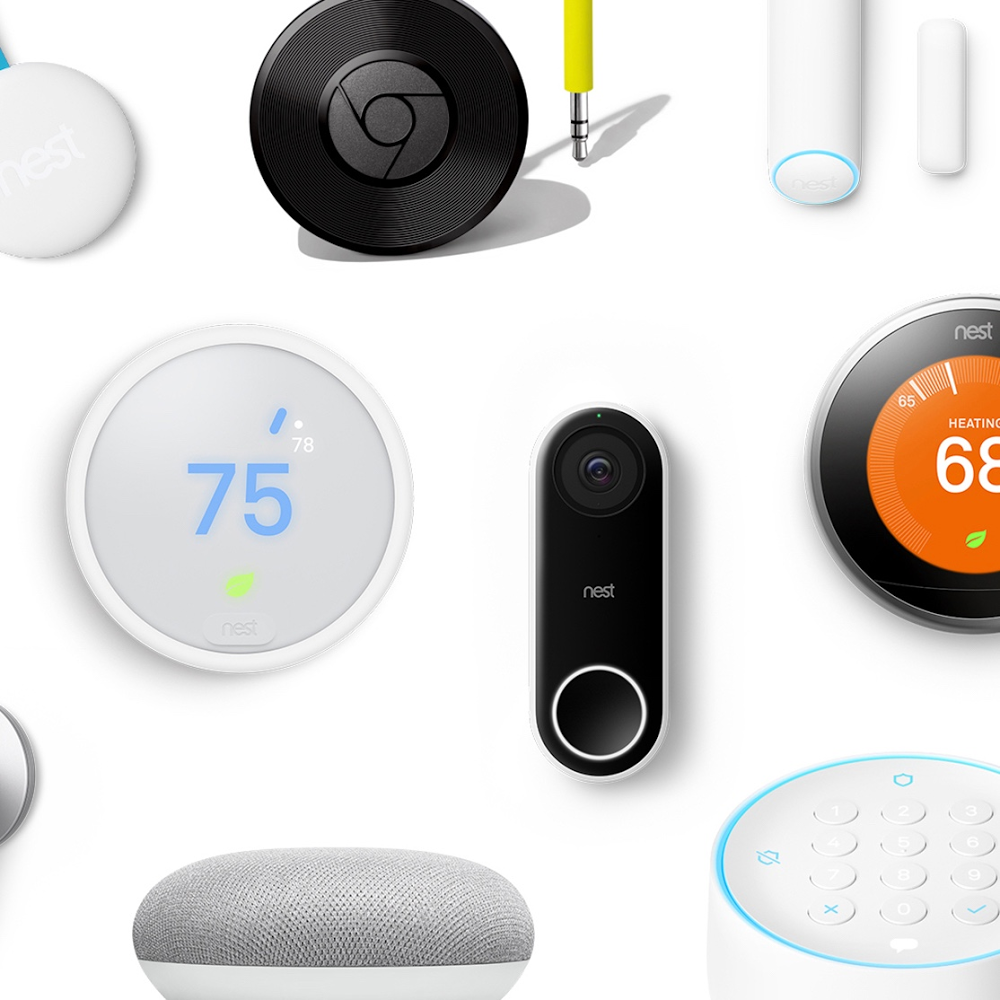
This tag collects practical, step-by-step guides for setting up, troubleshooting, and managing Google’s smart home ecosystem, including Nest speakers, Chromecast devices, Nest Wifi, and compatible accessories like smart plugs and video doorbells. It is written for everyday homeowners and renters who want to install or fix their own connected devices without calling a technician, and who prefer clear, jargon-free instructions over manufacturer manuals.
The articles cluster around three main themes. First, device setup and configuration: you’ll find help with connecting a Google smart speaker to Wi-Fi, setting up Nest Wifi, pairing a Tantan smart plug, or linking a Google Home speaker to a Samsung smart TV. Second, network and compatibility changes, for example, reconnecting a Chromecast to a new Wi‑Fi network, setting up Chromecast without the remote, or getting Google apps on a Roku TV. Third, recovery and security-conscious adjustments: these pieces explain how to factory reset a Google Home device or a Chromecast, how to verify if your TV has built-in Chromecast, and how to make a video doorbell work with a different app, always framed as legitimate owner-level maintenance, never as bypassing locks or pirating content.
Overall, the articles help you take control of your own hardware: from the initial unboxing to daily use, and from fixing a dropped connection to wiping a device before selling it. Whether you’re troubleshooting a stubborn speaker, expanding your home network, or simply checking whether your TV already supports casting, these guides give you the steps to do it yourself, safely and legally.