This tag collects articles about playing and downloading games across a wide range of devices, from smartphones and Chromebooks to dedicated consoles and PCs. It is written for everyday consumers, casual players, parents helping kids set up a system, or anyone who just wants to get a favorite title running without wading through technical forums. The focus is practical: what you can do, what you need, and how to do it safely and legally.
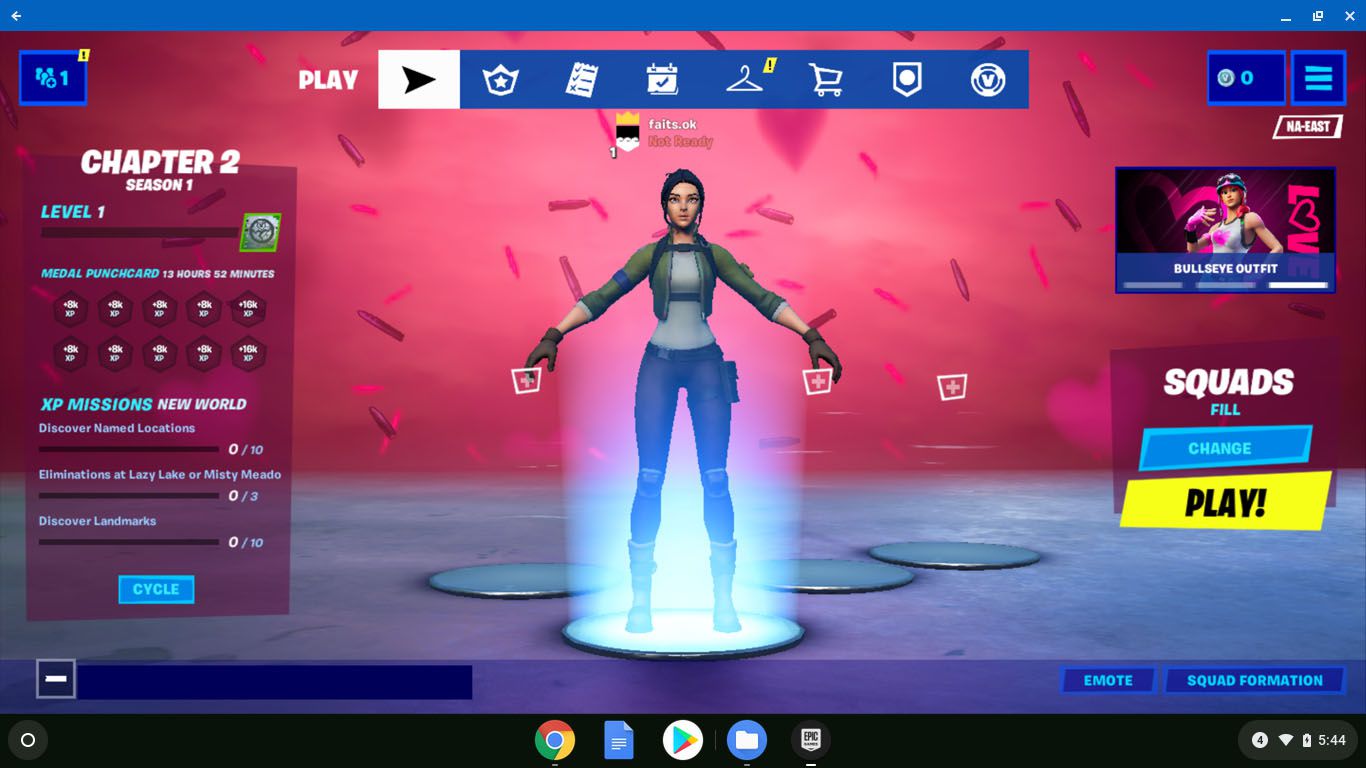
Several pieces center on straightforward installation and access. For example, you can learn how to download Xbox games, how to get the Epic Games Launcher working on a Chromebook, and how to grab Flash games the easy way, though that last one is framed around preserving and playing older titles through legitimate emulators or official archives, not circumventing paywalls. Another theme is mobile and AR gaming: the articles on Pokémon Go explain raid mechanics and the new augmented reality features that blend digital creatures with your real surroundings, helping you play smarter and understand the tech behind it.
A third theme is customization and classic fun. You’ll find a list of trending Minecraft skins to personalize your character, and a roundup of the five most popular solitaire card games for quick, offline play. Throughout, the tone emphasizes safe, legal methods, using official stores, respecting copyright, and avoiding sketchy download sites. If an article mentions “hassle-free” downloading, it means using the right tools and settings, not workarounds. Together, these eight articles give you clear, no-nonsense steps for getting more out of the games you already own or want to try.