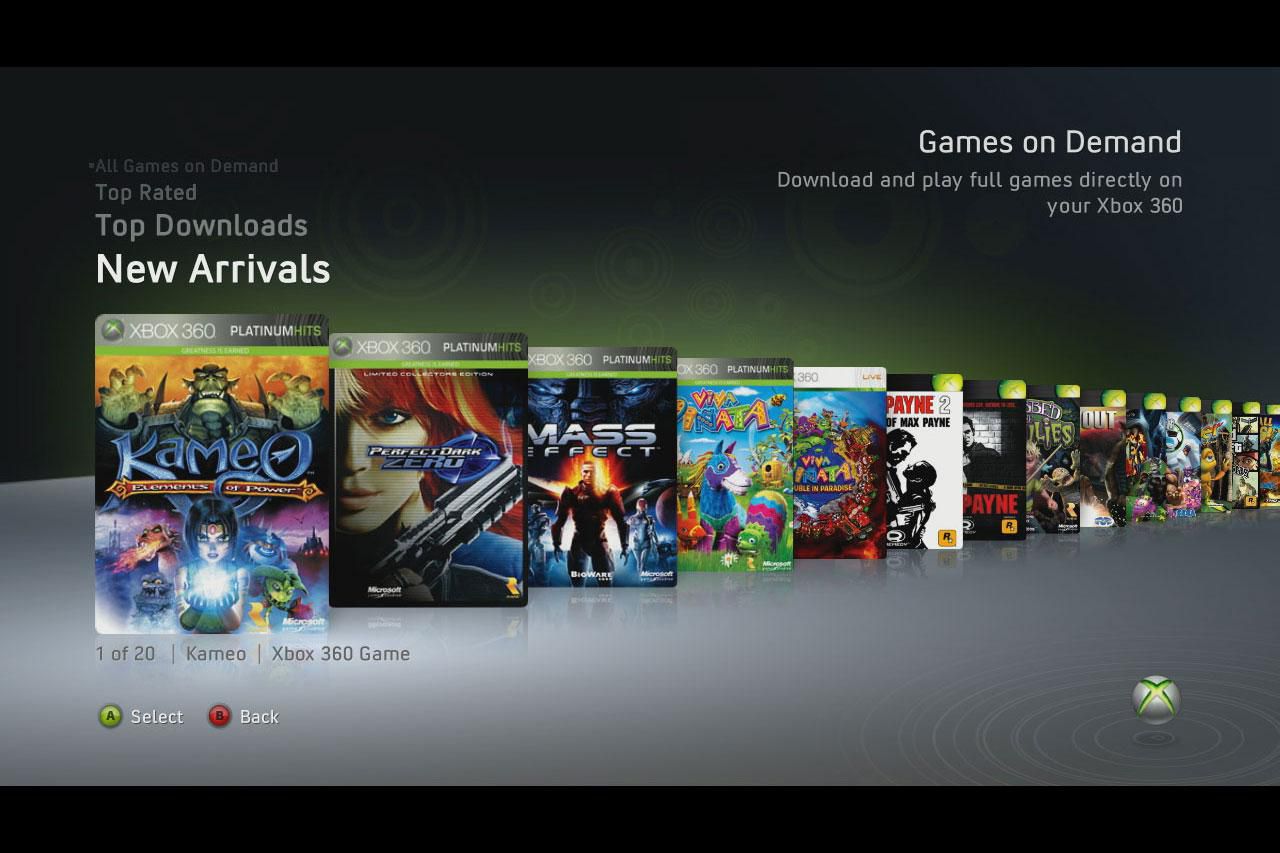
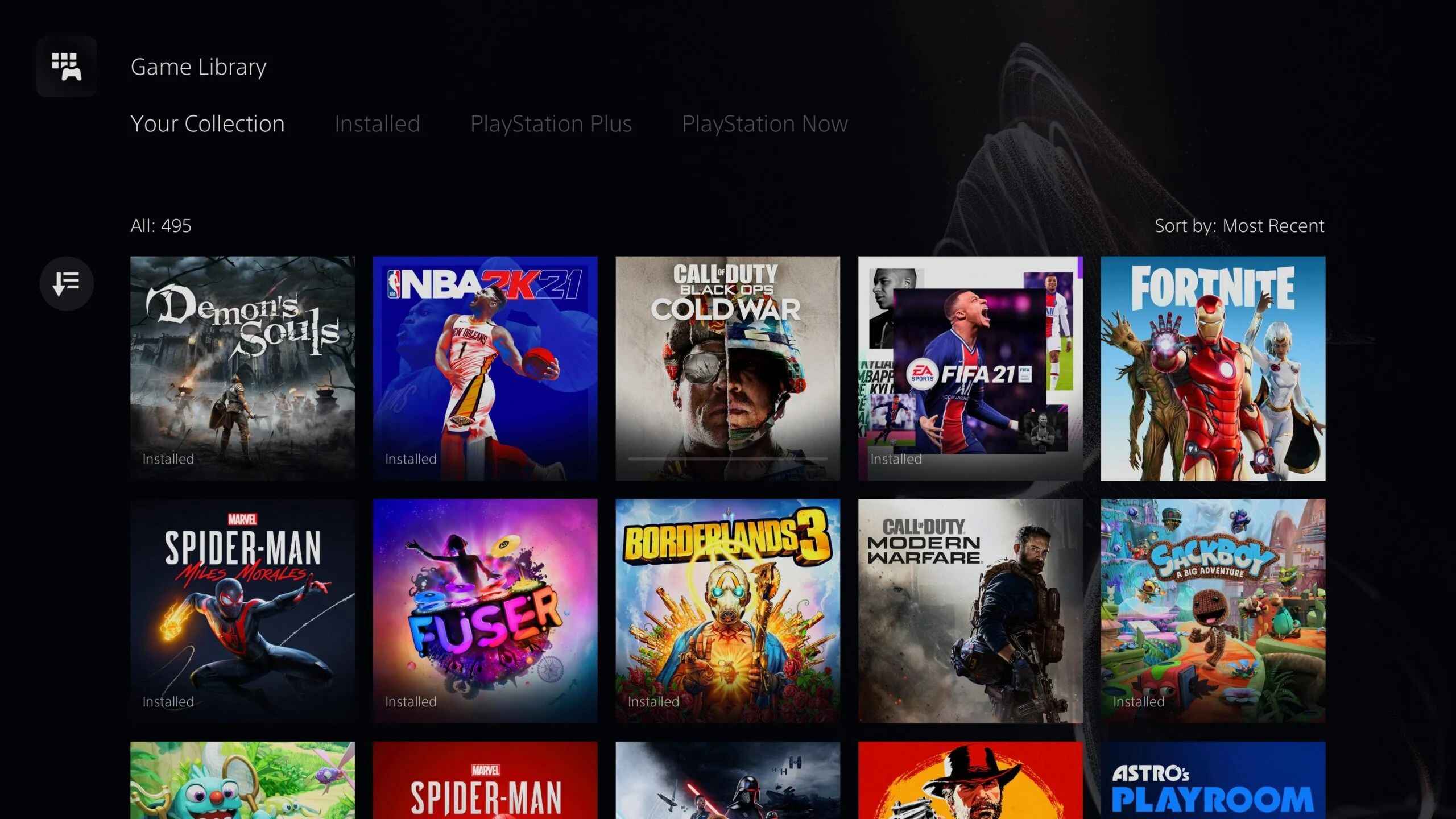
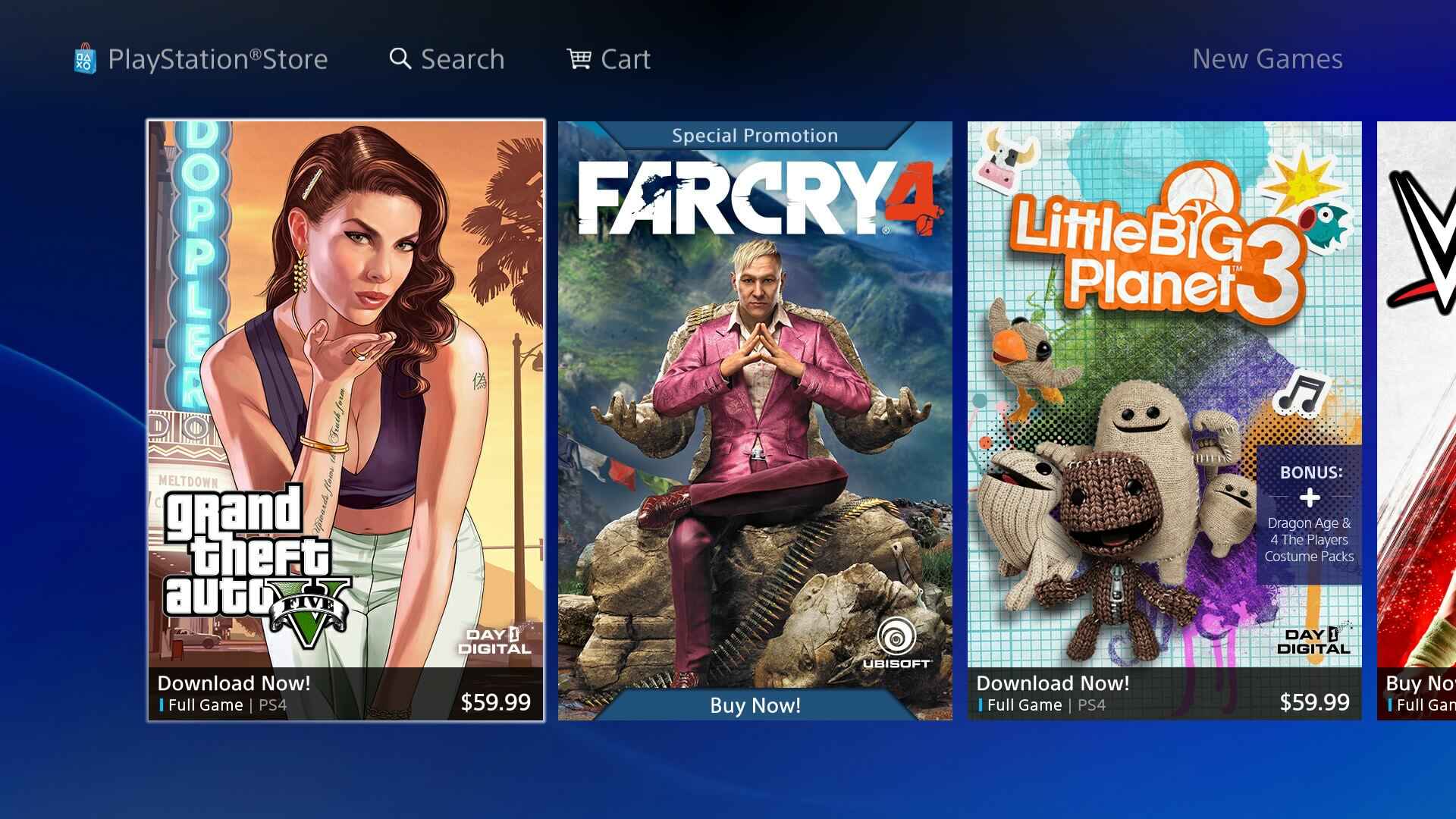
The Game Downloads tag on Robots.net is a practical resource for anyone who wants to find, install, or manage video games across a wide range of devices, from modern consoles like the PS5 and Xbox Series to older hardware like the Xbox 360 and even the TI-Nspire CX graphing calculator. It is written for everyday users, not just hardcore techies, and assumes you just want a clear, reliable answer to a specific download problem without wading through forums or risky corners of the internet.
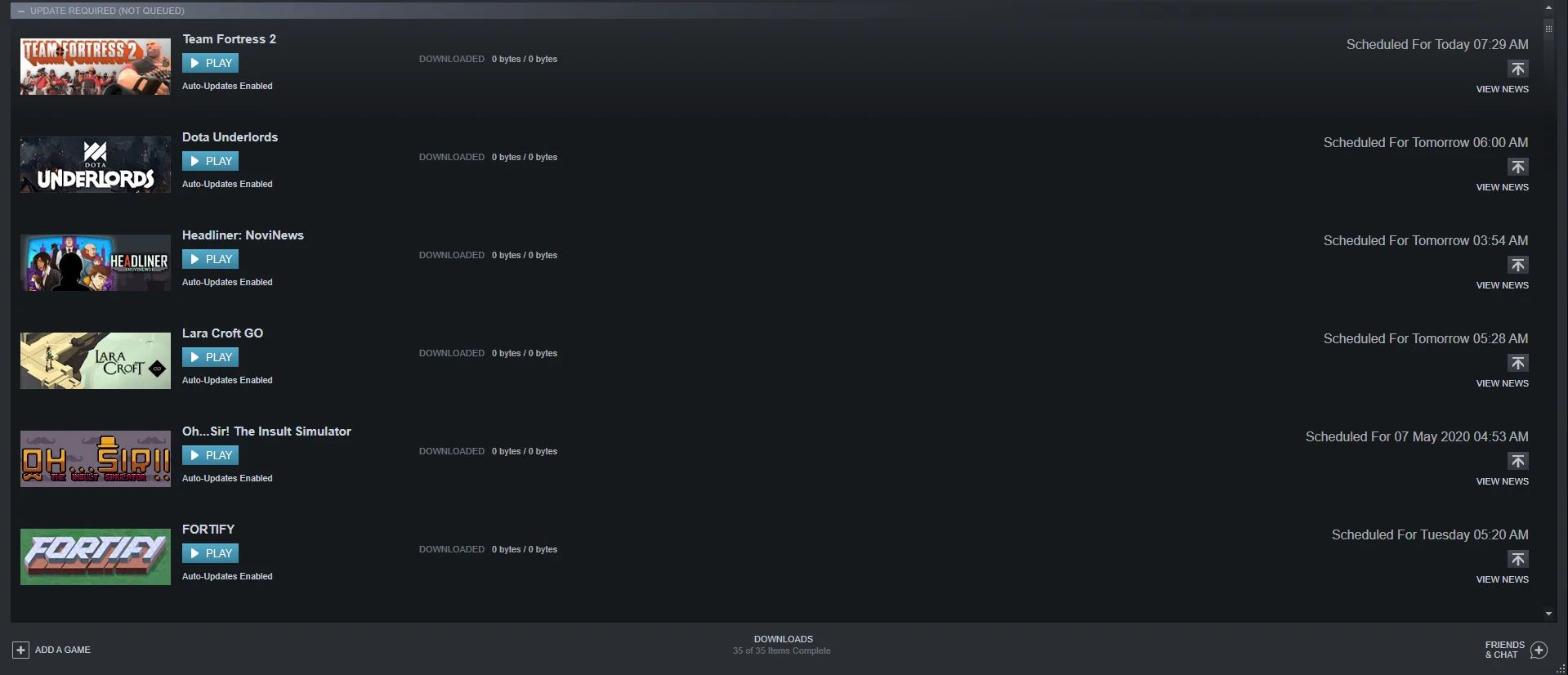
The articles here break down into a few clear themes. First, there are the “how to get it” guides that walk you through downloading specific titles, like Skyrim, The Sims 3, GTA, Call of Duty: Modern Warfare, or Warzone, on a particular machine, such as a Windows 10 PC or an HP laptop. Second, there are the “make it work better” pieces that focus on the mechanics of downloading itself: setting your Xbox to download while off, queueing games on Steam, getting a PS5 to download faster, or fixing a stuck “queued” state on Xbox Remote Download. Finally, a smaller but important group covers the legal and safe side of things, like the article on legal game download sites and the one on IGG Games, which are framed as guidance on what is legitimate and what to avoid, rather than instructions for circumventing protections.
Across all these pieces, the goal is straightforward: help you actually play your game sooner, on the hardware you own, without breaking anything or risking your account. Whether that means adjusting a console’s power settings, freeing up space, or knowing which websites are trustworthy, the tag delivers concrete, step-by-step answers to common download frustrations.