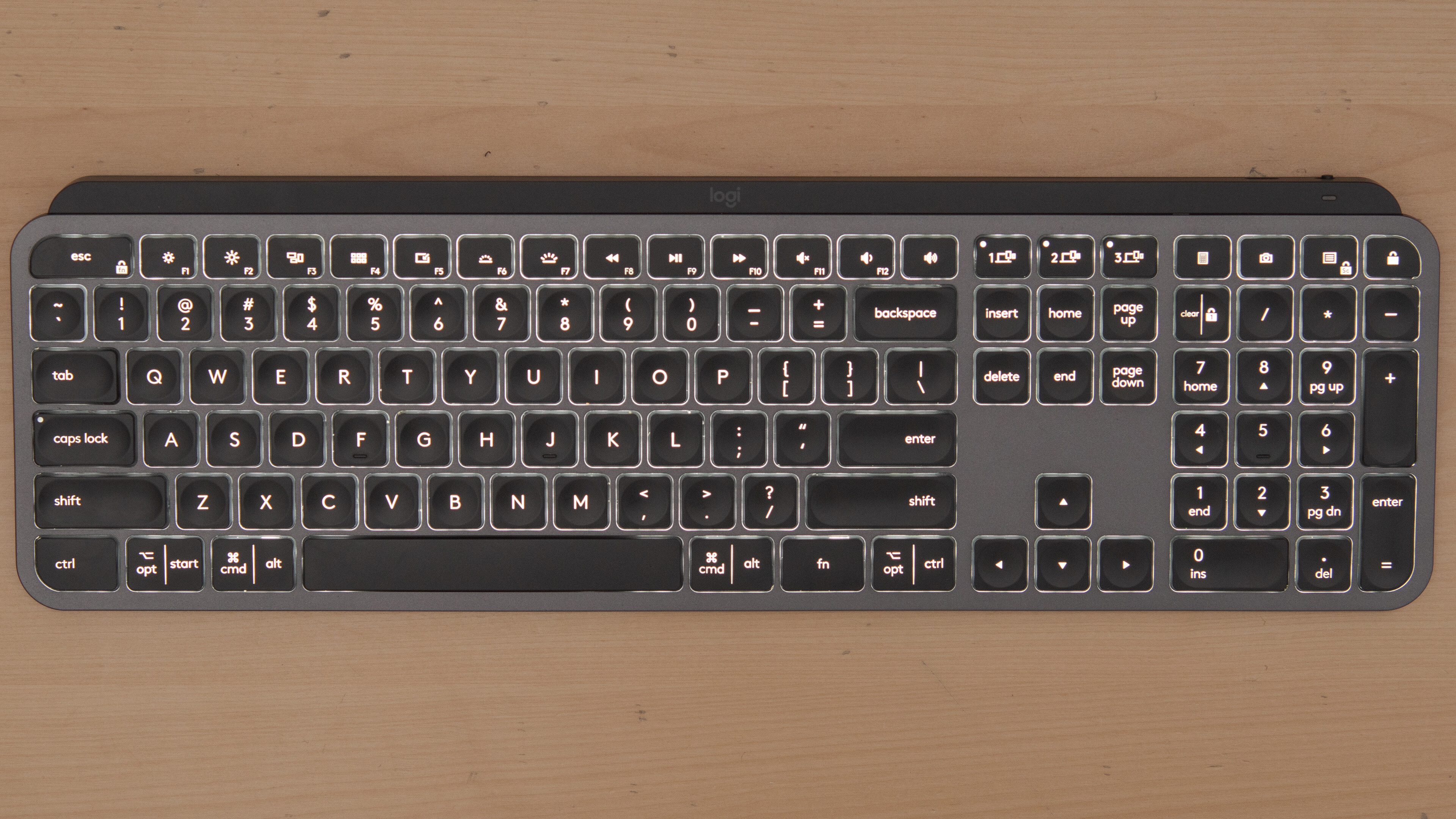
Practical, straightforward guides for anyone who uses a Windows laptop or a modern wireless keyboard and wants to get more control over the top row of keys. Whether you are a home office worker, a student, or just someone tired of pressing the wrong key by accident, these articles are written for everyday users who want clear, step-by-step help without jargon.
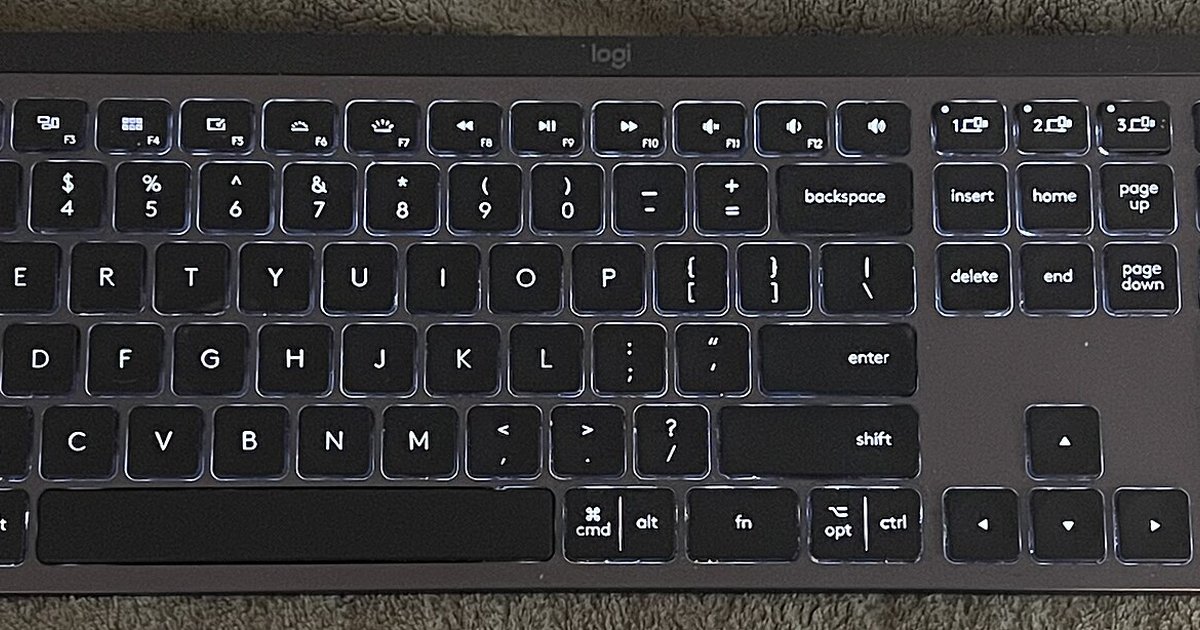
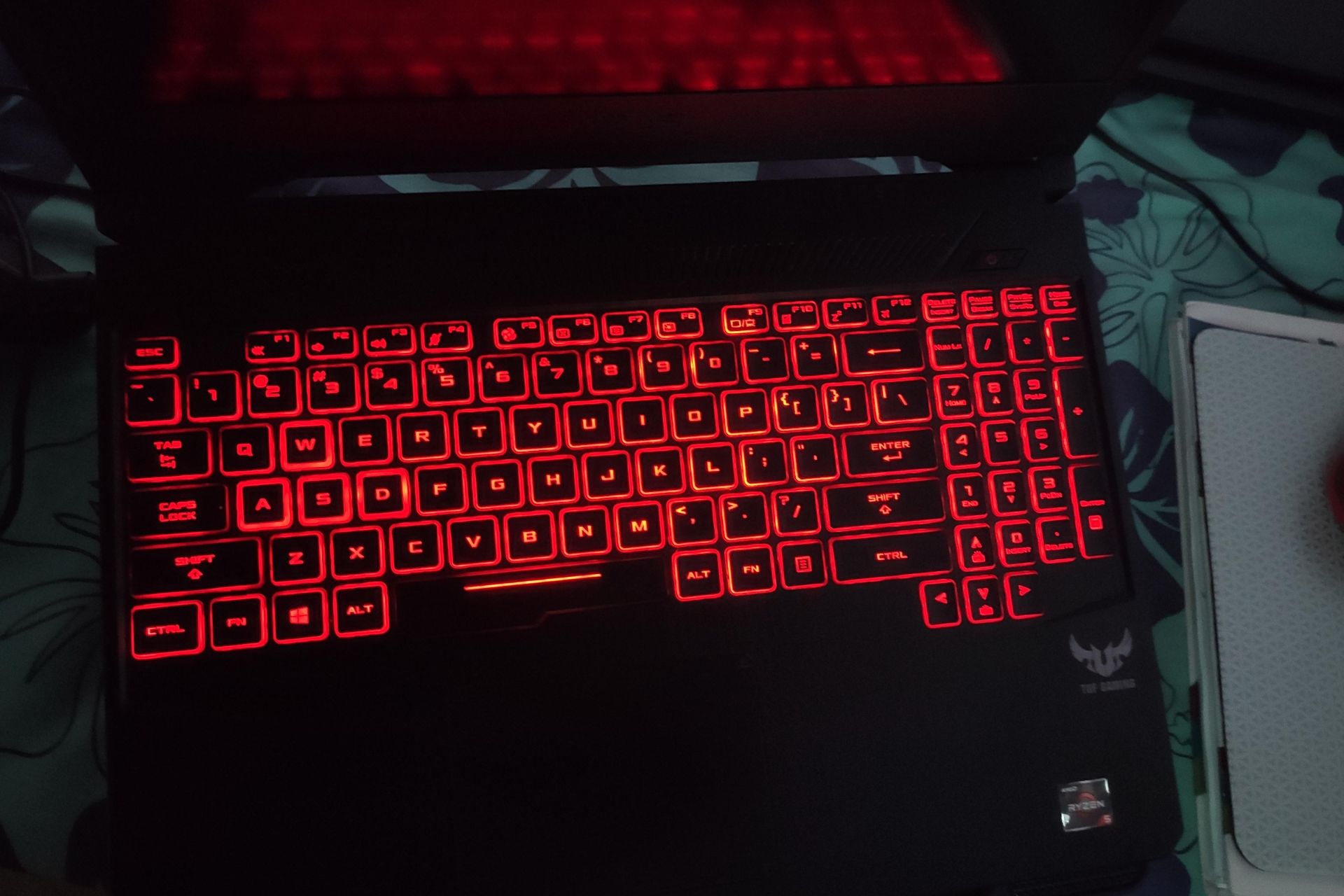
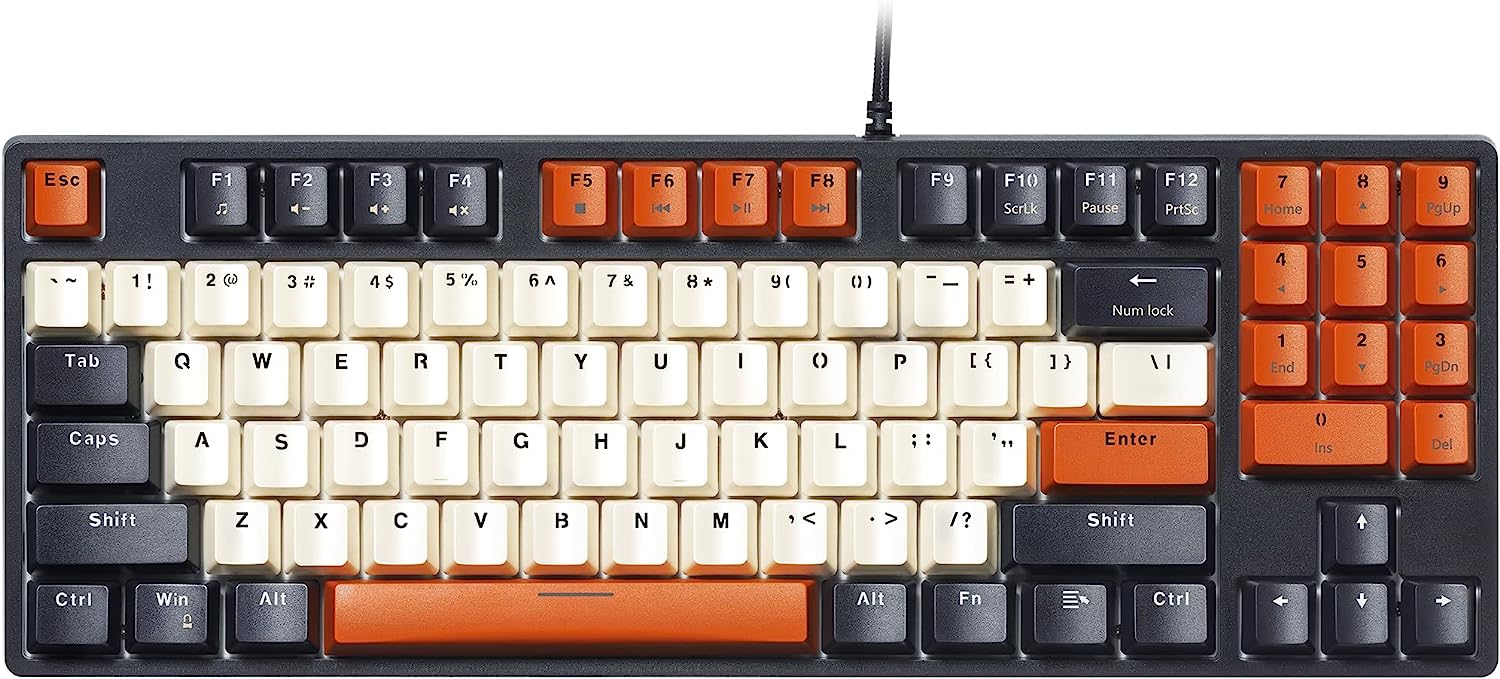
The problems covered here fall into a few everyday categories. One group deals with simply locating and identifying the keys, such as where the Fn and Function keys sit on different layouts, and how to use them on a Logitech MX Keys keyboard. Another group focuses on adjusting behavior, including how to lock the Fn key on that same keyboard, or how to use Function keys without holding Fn down in Windows. A third set of articles helps with common tasks that rely on these keys, like taking a screenshot on any keyboard or laptop, and troubleshooting a specific issue like turning on the keyboard light on an ASUS TUF Gaming laptop.
Several articles also approach the topic from a safety and security perspective. For example, the guide on taking a screenshot explains legitimate ways to capture your screen for documentation or sharing, while the article about using Function keys without Fn is framed around accessibility and ease of use, not circumventing any system protections. These pieces help readers work more efficiently and comfortably, without venturing into risky or unauthorized territory.