This tag collects practical, step-by-step guides for managing browser bookmarks and favorites across the most common desktop and mobile platforms, Chrome, Edge, Safari, and Firefox. It is written for everyday users who want to tidy up their digital workspace, switch browsers without losing their saved links, or simply make their bookmark bar easier to read and use. If you have ever felt stuck when your favorites do not carry over to a new laptop or when the icons in Safari look wrong, these articles are for you.
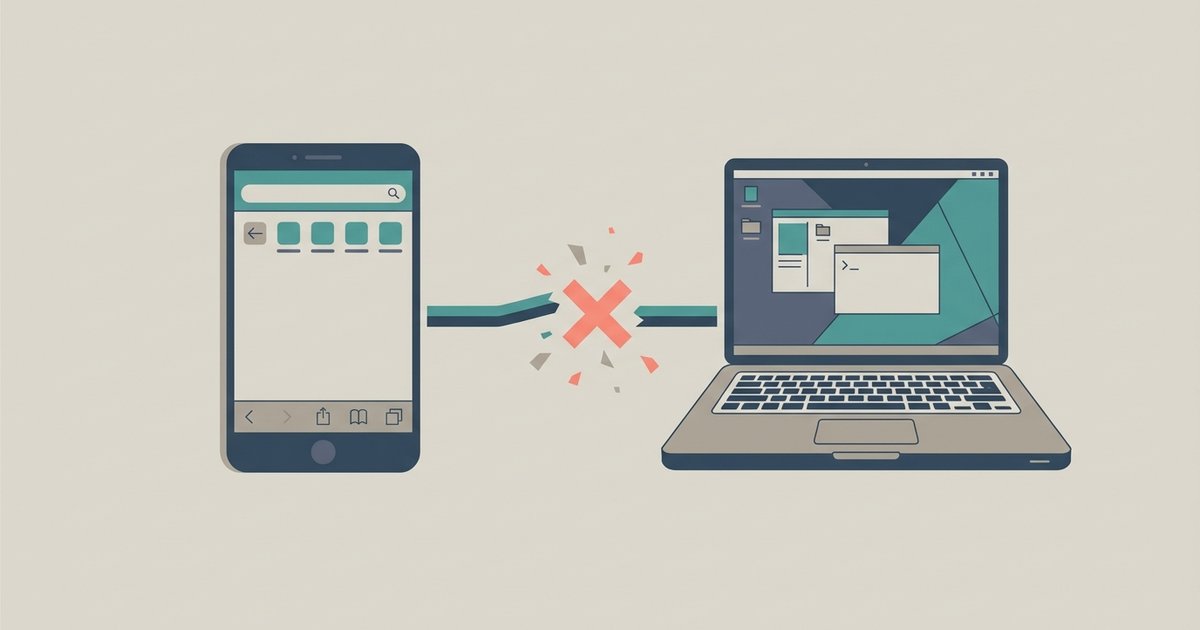
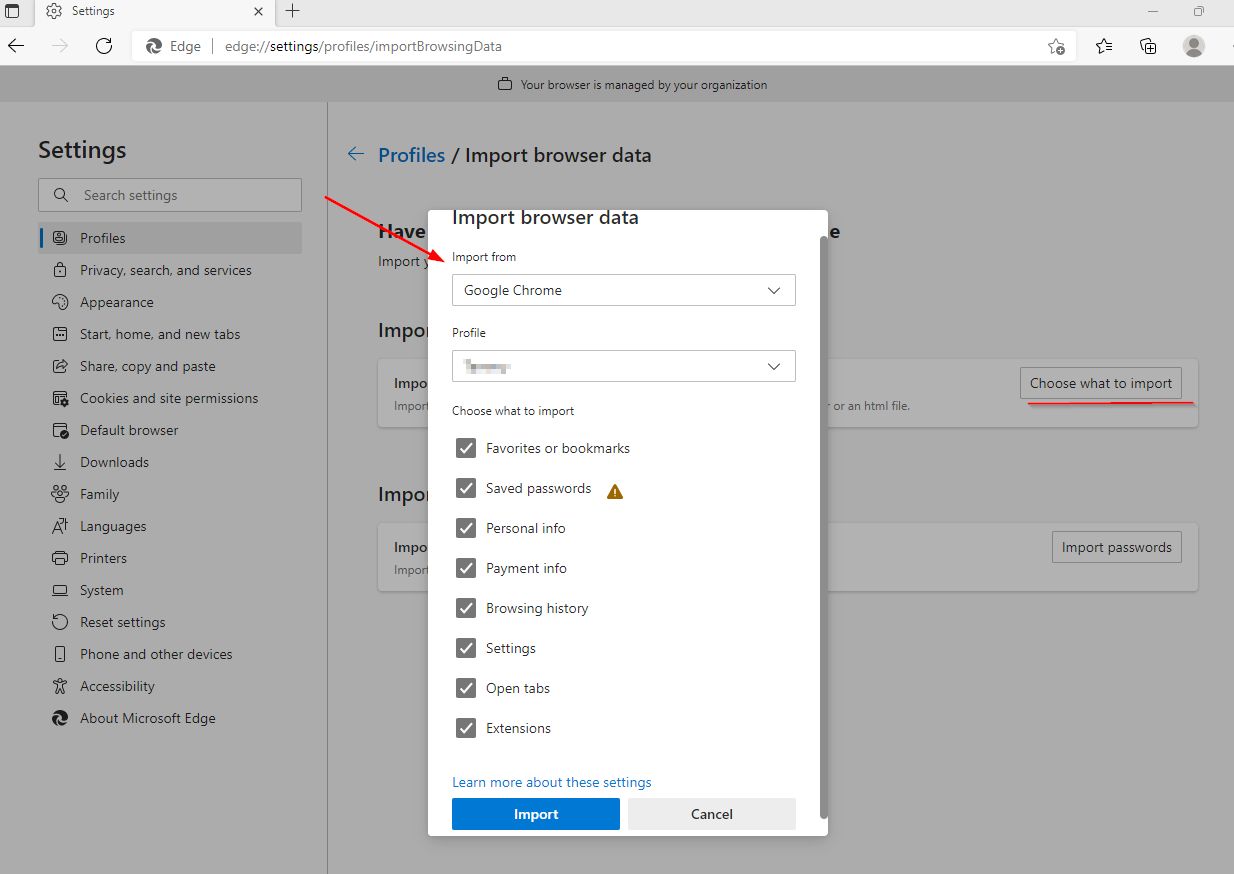
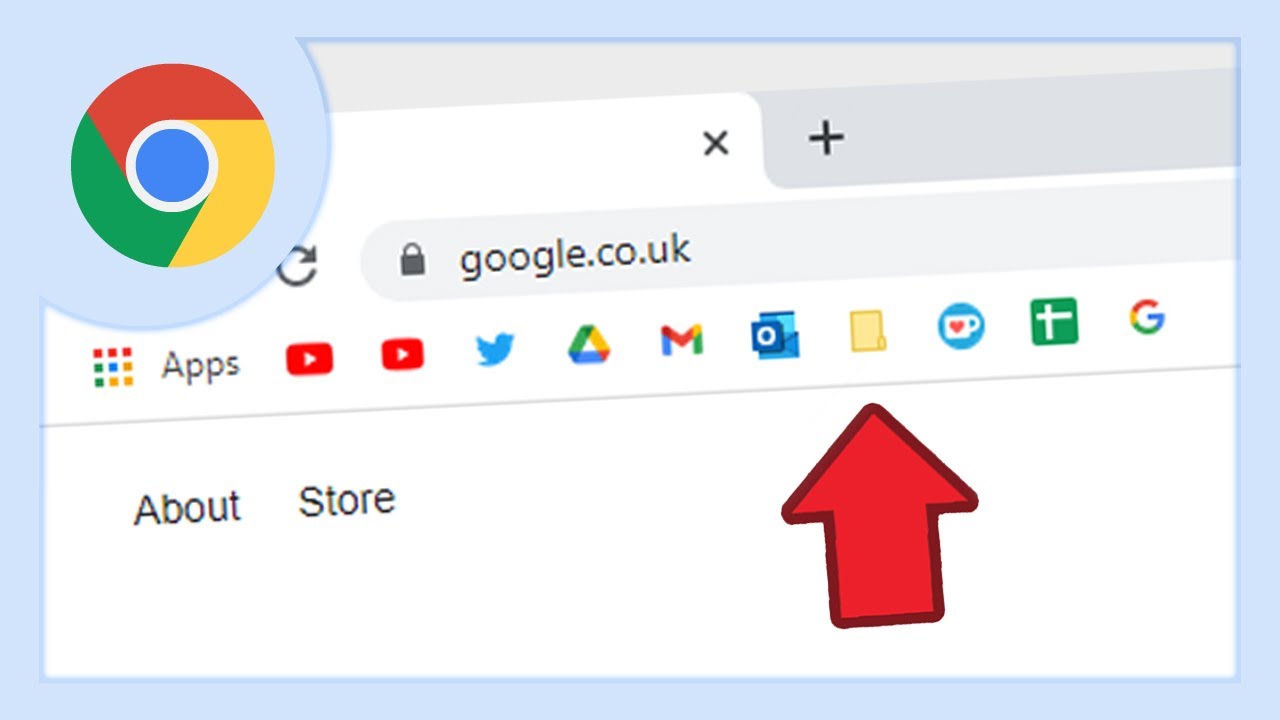
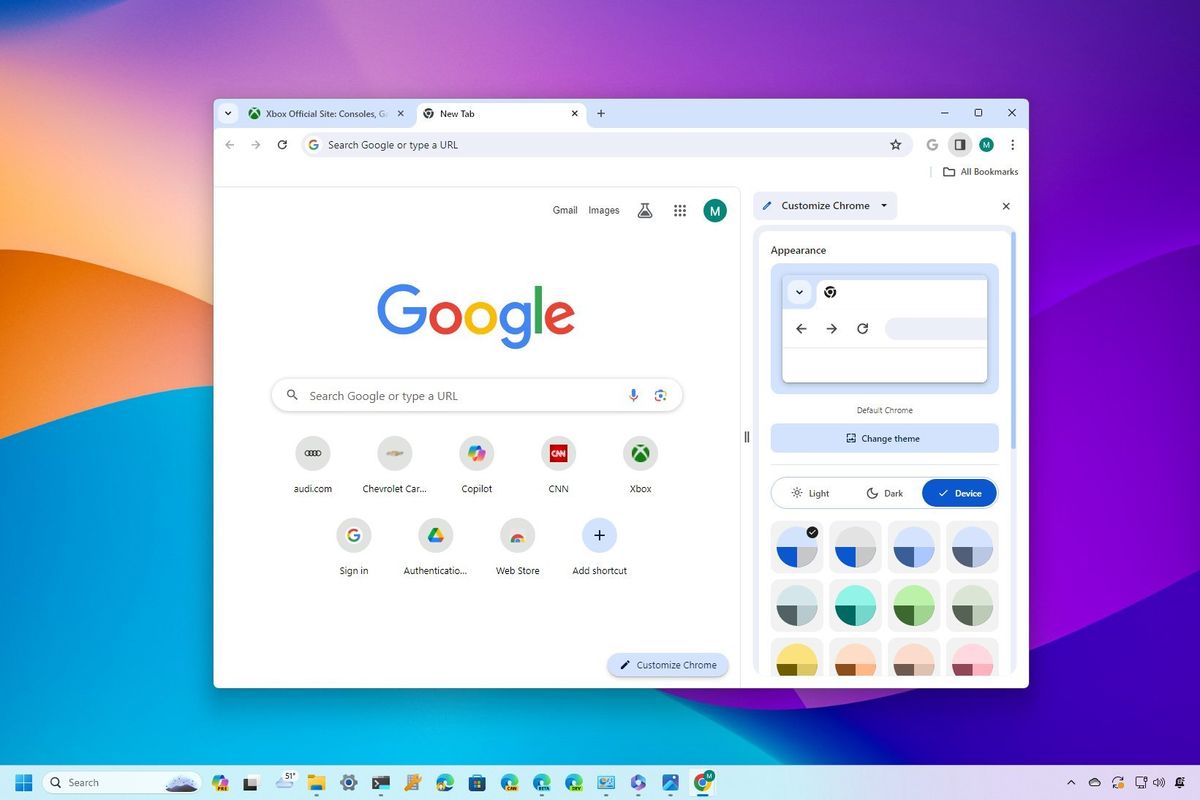
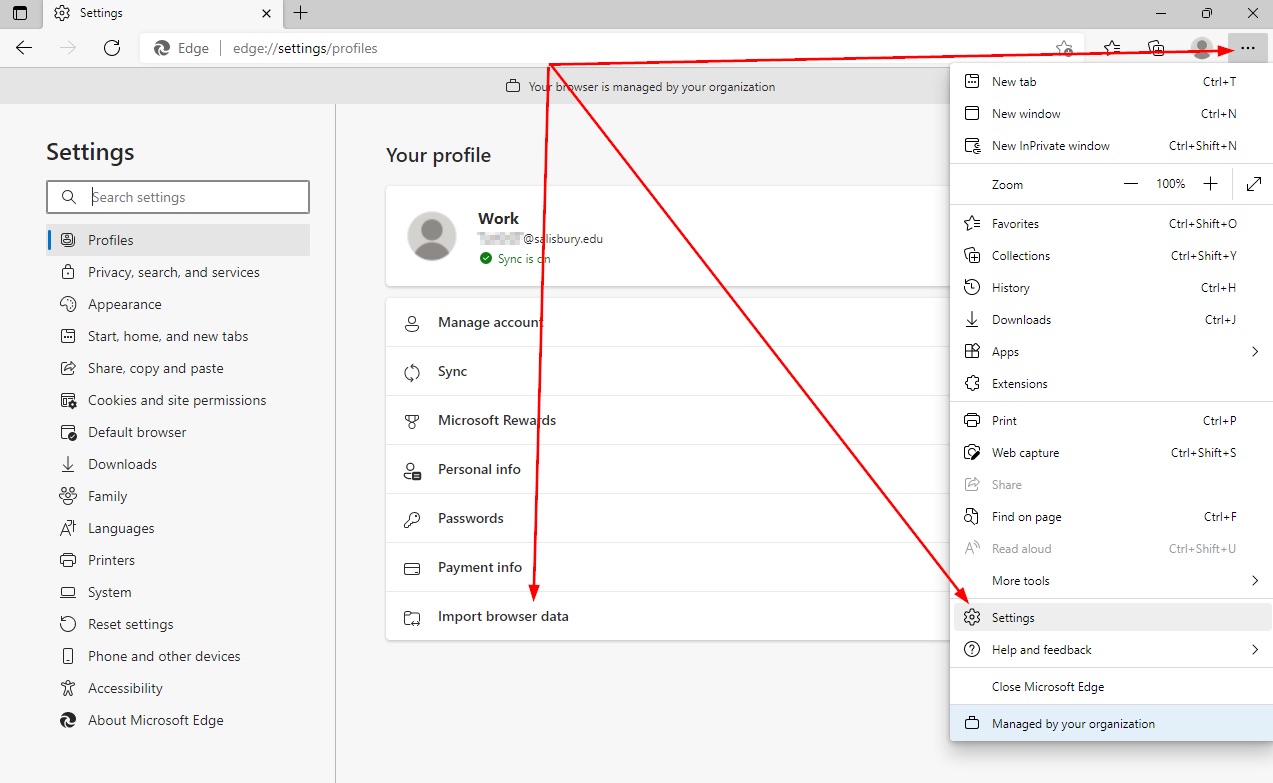
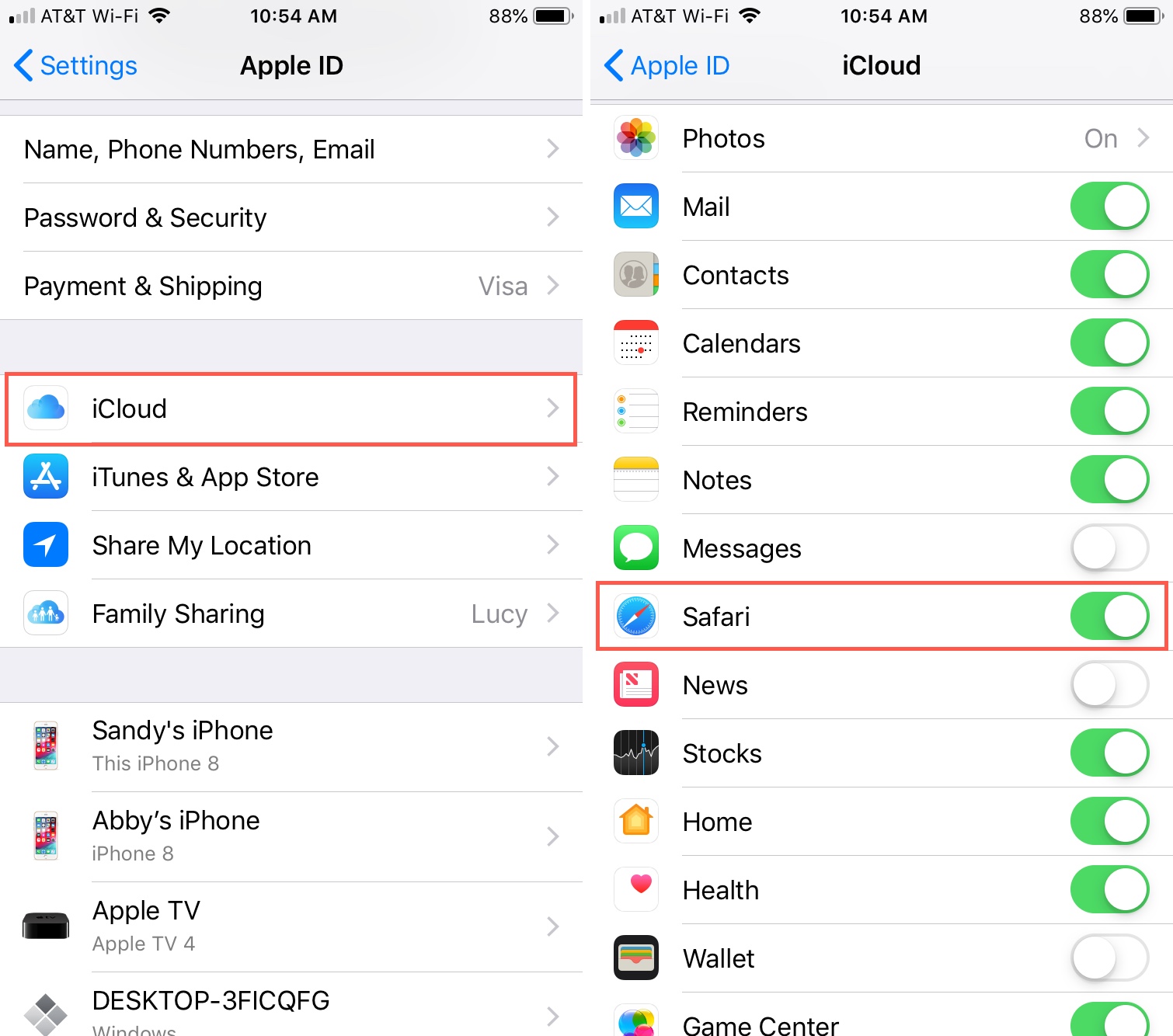
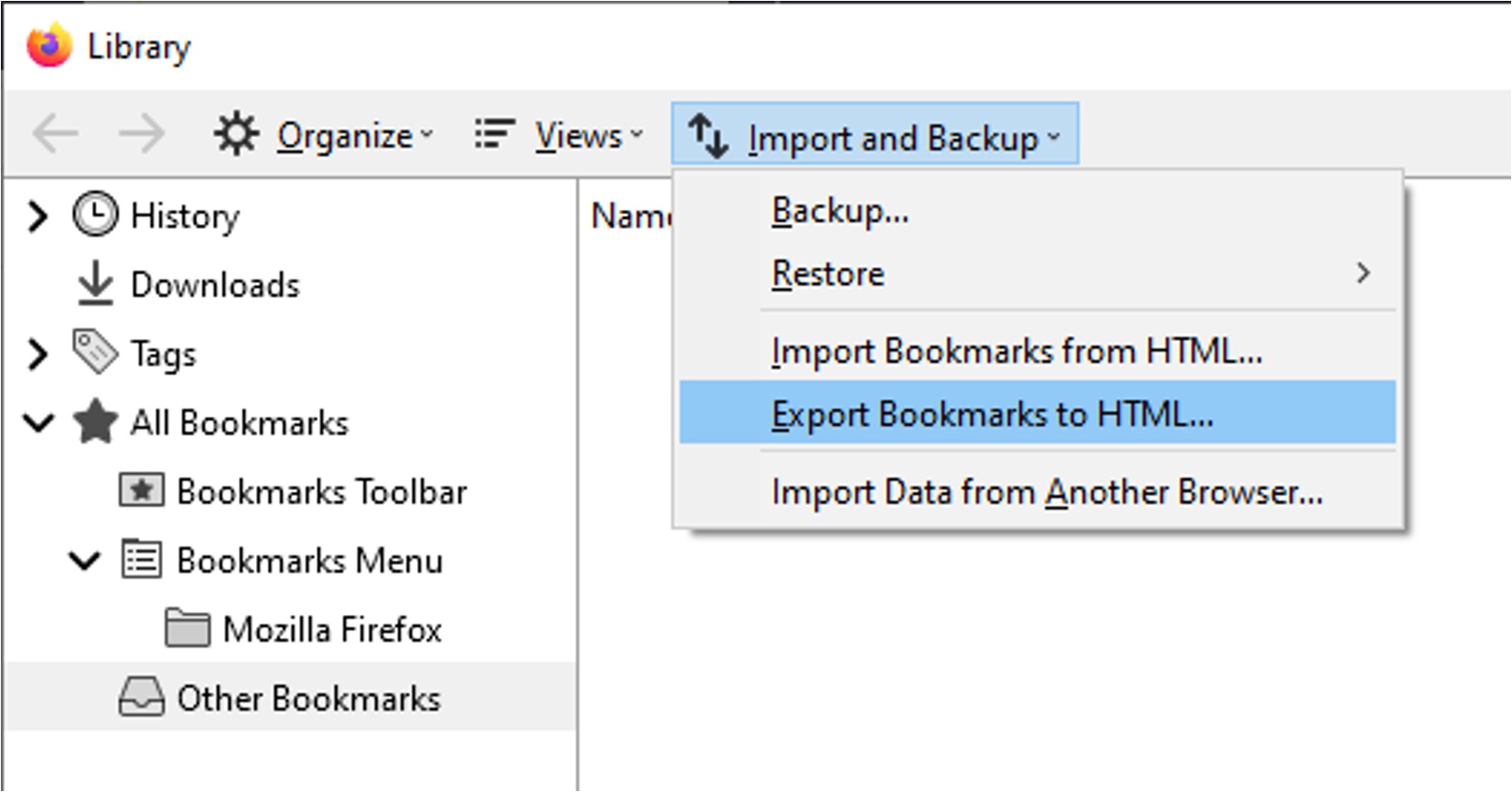
The problems covered here fall into two clear themes. The first is moving bookmarks between browsers or devices: you can learn how to import Microsoft Edge bookmarks into Chrome, transfer Firefox bookmarks to a new computer, and move favorites from Chrome to Edge. The second theme is customizing how bookmarks appear and behave, such as changing the font size in Chrome’s bookmark toolbar, altering Safari’s favorite icons, and adding websites to Chrome’s Most Visited section. A third, smaller thread addresses broader questions about compatibility and cleanup, for example, whether Safari on iPhone works with a Windows PC, and how to uninstall a browser properly without losing your saved data.
These articles help you take control of your bookmarks: you can consolidate them, reorganize them, or prepare them for a fresh start on new hardware. For the uninstall guide, the focus is on doing so safely and cleanly, preserving your data and avoiding broken shortcuts, rather than on any risky workaround. Similarly, the cross-platform Safari question is answered from a practical compatibility standpoint, not as a hack. In short, this tag is about making your saved links work for you, wherever you choose to browse.