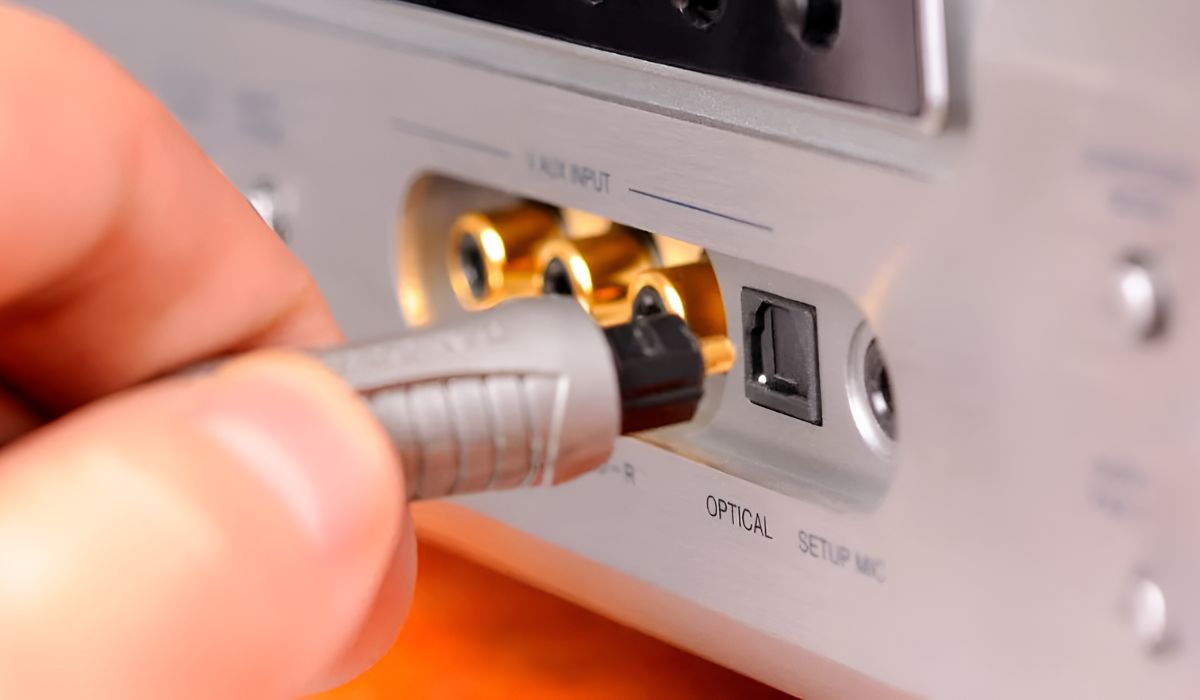
Practical, step-by-step guides for people who own a home theater or stereo setup and want to make their receiver work with other devices they already use. These articles are written for everyday consumers, not hardcore audiophiles, who may be comfortable plugging in cables but less sure about menus, pairing modes, or remote control options. If you have a receiver sitting in your cabinet and a new streaming stick, voice assistant, or older audio component that you are not quite sure how to connect, this tag is where you will find clear, non-technical answers.
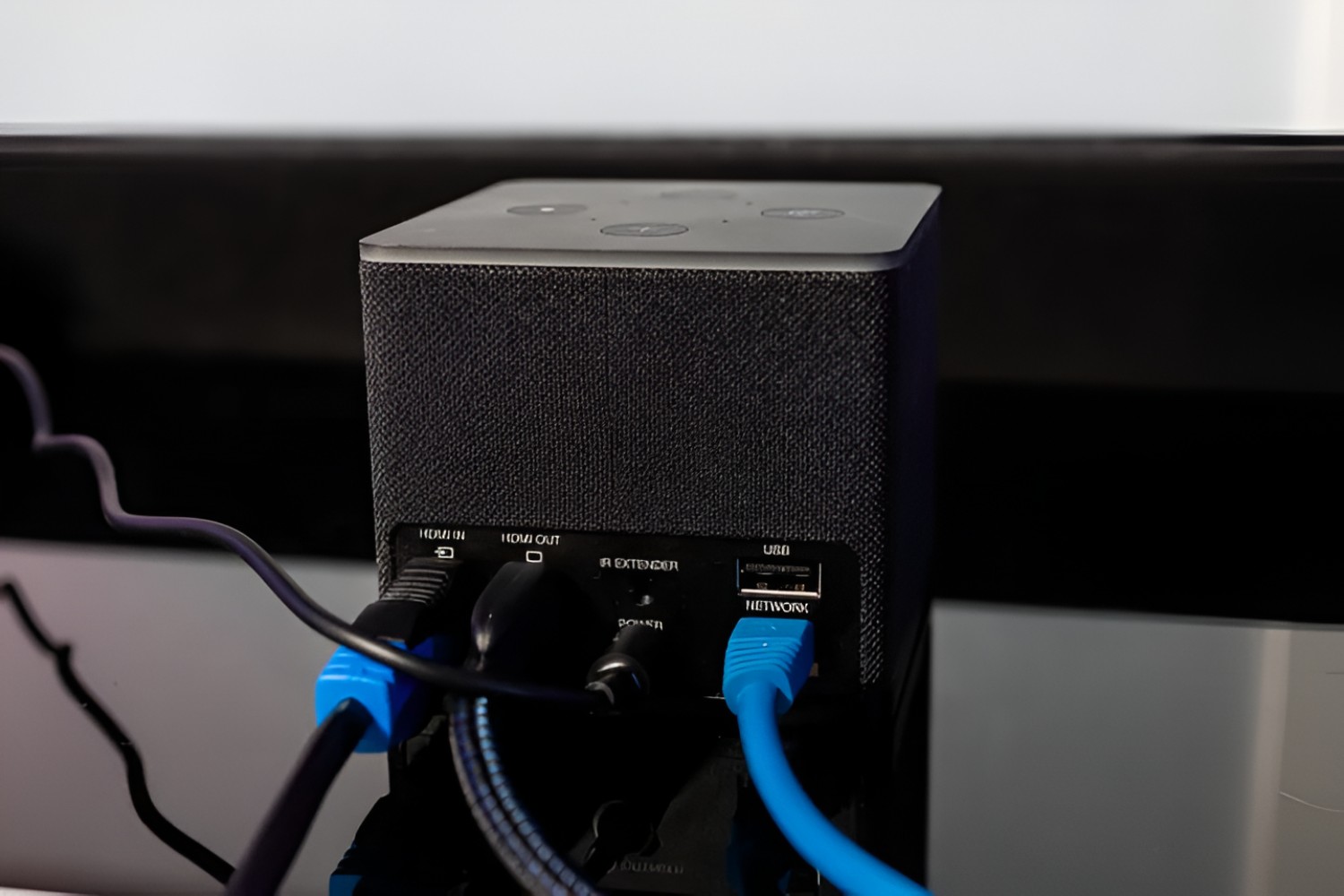
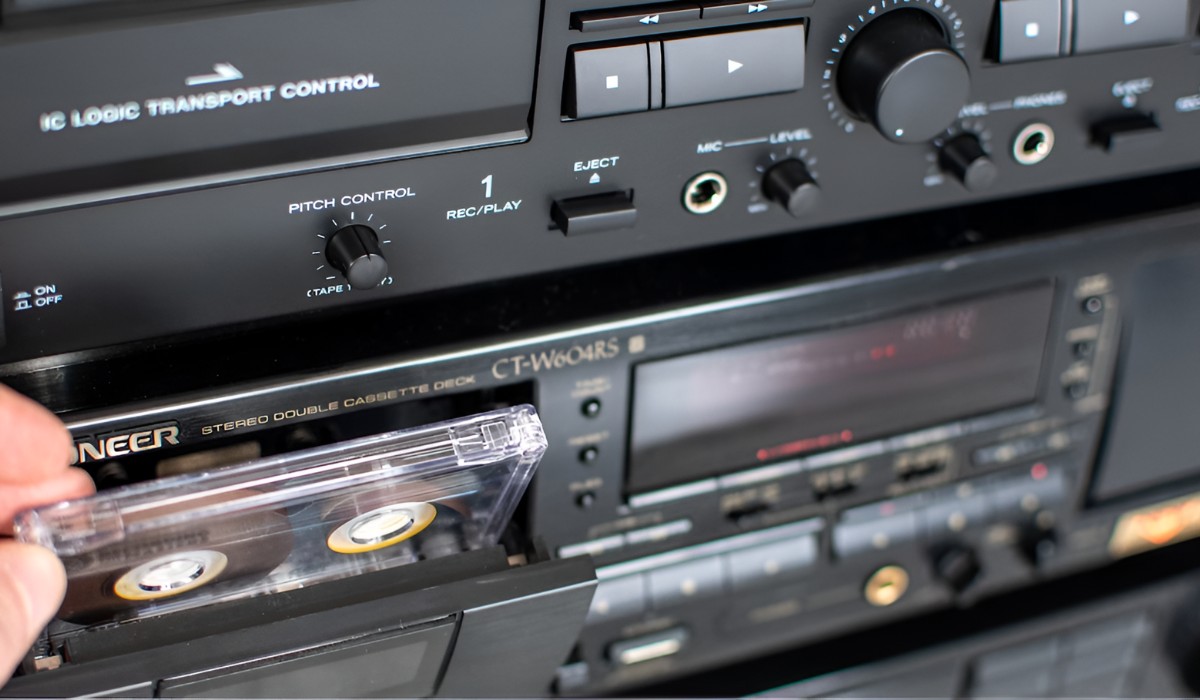
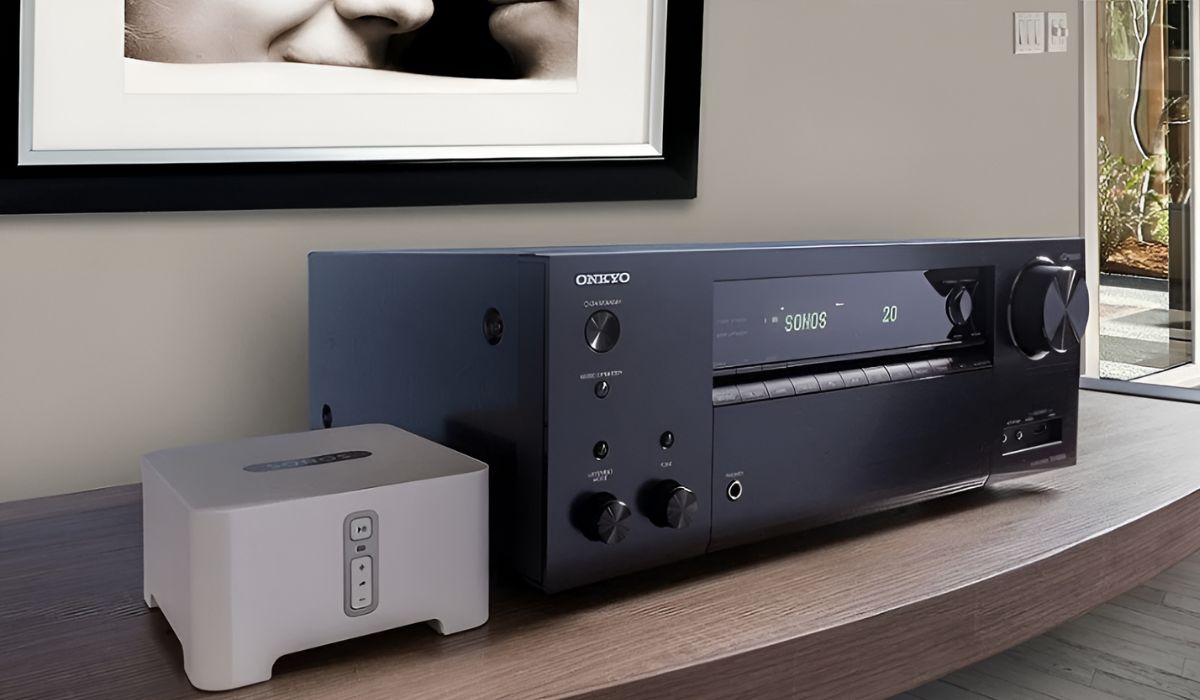
Several articles focus on getting streaming devices and voice assistants to talk to your receiver. For example, you can learn how to program Alexa to control your surround sound system, how to connect a Fire Stick or Fire TV Cube to an AV receiver, and how to make a Roku work with your surround sound setup. These guides help you route audio from your streaming source through the receiver so that sound comes out of all your speakers, not just the TV. Another theme is integrating specific audio brands and older gear: one article explains how to use Sonos with an AV receiver, while another walks through connecting a cassette deck to your receiver, useful if you want to digitize old tapes or just keep analog sources in the mix.
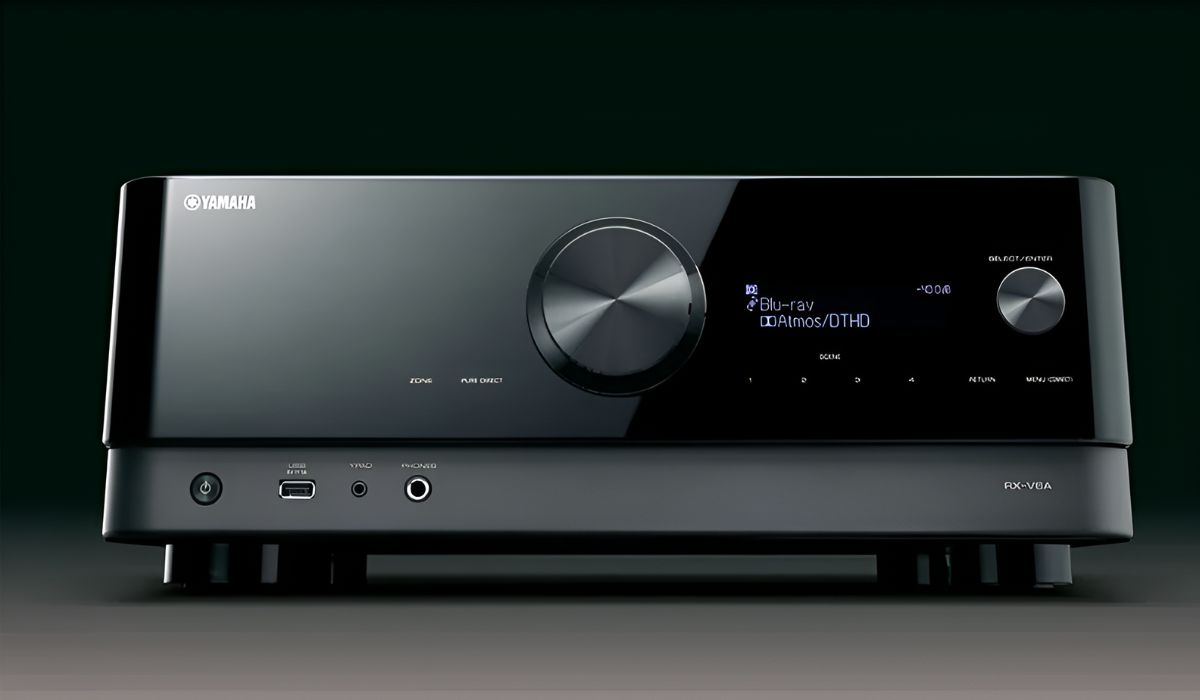
A third theme covers wireless and setup conveniences, such as enabling Bluetooth on a Yamaha AV receiver, which lets you play music from your phone without extra cables. Throughout these articles, the emphasis is on safe, standard connections and manufacturer-supported settings, nothing about bypassing protections or forcing unsupported features. Instead, the tag helps you get the most out of equipment you already own, whether that means choosing the right input, adjusting audio delay, or making sure your voice commands actually control the volume.