This tag collects practical guides for anyone adjusting the audio output on their home entertainment gear, from smart TVs and soundbars to streaming devices and gaming headsets. It is aimed at everyday consumers who want clearer dialogue, balanced bass, or a properly working microphone, without digging through dense manuals or fiddling with obscure menus. The articles focus on common frustrations and straightforward fixes, so you can get back to watching, listening, or gaming quickly.
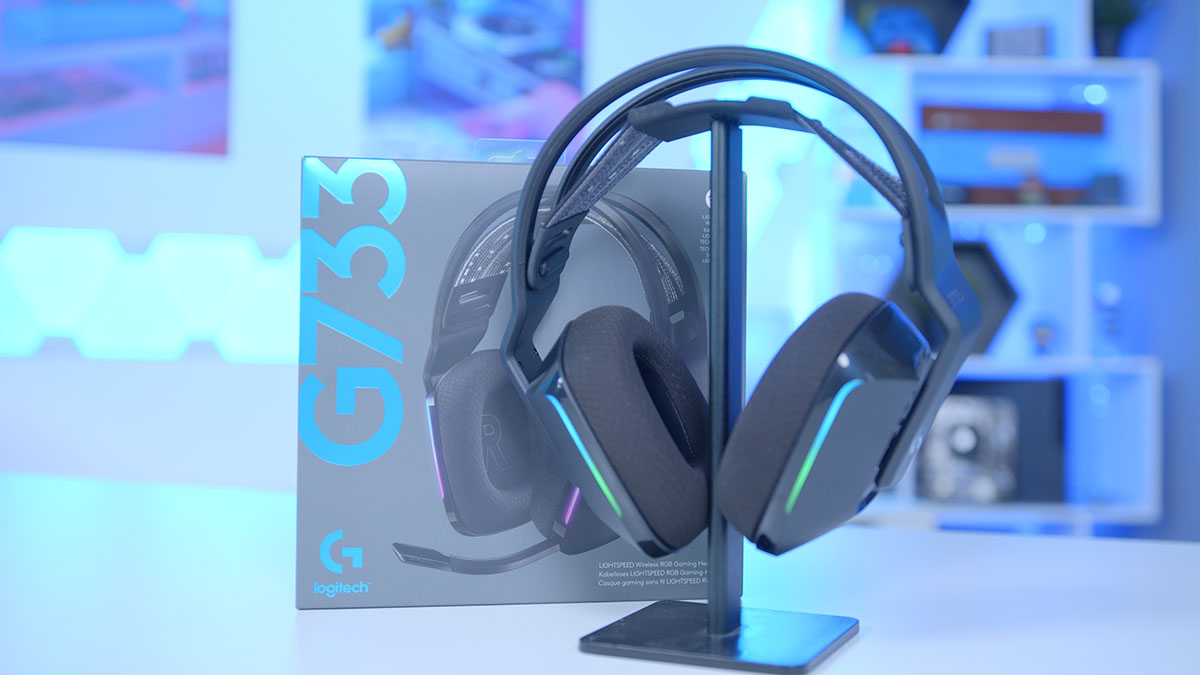
Several themes run through these pieces. One is correcting misconfigured sound: you’ll find help for a Samsung soundbar that makes dialogue too quiet while effects boom, for an LG TV that suddenly has no audio, and for a Bose soundbar that thumps too heavily. Another theme is connectivity and setup, such as hooking a Samsung TV to a surround sound system, linking a soundbar to a Vizio TV, or resetting audio settings on a Roku without losing your installed apps. A third theme covers voice and microphone controls, including turning off the voice guide on an LG Smart TV, making a Logitech G733 mic sound clearer, and understanding why Instagram sound is suddenly on.
Some articles also address safety and legal alternatives rather than risky workarounds. For example, the guide on noise cancelling explains how to enable the feature properly on supported devices, while the Xbox chat mixer troubleshooting helps you adjust in-game communication without bypassing system protections. Similarly, the piece on why HBO Max is in Spanish walks you through language settings in the app, not through any unauthorized access. Together, these articles give you the confidence to tweak, connect, and reset your gear the right way, with clear steps and no guesswork.