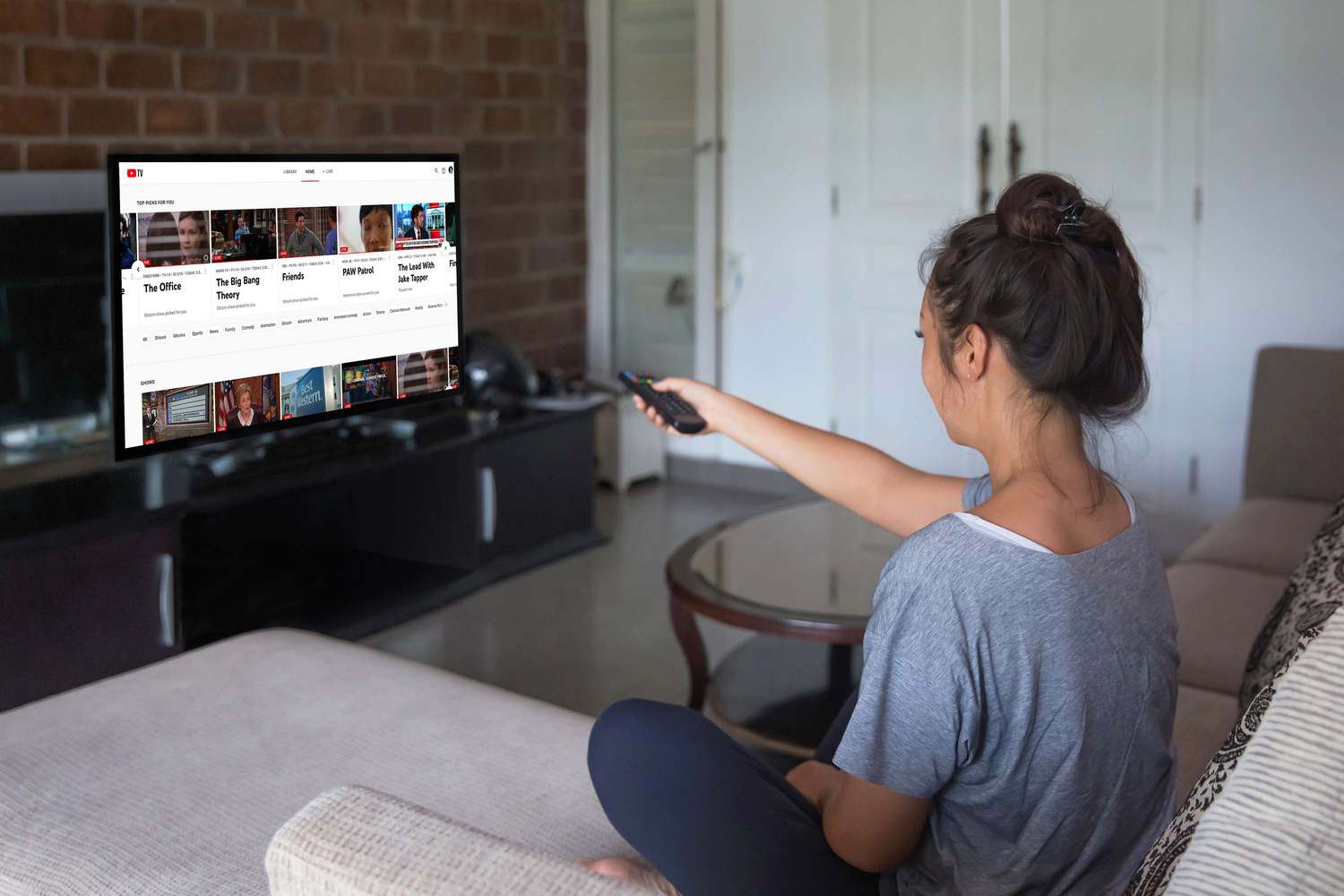
This tag collects our practical guides to getting the most out of YouTube TV, written for cord-cutters, sports fans, and anyone troubleshooting their home streaming setup. Whether you are setting up a new television, adding a premium channel, or trying to watch on an older screen, these articles are aimed at everyday viewers who want clear, step-by-step instructions without jargon. The content is designed for people who own the service and simply need help making it work on the devices they already have.
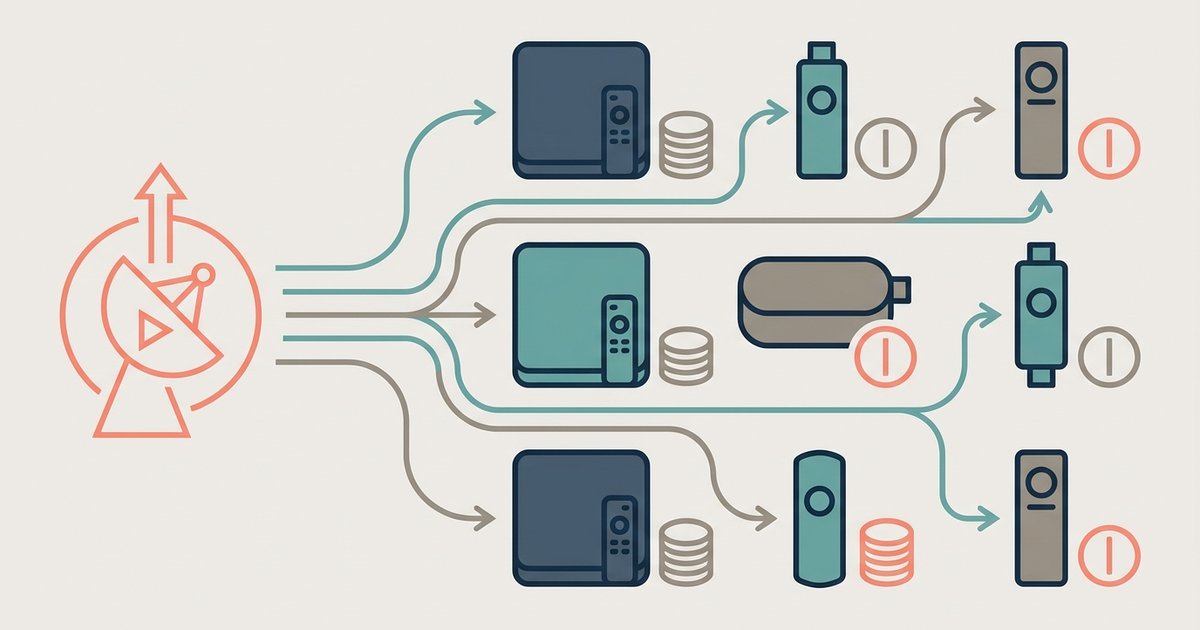
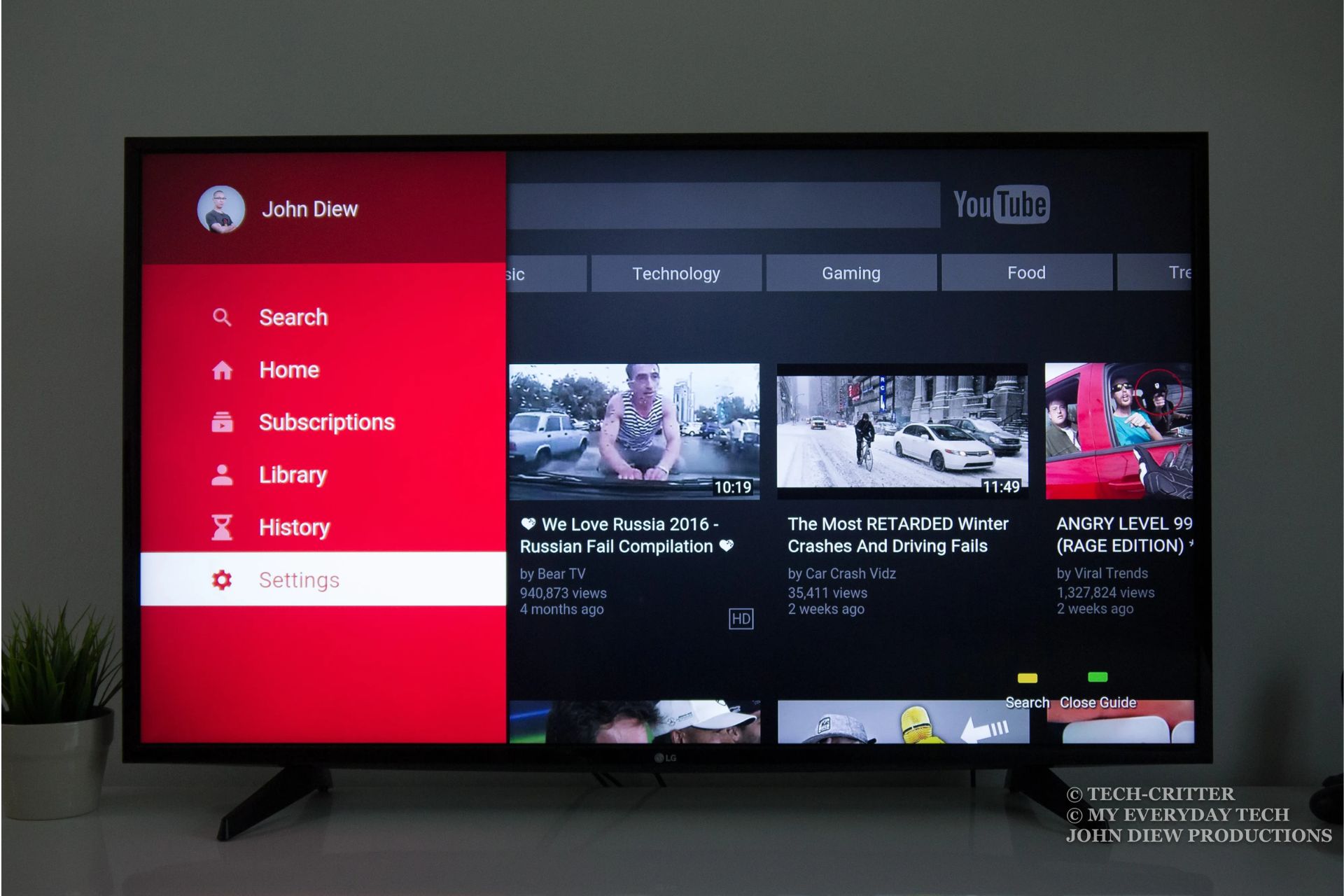
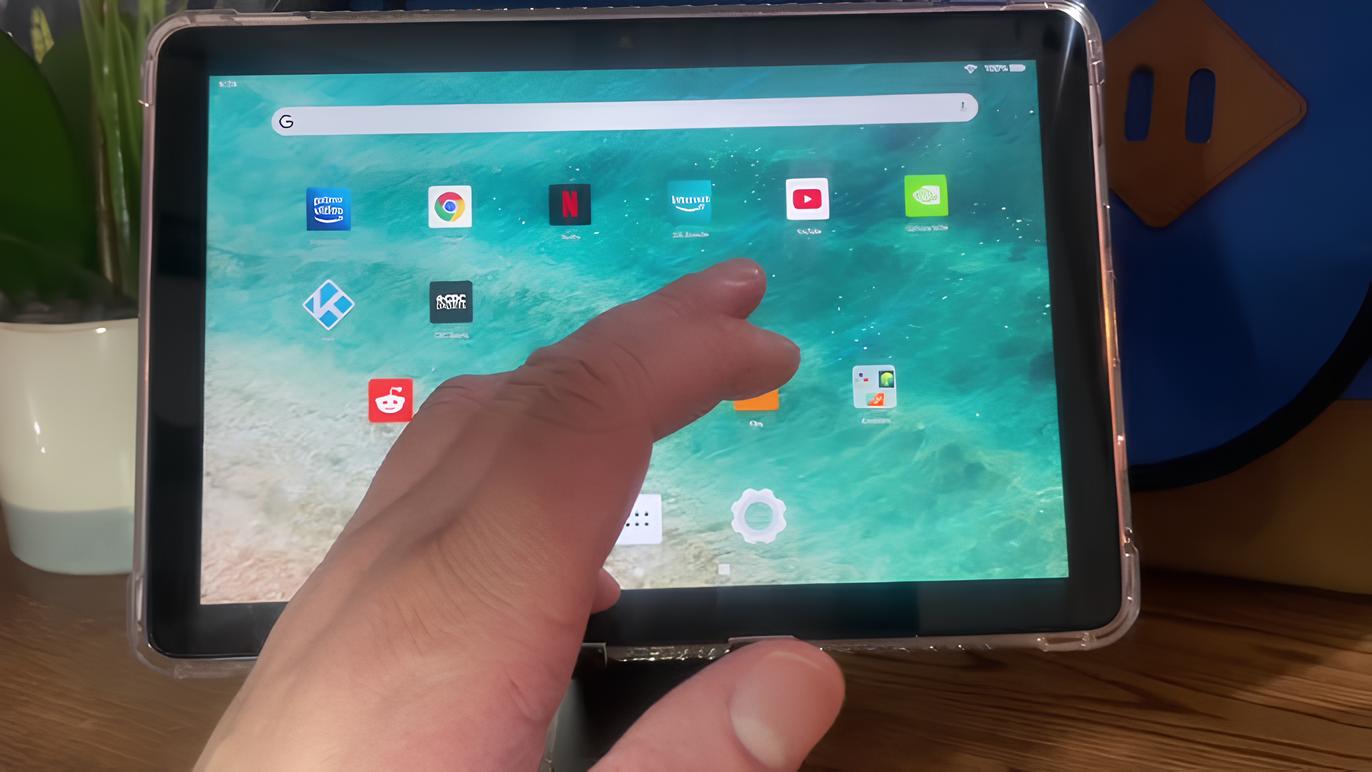
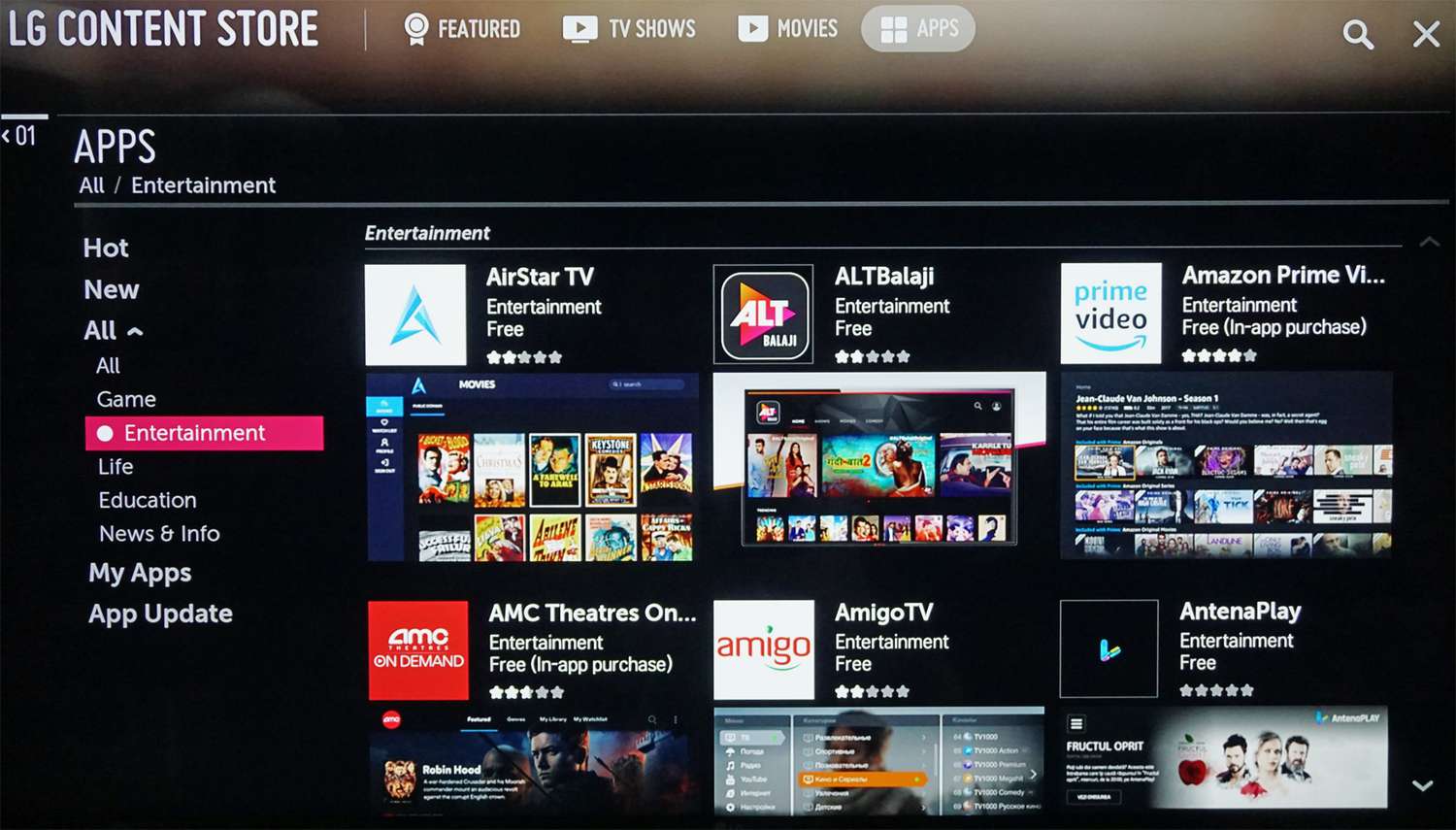
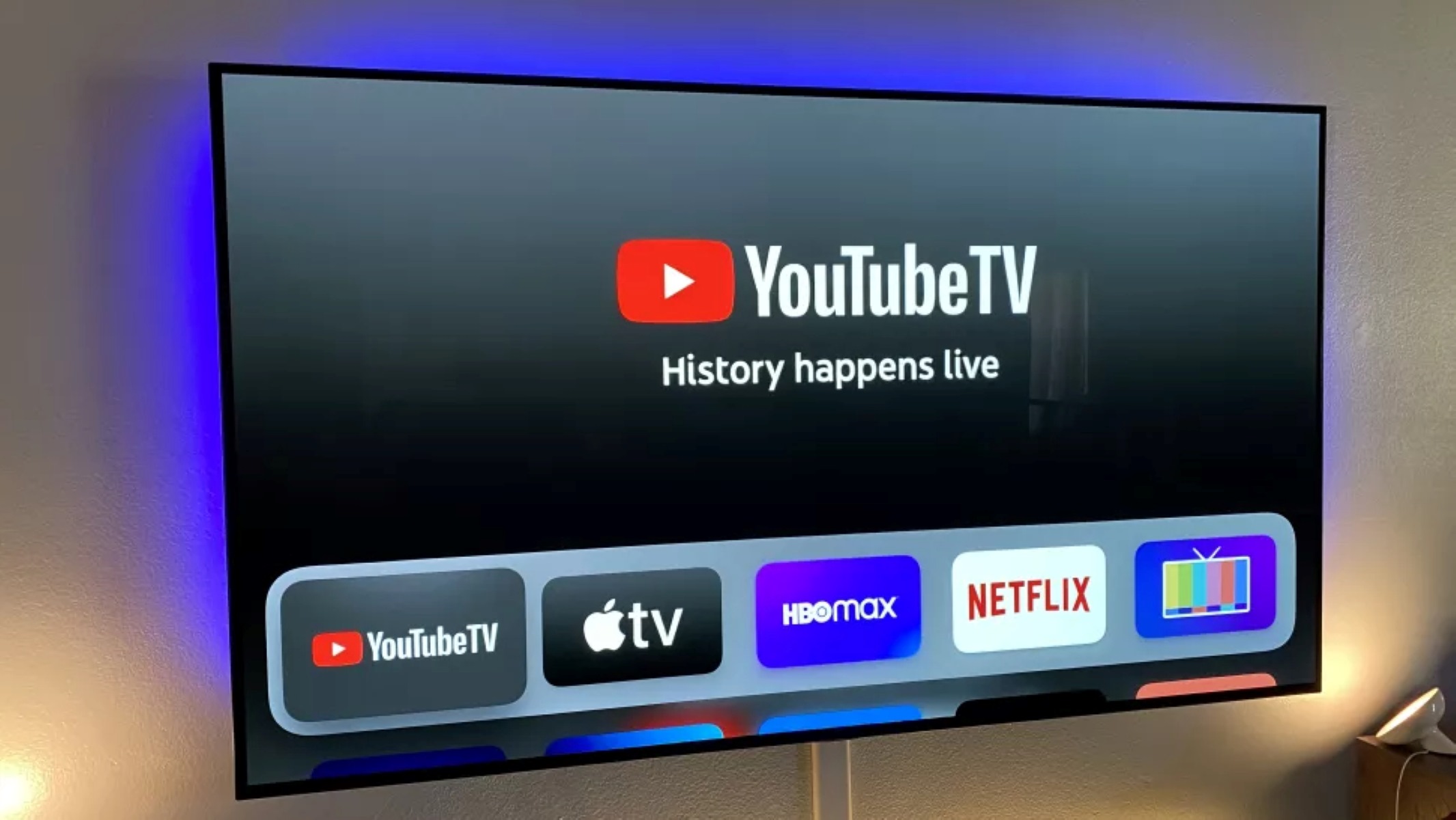
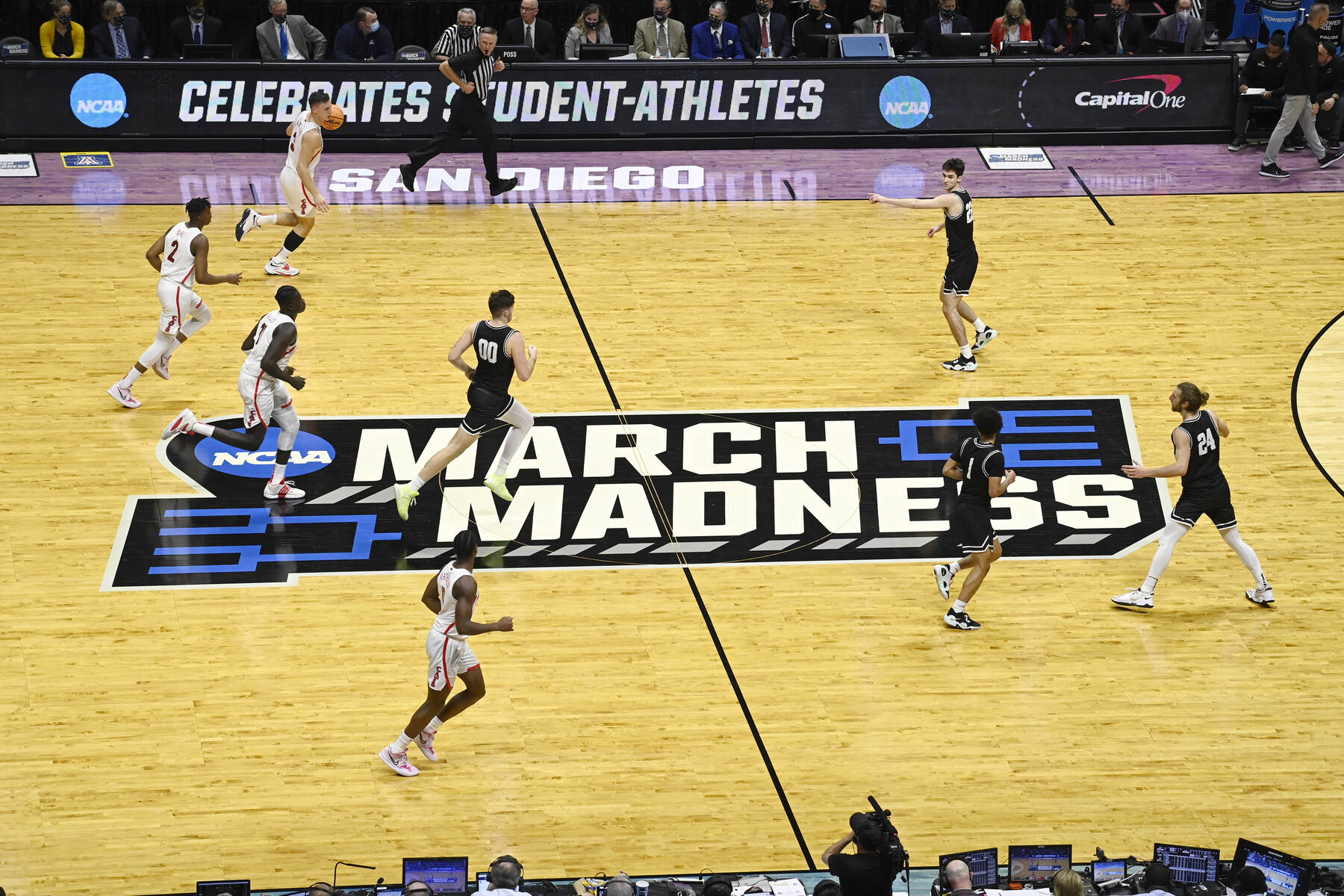
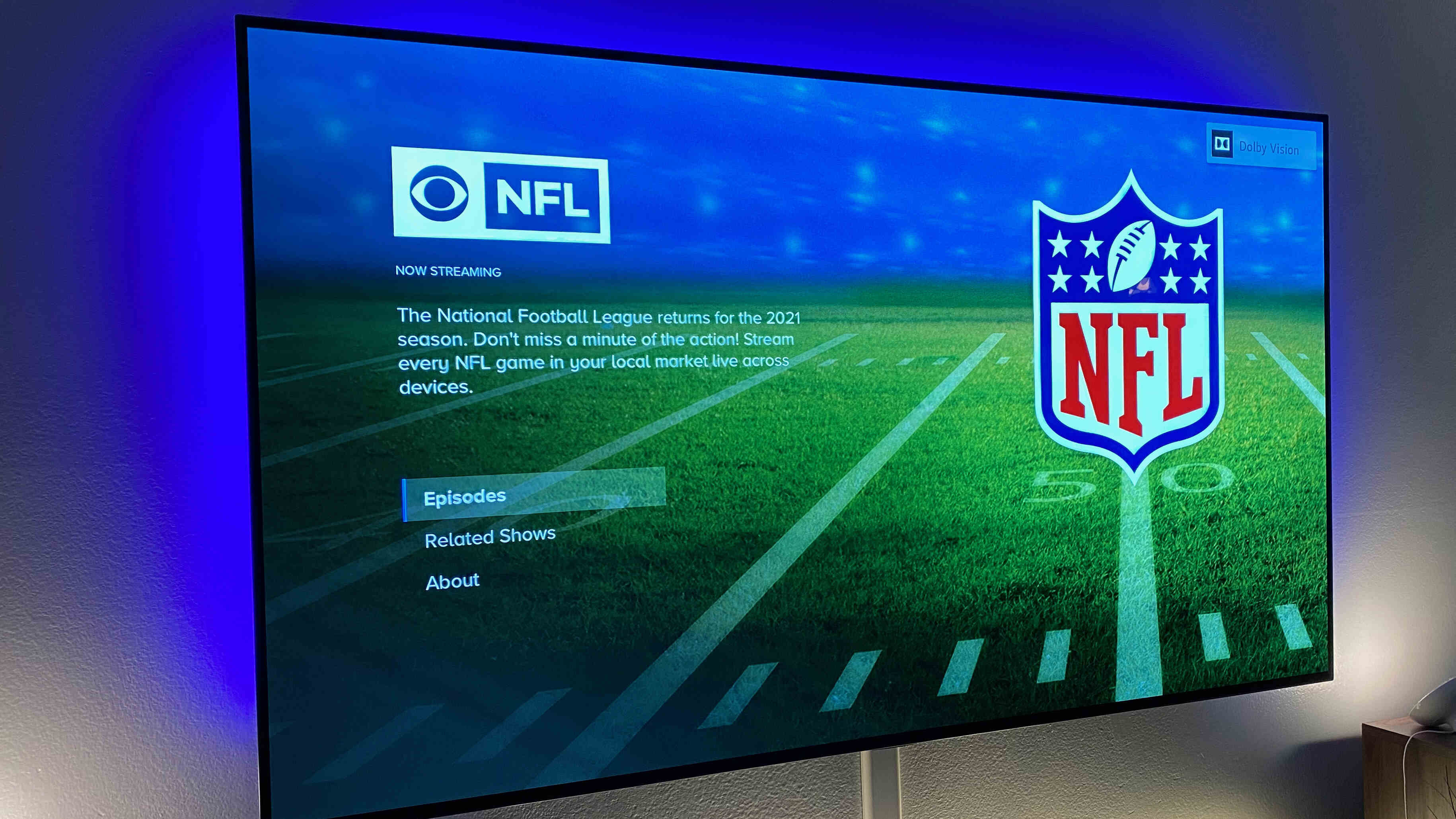
The articles here fall into a few clear themes. One major focus is expanding your channel lineup and accessing live sports. For example, our guides explain how to watch NFL games, how to follow the NCAA Tournament, and how to tune into truTV for specific matchups, while another piece walks you through adding HBO Max to your existing YouTube TV subscription. A second theme is device setup and compatibility, covering everything from getting YouTube TV on a Fire Tablet to adding it to an LG or Samsung Smart TV, and even how to reinstall the app on a Samsung set if it has been removed. Finally, a third theme addresses older or non-smart hardware, with an article on watching YouTube TV on a non-smart TV using external streaming devices, plus a separate piece that lists FS1 streaming services and their prices so you can compare your options legally and affordably.
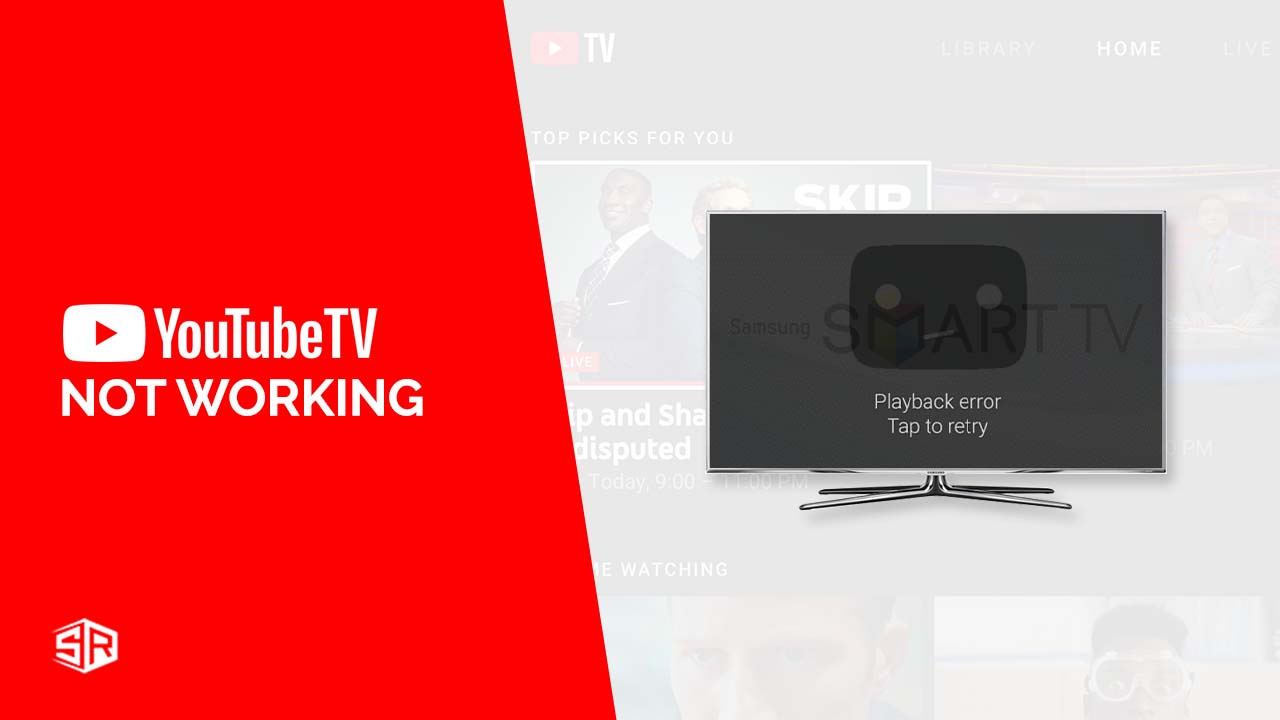
These guides help you take concrete actions: sign in, install, add channels, and troubleshoot common errors. The FS1 list, for instance, is a comparison tool rather than a workaround, and the non-smart TV guide focuses on using supported hardware like Roku or Chromecast. No tricks, no hacks, just straightforward solutions for getting your subscription where you want it.