Practical, step-by-step guides for moving data, syncing devices, and managing files through wired connections. These articles are written for everyday users, people who have a new gadget, an older device, or a specific transfer task and want clear, non-technical instructions. Whether you are pairing a game controller, offloading photos, or updating a portable GPS, this tag points to straightforward help.
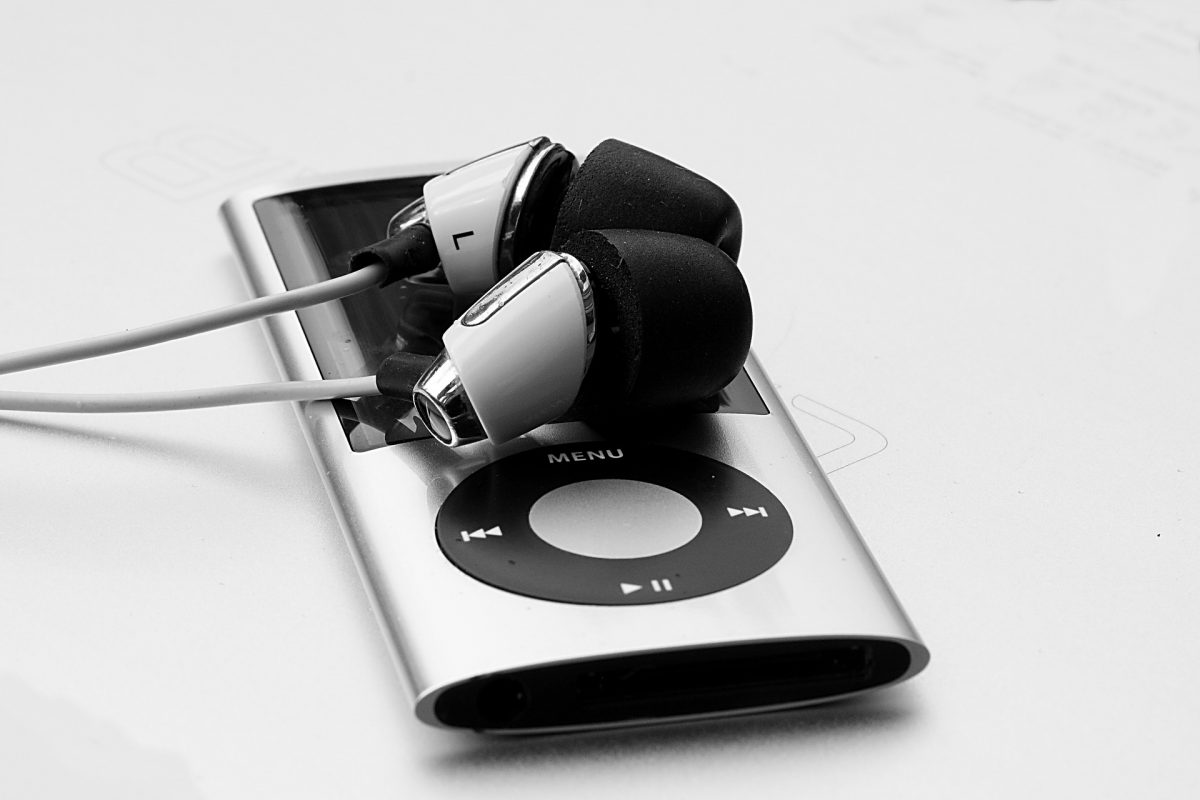
The articles group into a few common themes. One theme is device-to-computer transfers, such as getting pictures off a Samsung phone, a Motorola Razr, or a SIM card onto a PC or laptop. Another theme is device-to-device connections, including moving data from a tablet to a phone or connecting a DJI controller to a PC. A third theme covers setup and content management, like downloading music to an MP3 player, adding maps to a Garmin Nuvi, or installing games on a TI-84 Plus CE. Several pieces also address pairing newer consoles, like the PS5 controller, or bridging an iPhone with a Chromebook.
Readers will find help with specific, named tasks: transferring photos from an iPhone without a SIM card, moving files from a tablet to a computer, or downloading mods for an Oculus Quest 2. The guidance focuses on legitimate, supported methods, using official apps, standard USB file-transfer modes, and manufacturer-recommended software. The tone is practical, helping you complete a job safely and within the normal limits of the hardware and software you own.