This tag collects all the Firefox-related guides published on robots.net, aimed at everyday users who want to get more control over their browser, whether that means fixing an annoyance, moving to a new computer, or simply making Firefox work the way they want. The articles here are practical and task-oriented, so they are for anyone who prefers clear, step-by-step instructions over tinkering with hidden settings or searching through support forums.
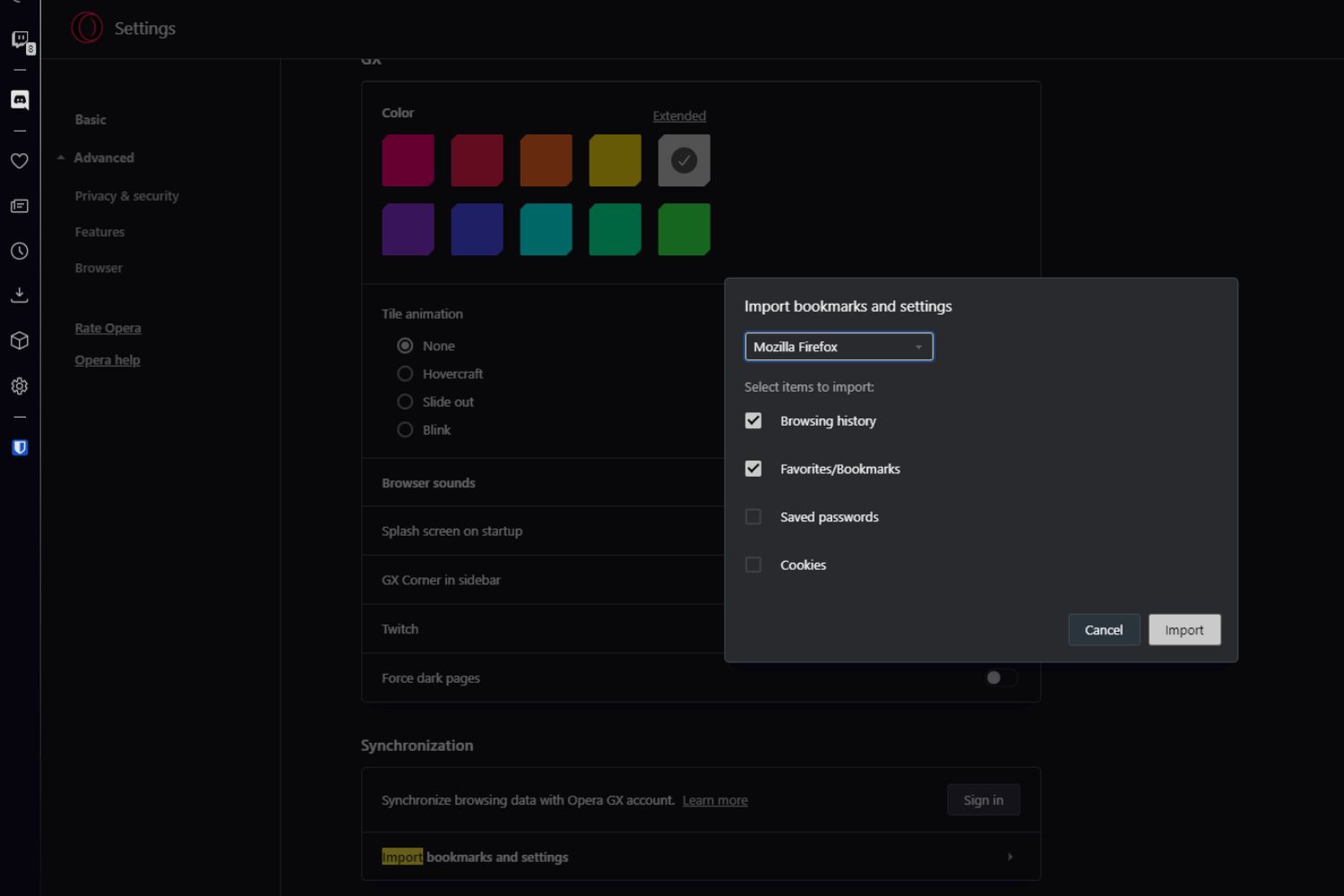
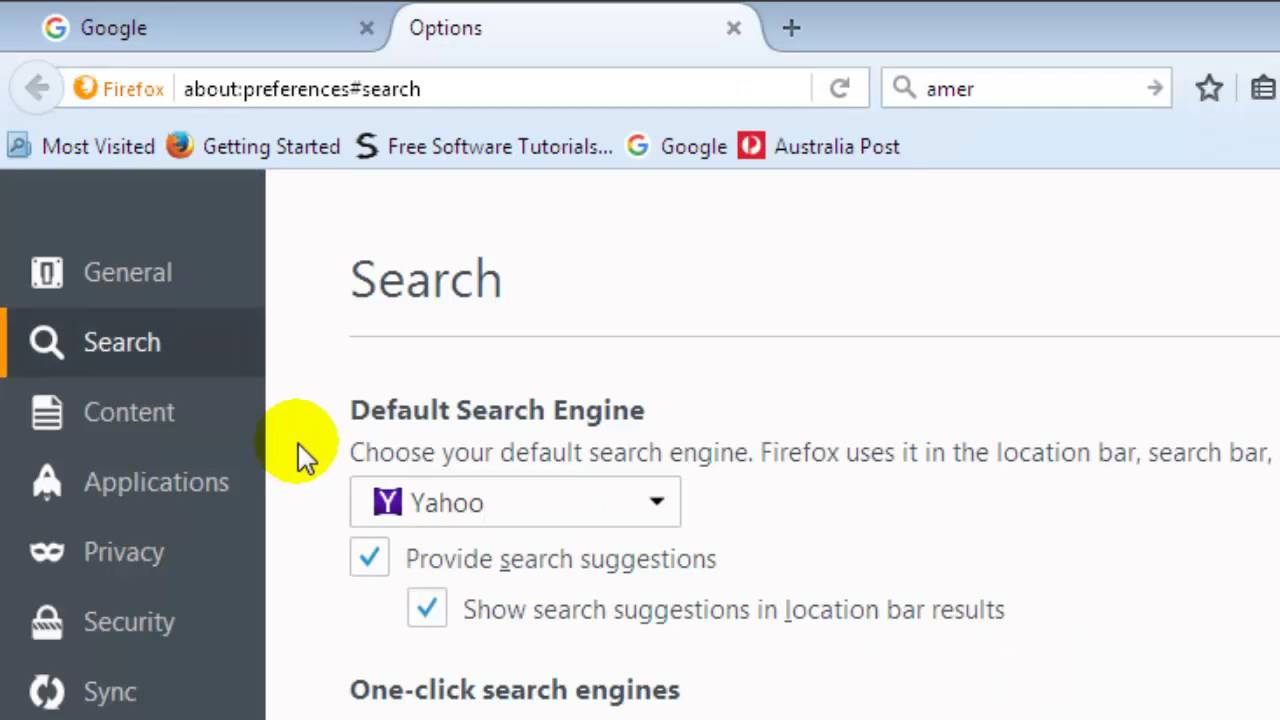
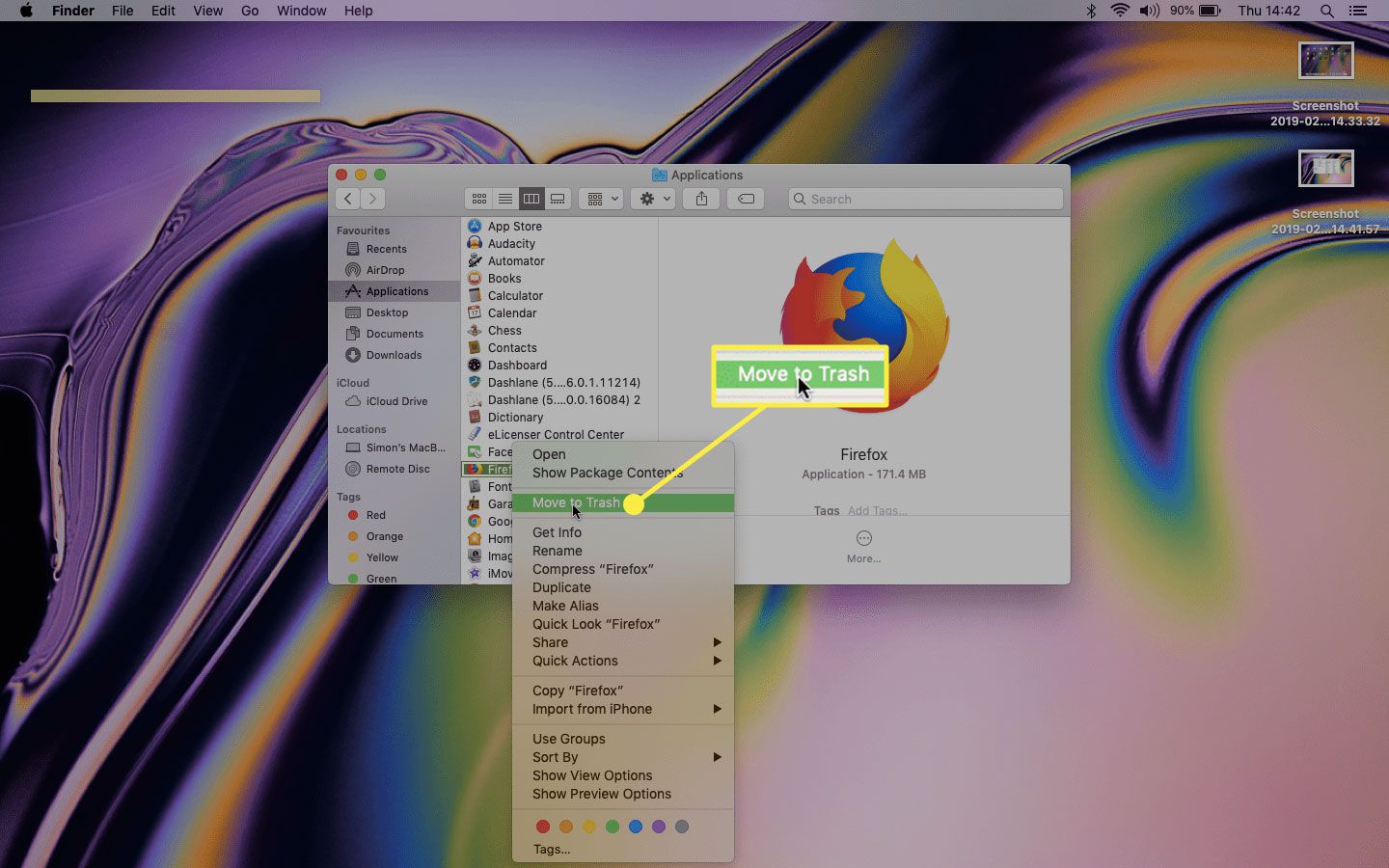
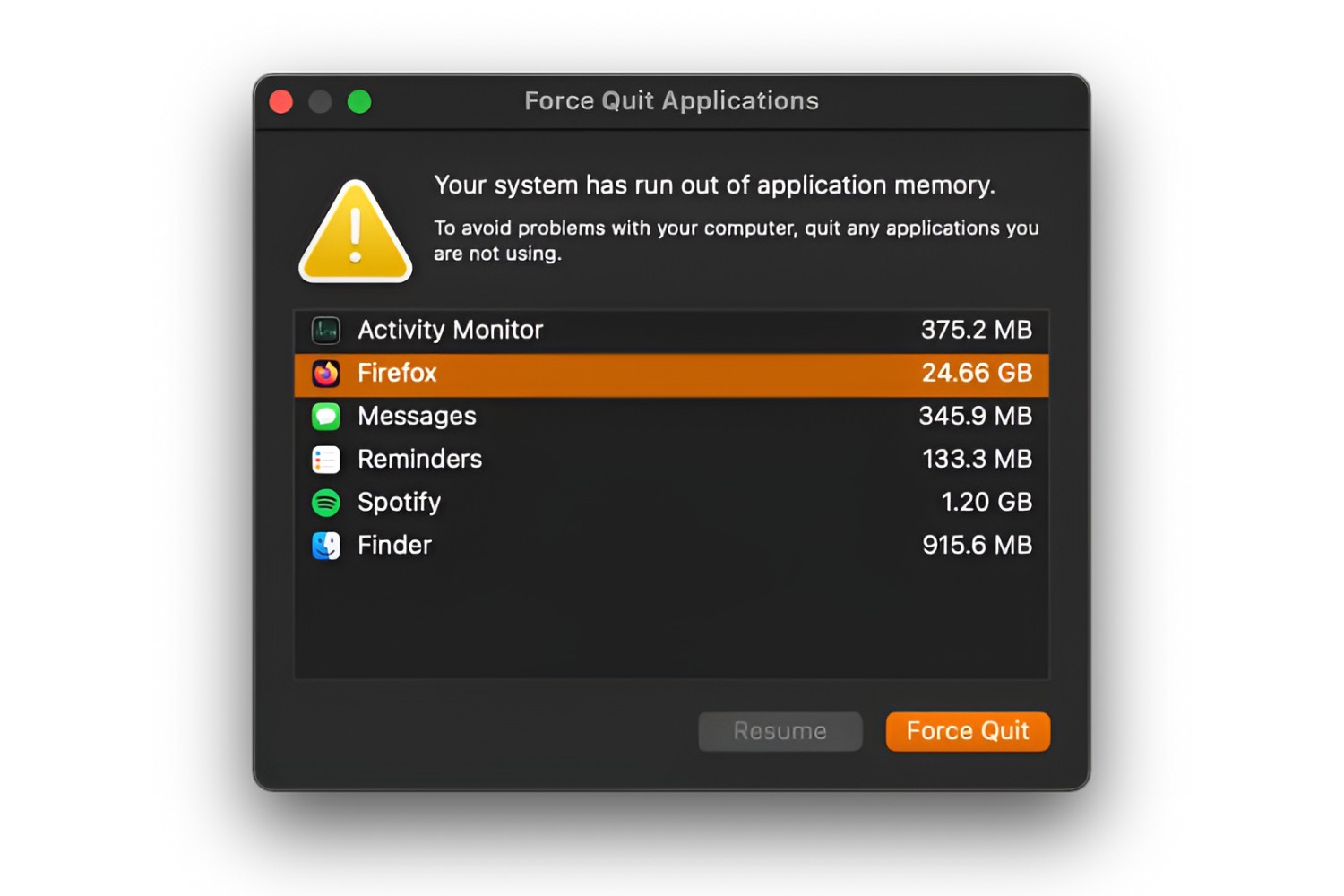
The guides fall into a few broad themes. One group focuses on personalization and everyday convenience, such as making MSN your homepage, getting rid of the Yahoo search bar, or customizing the Chrome homepage and shortcuts (a related but not identical browser task). Another cluster deals with data management and transfer, for example, exporting Firefox cookies, checking browser history on Android, or moving bookmarks to a new computer. A third set covers installation and removal, including how to install Firefox on a Kindle Fire or Arch Linux, how to force close the browser, and how to uninstall it completely when you want a fresh start.
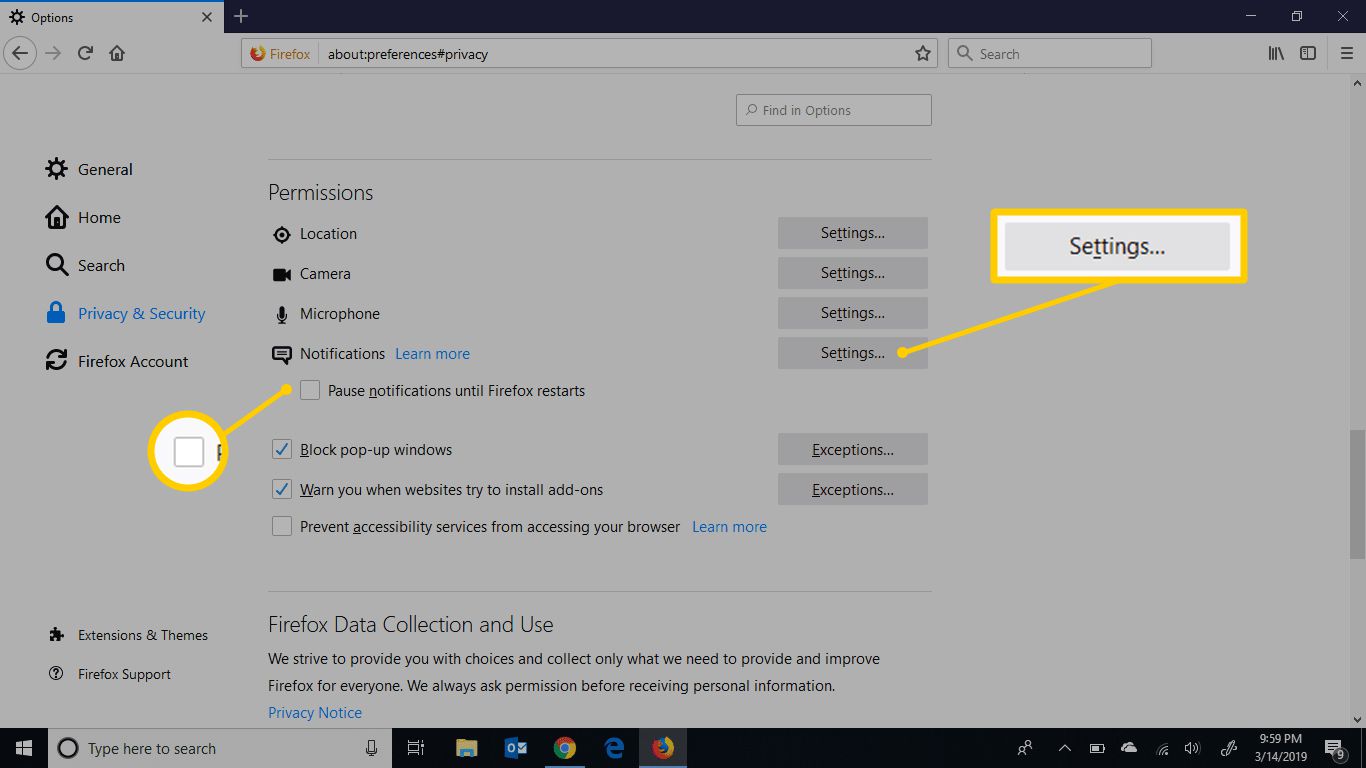
Several articles also address safety and legitimate alternatives rather than workarounds. For instance, the guide on enabling location permission helps you manage privacy settings properly, while the piece on legal alternatives to OnlyFans content steers readers toward lawful creators and platforms. Similarly, articles about downloading videos embedded in a website or using Firefox FTP explain how to do those tasks within the bounds of standard browser features and copyright law. None of the material encourages bypassing protections or pirating content, it is all about using the browser’s built-in tools and known, safe methods.