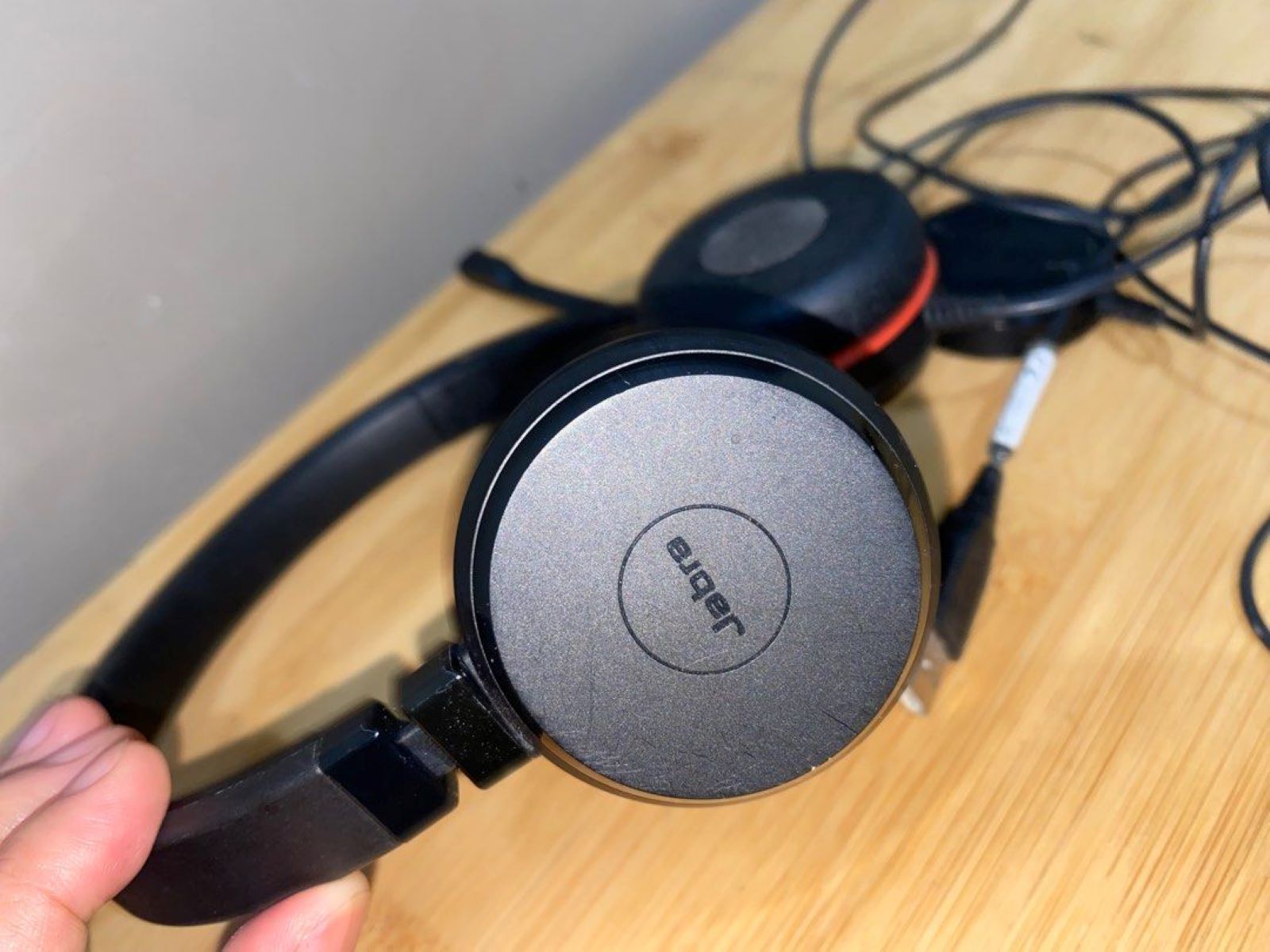
If you see a Jabra headset red light, the most common meanings are that the busylight is active, the battery is low, or the device is charging. The specific meaning depends on your headset model and whether the light is solid, flashing, or paired with other cues.
What your Jabra headset red light means: A quick-start guide
For office headsets like Evolve, Evolve2, and Engage, a red light almost always means the busylight is on, you’re in a call or marked as unavailable. For Elite earbuds, a red light on the earbud or case signals low battery (0-33%). And for many models, a solid red light while plugged in simply means charging is in progress. If the red light flashes in an unusual pattern, especially after a firmware update, it may indicate an error that requires a specific fix.
Red light on Jabra Evolve, Evolve2, and Engage headsets
The busylight feature is the primary reason you’ll see a red light on these office-focused headsets. When you’re on an active call, the light automatically illuminates red, signaling to coworkers that you’re busy. This is a deliberate design choice for open-office environments where visual cues matter as much as audio ones.
You can also control the busylight manually. On most Evolve and Evolve2 models, simultaneously pressing the volume up and volume down buttons on the right earcup toggles the light on or off. This is useful when you want to signal “do not disturb” even without an active call. Note that on Microsoft Teams variants of Evolve2 headsets, manually turning off the busylight only affects the red LED, purple LEDs for Teams notifications remain active.
For deeper configuration, use Jabra Direct on a computer (for Evolve and Engage models) or the Jabra Sound+ app on a mobile device (for Evolve2). In Jabra Direct, navigate to Device Settings, then Headset, and select the busylight option to customize behavior. On Engage headsets, you can also use the optional Engage Link control unit to manually switch the status light to red, which is handy for desk phones without software integration.
Red light on Jabra Elite earbuds and charging case
On Jabra Elite earbuds, a red LED on an individual earbud indicates that its battery is between 0% and 33%. This applies to models like Elite 65t, Elite Active 65t, Elite 7 Pro, and Elite 7 Active. If you see red on one earbud but not the other, the two buds have different charge levels, charge them both to equalize.
The charging case also uses red to communicate battery level. For Elite 65t cases, red means 0-10% battery remaining. For Elite 75t and Elite Active 75t cases, red means 0-33%. If the case itself is low, plug it in; the red light will typically turn off or change color once charging begins.
One critical scenario: if the charging case flashes red after a firmware update, it means the case was not updated correctly. To fix this, connect the case to power, remove the earbuds, replace them, and close the lid. This resets the update process and should clear the flashing red light.
Red light on Jabra Evolve 80, Talk, and Wave headsets
On the Jabra Evolve 80, the LED on the bottom of the left earcup lights up red while the battery is charging and turns off when fully charged. This is a simple, unambiguous indicator, if you see red, it’s still charging; no red means it’s done. Additionally, if you toggle Active Noise Cancellation (ANC) on or off while the battery has less than 2 hours of life, the same LED will light up red for 3 seconds as a low-battery warning.
For the Jabra Talk 65, a low-battery alert is both visual and audible: the LED flashes red twice and you’ll hear three beep tones. This happens when the battery is running low, prompting you to charge soon. The pattern is distinct from other alerts, so you won’t confuse it with a call notification.
On Jabra Wave headsets, a red battery indicator light means you have less than 30 minutes of talk time remaining. This is a final warning, charge the headset immediately to avoid an interruption mid-call.
Troubleshooting a red light that won't turn off
If the red light stays on when it shouldn’t, start by checking whether the busylight is manually engaged. On Evolve and Evolve2 models, press volume up and volume down simultaneously to toggle it off. If the light remains red after that, the issue may be battery-related, check the battery level in your paired device’s app or in Jabra Direct. A solid red light on Evolve2 75 or Evolve2 65 indicates low battery, so plug the headset in and see if the light changes to a charging pattern.
For Elite earbuds, a persistent red light on the case often means the case itself is low on power. Connect it to a charger and wait a few minutes. If the case flashes red after a firmware update, follow the reset procedure: connect to power, remove and reinsert the earbuds, and close the lid.
If the red light still won’t turn off and none of these steps apply, perform a full headset reset. This clears any stuck software state that might be holding the LED active. After resetting, check if the light behaves normally during charging, pairing, and calls. If the red light persists even after a reset and a full charge, the issue is likely hardware-related, contact Jabra support for further assistance. A stuck red light is almost always fixable through one of these steps, so work through them in order before assuming the device is faulty.
\nRelated reading: Battery Check: Verifying Your Headset Battery Status, Jabra Mic Troubles: Fixing Microphone Issues On Your Headset, and Why Does My Controller Disconnect When Vibration Activates.