




Introduction
Discord is a popular communication platform used by millions of users around the world. While it is primarily intended for creating communities and fostering productive discussions, there are some individuals who may seek to disrupt and cause chaos on servers. This article aims to shed light on the disturbing practice of server nuking and how it can be achieved.
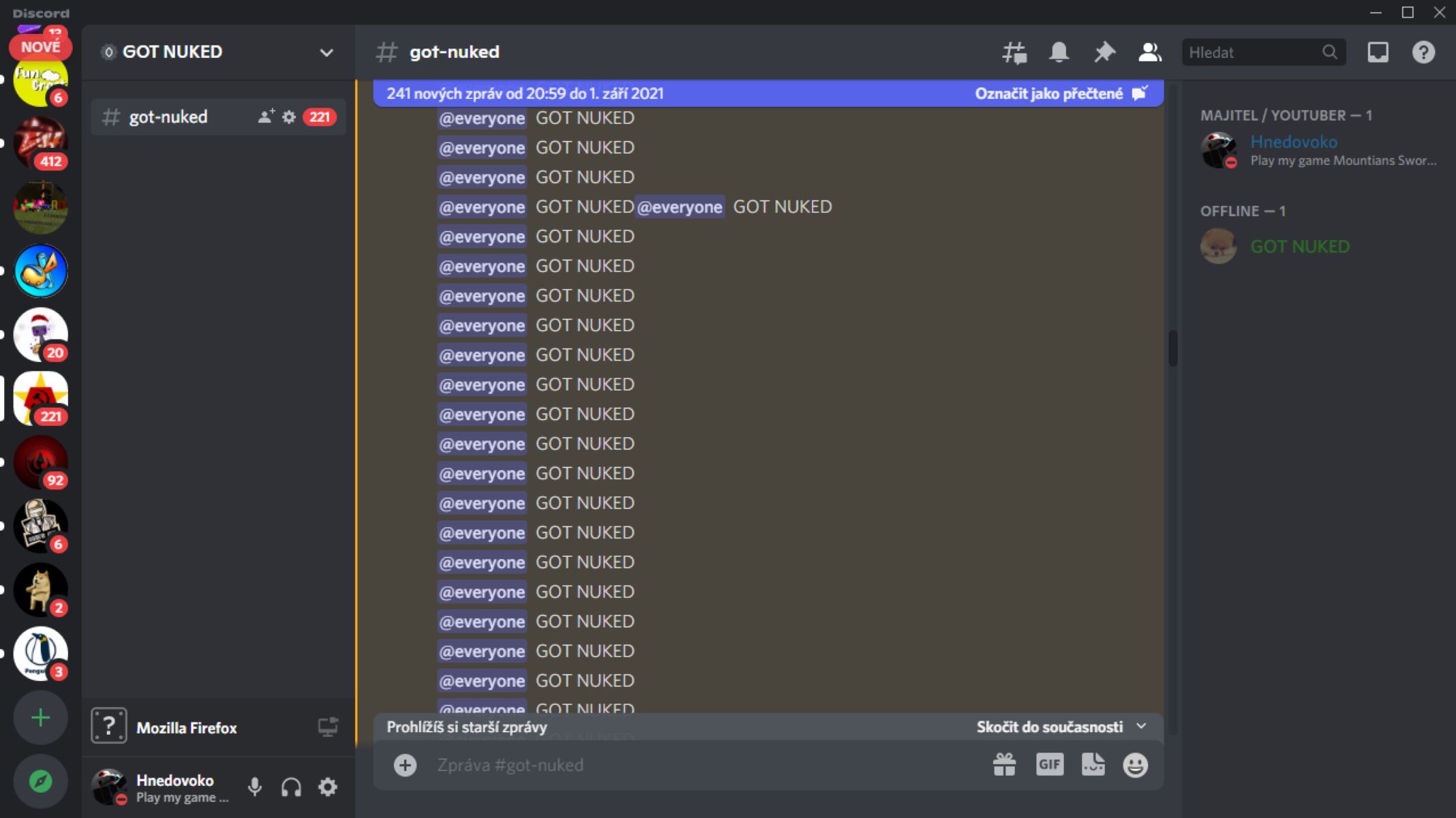
Server nuking involves overwhelming a Discord server with a high volume of malicious actions and commands, resulting in downtime and disruption of normal operations. It is important to note that server nuking is a violation of Discord’s terms of service and can lead to serious consequences.
In this article, we will explore the different steps involved in planning and executing a server nuke attack. We want to emphasize that the information provided here is for educational purposes only, and we strongly discourage any illegal activity or malicious intent.
By understanding the methods used in server nuking, server owners and administrators can better protect their communities from such attacks. Additionally, users will be able to identify the signs of a potential server nuke and take appropriate action to mitigate the damage.
It is crucial to create a safe and secure environment for communication and collaboration within Discord servers. Let’s delve into the details of server nuking to increase awareness and ensure that Discord remains a place for positive and constructive interactions.
Step 1: Selecting the Target
When it comes to server nuking, the first step is to carefully select your target. It is essential to choose a server that aligns with your objective and has vulnerabilities that can be exploited. However, it is crucial to note that targeting and attacking servers without permission is illegal and unethical.
If you are a server owner or administrator, it is important to take proactive measures to secure your server and protect it from potential attacks. Regularly update the server’s software, plugins, and permissions to minimize vulnerabilities.
However, for the purpose of understanding the process, we will outline the steps involved in selecting a target without advocating for malicious activity.
When selecting a target, consider the following factors:
- Server Size: Larger servers tend to have more users and activity, making them more appealing targets. However, it is important to remember that attacking servers for personal gain is illegal and can result in severe consequences.
- Relevance: Select a server that relates to your objective. Attacking servers without any motive can cause unnecessary harm to innocent communities.
- Security Level: Look for servers with weak security measures or outdated software. Vulnerabilities in a server’s configuration and permissions can make it easier to execute a successful attack.
- Impact: Consider the potential impact of the attack on the server and its users. Understand the consequences of your actions and the potential harm you could cause.
Keep in mind that server nuking is illegal and unethical. It is crucial to respect the privacy and security of others when using online platforms like Discord. Server owners should take precautions to protect their communities, while users should report any suspicious activity to Discord’s Trust & Safety team.
Step 2: Planning the Attack
Planning the attack is a crucial step in server nuking, although it is important to reiterate that engaging in such activities is illegal and unethical. Understanding the planning process can help server administrators and owners better protect their servers.
In this section, we will outline some general steps involved in planning a server nuke attack:
- Research: Gather information about the target server. Learn about its structure, members, and potential vulnerabilities. This step is crucial for identifying potential entry points and weaknesses that can be exploited.
- Identify Attack Methods: Familiarize yourself with different attack methods, such as flooding, spamming, or exploiting bots. Understand how they work and evaluate their potential impact on the target server.
- Assess Tools and Resources: Identify the tools and resources needed to execute the attack. This may include software, scripts, or botnet services. However, it is important to note that using such tools for malicious purposes is illegal and can have severe consequences.
- Create a Timeframe: Establish a timeline for the attack, including the start and end times. This will help you manage the execution and potentially cover your tracks.
- Consider Countermeasures: Anticipate how the server owner or administrators might respond to an attack and plan accordingly. They may take measures such as implementing flood protection or IP bans, so it is essential to be prepared.
- Communicate securely: If you plan to collaborate with others in executing the attack, take precautions to ensure secure communication. Use encrypted channels and be aware of potential monitoring.
It is vital to reiterate that server nuking is illegal and unethical. Server administrators and owners should focus on implementing security measures to protect their servers from potential attacks. Users should report any suspicious activity to Discord’s Trust & Safety team to maintain a safe and enjoyable environment for all users.
Step 3: Gathering the Necessary Tools
Gathering the necessary tools is a crucial step in preparing for a server nuke attack. While we strongly discourage engaging in illegal activities, understanding the tools involved can help server owners and administrators better protect their servers.
When it comes to server nuking, the tools used can vary depending on the attack methods chosen. Here are some commonly used tools:
- DDoS (Distributed Denial of Service) Scripts: DDoS scripts are designed to flood the target server with a massive amount of traffic, overwhelming its resources and causing downtime. These scripts are widely available online, but it is important to note that using them for malicious purposes is illegal.
- Bots: Bots can be used to automate actions on a server, such as spamming messages, joining and leaving channels in quick succession, or creating an excessive number of user accounts. Again, using bots to disrupt servers is against Discord’s terms of service.
- Flooders: Flooding tools are specifically designed to flood a server with various types of requests, such as message floods or channel floods. Flooding can put significant strain on a server’s resources, causing disruptions and potential downtime.
- Botnets: Botnets are networks of compromised computers controlled by a central entity. They can be used to launch DDoS attacks, spam messages, or execute other malicious activities. Using botnets is not only illegal but also highly unethical.
While these tools may exist, it is important to emphasize that their usage for nefarious purposes can lead to severe consequences. Server owners and administrators should focus on implementing preventive measures to protect their servers, such as setting up firewalls, using security plugins, and regularly updating and monitoring their server’s activity.
If you believe your server is under attack, it is crucial to report it to Discord’s Trust & Safety team. They have the expertise and tools to investigate and take appropriate action against malicious actors.
Remember, the goal should always be to promote a safe and enjoyable environment for all Discord users, and engaging in activities that disrupt this should be strongly condemned.
Step 4: Creating Multiple Bots
Creating multiple bots is a common tactic used in server nuking attacks. It involves setting up multiple automated accounts to carry out specific actions simultaneously. While we strongly discourage engaging in malicious activities, understanding this step can help server owners and administrators better protect their servers.
Here are the key aspects involved in creating multiple bots:
- Bot Account Creation: To create multiple bots, you would need to set up separate Discord accounts for each bot. This typically involves creating new email addresses and registering those accounts on Discord. Keep in mind that creating and using bots for malicious purposes is strictly against Discord’s terms of service.
- Bot Configuration: Once the accounts are created, you will need to configure each bot according to the desired actions it will perform. This may include specifying which channels to join, what messages to send, or what commands to execute.
- Automation: Bots are typically set up to automate actions using programming languages like Python or JavaScript. They can be programmed to send repeated messages, flood channels, or perform other disruptive activities.
- Bot Control: In a server nuking attack, the individual coordinating the attack would remotely control the bots and initiate their actions simultaneously. This can be done through specific commands or scripts.
- Scaling: To maximize the impact, attackers may create a large number of bots to carry out the attack. This amplifies the volume of disruptive actions and overwhelms the target server’s resources.
Creating multiple bots for the purpose of server nuking is illegal and unethical. It is important for server owners and administrators to implement measures to prevent and detect bot attacks, such as enabling spam filters, implementing captchas, and regularly monitoring user activity on their servers.
If you suspect that your server is under attack from bots or any other malicious activity, report it to Discord’s Trust & Safety team immediately. They have the resources and expertise to investigate and take appropriate action to protect the Discord community.
Remember, the goal should always be to foster a safe and enjoyable environment for all users, and engaging in activities that disrupt this should be strongly condemned.
Step 5: Integrating Bots into Servers
Integrating bots into servers is a critical step in executing a server nuking attack. However, it is important to note that engaging in such activities is against Discord’s terms of service and can lead to severe consequences. Understanding this step can help server owners and administrators better protect their servers from potential attacks.
Here are the key aspects involved in integrating bots into servers:
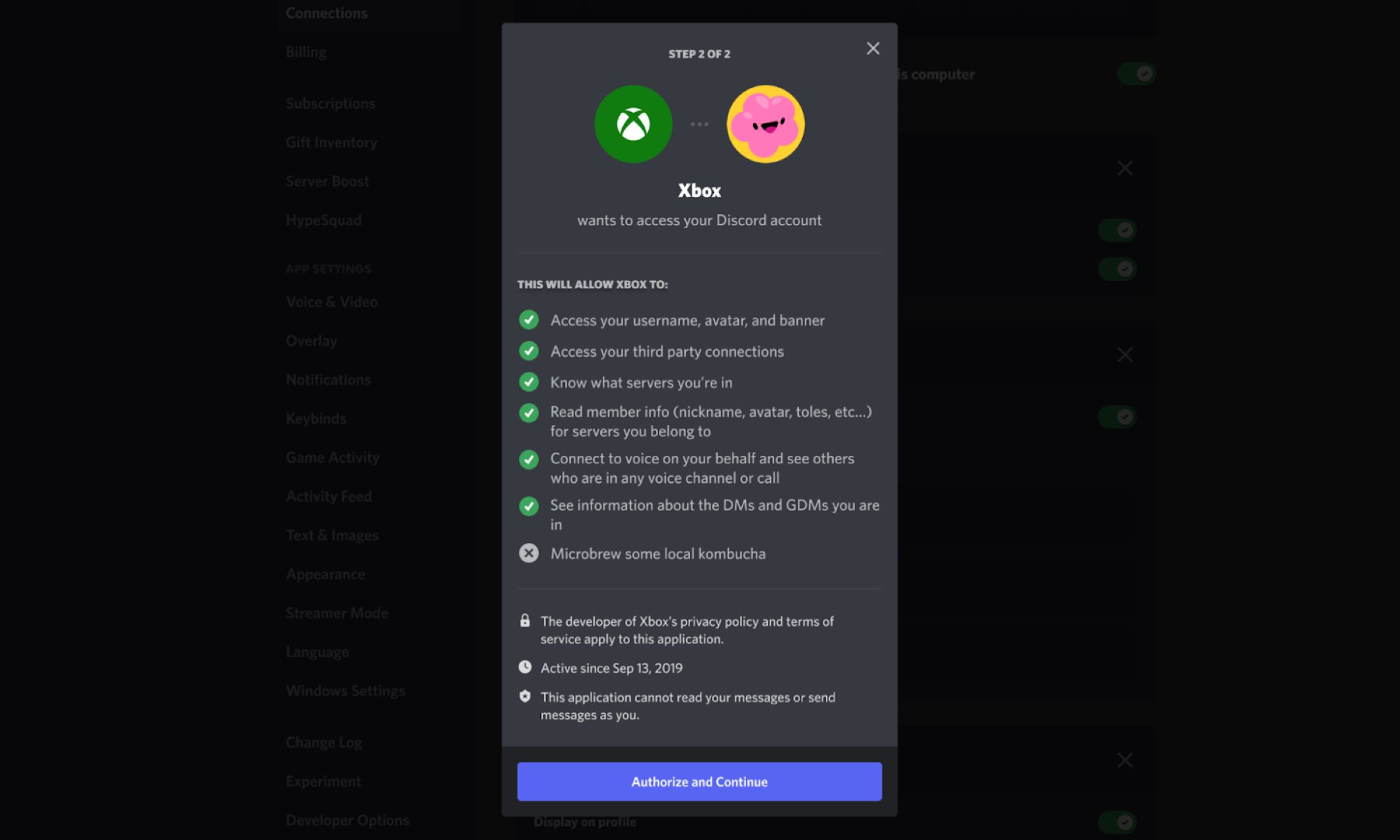
- Bot Permissions: When setting up a bot, you can grant it certain permissions on the server. These permissions determine what actions the bot can perform, such as sending messages, deleting messages, or creating channels. Server owners and administrators should review and configure bot permissions carefully to prevent potential abuse by malicious actors.
- Bot Configuration: Each bot needs to be configured to respond to specific commands or trigger specific actions. This typically involves programming the bot using a scripting language such as Python or JavaScript. It is essential to note that using bots to disrupt servers is prohibited and can result in severe penalties.
- Identifying Weaknesses: Attackers may look for vulnerabilities or weaknesses in the server’s configuration or permissions that can be exploited by the bots. Server owners should regularly review and update their server settings, plugins, and permissions to mitigate potential risks.
- Simultaneous Bot Actions: In a server nuking attack, the bots are programmed to execute actions simultaneously. They may flood channels with messages, join and leave channels rapidly, or engage in other disruptive activities. This mass coordinated action can overwhelm server resources and cause downtime.
- Monitoring and Responding: Server owners and administrators should implement systems to monitor bot activity and detect any suspicious or malicious behavior. It is recommended to have strong moderation systems in place to quickly identify and remove any disruptive bots from the server.
Server owners and administrators should take proactive measures to protect their servers from potential bot attacks. This includes regularly auditing the bot integration on their servers, enforcing strong moderation practices, and encouraging reporting of any suspicious bot activity by server members.
If you suspect that your server is under attack or experiencing disruptive bot activity, report it to Discord’s Trust & Safety team immediately. They have the expertise and tools to investigate and take appropriate measures to maintain a safe and enjoyable environment for all Discord users.
Remember, the goal should always be to foster a secure and inclusive community, and engaging in activities that disrupt this should be strongly condemned.
Step 6: Executing the Attack
Executing the attack is a critical step in server nuking, but it is essential to stress that engaging in such activities is strictly against Discord’s terms of service. However, understanding this step can help server owners and administrators be better prepared to defend against potential attacks.
Here are the key aspects involved in executing a server nuking attack:
- Coordinating Bot Actions: In a server nuking attack, the coordinated actions of multiple bots are initiated simultaneously. These actions may include flooding channels with messages, sending excessive friend requests, or creating a large number of server invites. The goal is to overwhelm the target server’s resources and disrupt normal operations.
- Timing: The timing of the attack can play a significant role in its effectiveness. Attackers may choose to strike during peak server usage times to maximize the impact and create maximum chaos.
- Adapting Techniques: Attackers may modify their attack techniques during execution to overcome any countermeasures employed by the server owner or administrators. They may change the spam message content, adjust the spam rate, or use evasion techniques to avoid detection.
- Monitoring: Once the attack is launched, attackers may monitor the impact on the target server. This allows them to assess the effectiveness of their actions and make adjustments if necessary.
- Continuous Attack: In some cases, attackers may continue the attack for an extended period to sustain the disruption and prevent server recovery. This can lead to prolonged downtime and frustration for server members.
To protect servers from potential attacks, server owners and administrators should implement various preventive measures. These may include enabling spam filters, setting up rate limits, monitoring user behavior, and utilizing security plugins designed to detect and mitigate bot attacks.
If you suspect that your server is under attack, it is crucial to report it immediately to Discord’s Trust & Safety team. They have the expertise and resources to investigate the issue and take appropriate action to protect the Discord community.
Remember, the goal should always be to maintain a safe, positive, and inclusive environment for all users, and engaging in activities that disrupt this should be strongly condemned.
Step 7: Monitoring the Impact
Monitoring the impact of a server nuking attack is a crucial step for attackers to assess the effectiveness of their actions. However, it is important to highlight that engaging in such activities is strictly against Discord’s terms of service and can result in severe consequences. Understanding this step can help server owners and administrators be better prepared to detect and mitigate the impact of potential attacks.
Here are the key aspects involved in monitoring the impact of a server nuking attack:
- Server Downtime: Following the execution of the attack, attackers may monitor the target server to determine if it experiences any downtime. The goal of the attack is to disrupt normal server operations, which can lead to temporary or extended periods of unavailability.
- User Feedback: In some cases, users who are affected by the attack may provide feedback or report the issue to the server owner or administrators. This feedback can be crucial in identifying the attack and taking appropriate action.
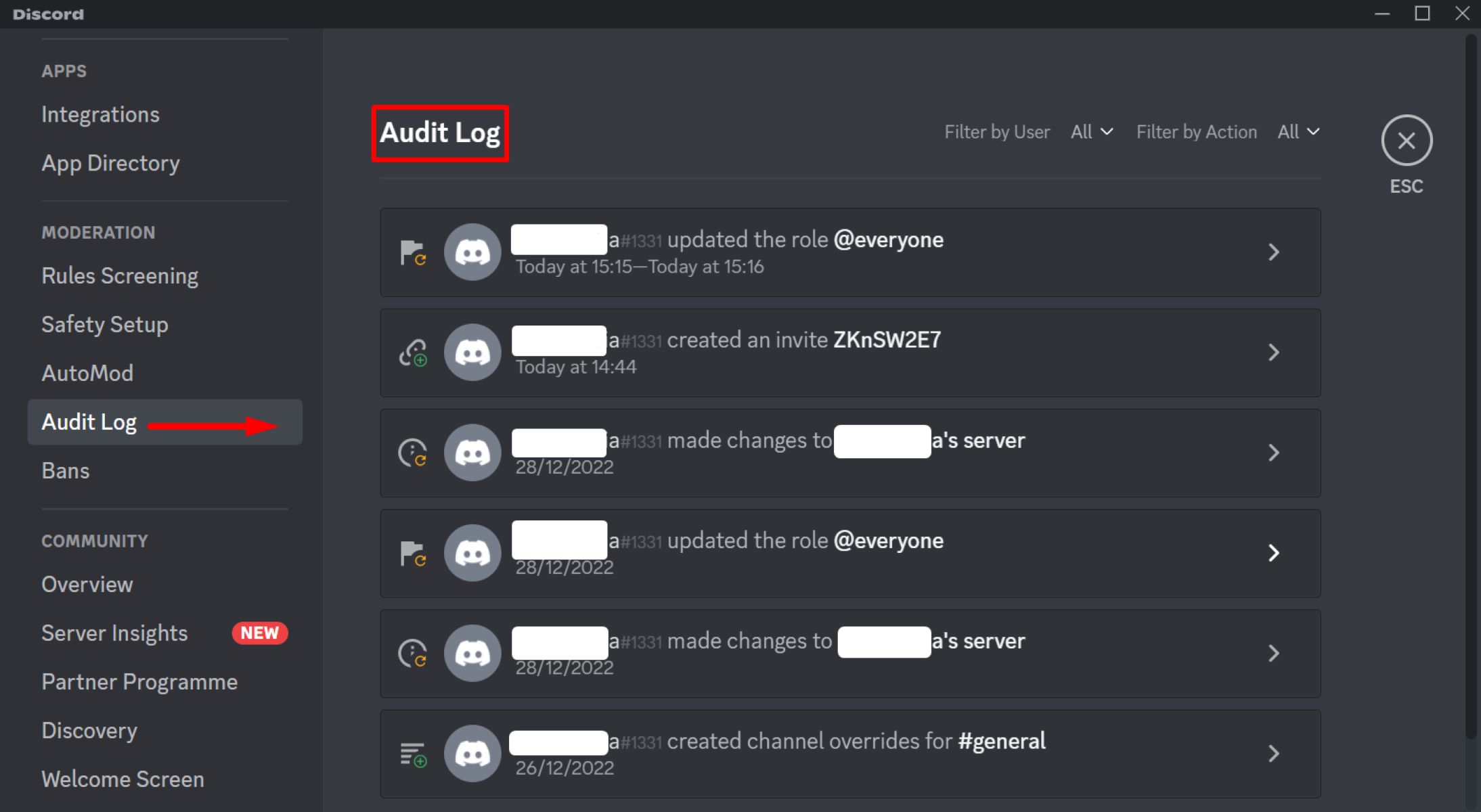
- Server Analytics: Server owners and administrators should regularly monitor server analytics and activity logs. Unusual patterns or a sudden increase in traffic, messages, or server invites may indicate ongoing disruptive activities.
- Performance Metrics: Monitoring key performance metrics such as server response time, CPU usage, or memory utilization can help identify unusual spikes that may indicate an ongoing attack.
- Engagement Levels: Attackers may examine the engagement levels within the server to gauge the impact of the attack. A significant decrease in active members or a decline in user interactions and participation may indicate successful disruption.
If server owners suspect that their server is under attack, it is crucial to respond promptly. They should implement measures to mitigate the impact, such as enabling moderation tools, restricting permissions for suspicious users, or implementing flood protection mechanisms.
Additionally, it is important for server owners to report the attack to Discord’s Trust & Safety team. They have the expertise and resources to investigate the issue and take appropriate action to protect the Discord community.
Remember, the goal should always be to maintain a safe and enjoyable environment for all server members. Being vigilant and actively monitoring for potential attacks can help prevent disruption and mitigate the impact on server communities.
Step 8: Covering Your Tracks
Covering your tracks is the final step in a server nuking attack, but it is important to emphasize that engaging in such activities is illegal, unethical, and against Discord’s terms of service. However, understanding this step can help server owners and administrators be better prepared to detect, mitigate, and report potential attacks.
Here are the key aspects involved in covering your tracks:
- Data Erasure: Attackers may attempt to erase any traceable data related to the attack. This can include deleting chat logs, command histories, or any other evidence that links them to the server nuking attack.
- IP Masking: Masking or spoofing your IP address can make it harder for authorities to trace the attack back to its source. However, sophisticated forensic techniques can still potentially uncover the true identity of the attacker.
- Account Removal: Attackers may delete the bot accounts used in the attack to minimize their digital footprint. Removing all associated accounts and data can make it more difficult for investigators to trace the attack back to the individual or group responsible.
- Network Anonymity: Utilizing anonymizing technologies, such as VPNs (Virtual Private Networks) and proxies, can hide your real IP address and add an extra layer of anonymity. However, it is important to note that these technologies can be traced by determined investigators.
- Encrypted Communications: Coordinating the attack using encrypted communication channels can make it harder for investigators to intercept and decipher messages exchanged between attackers. However, it is important to remember that engaging in illegal activities is never justified.
While covering your tracks may appear to offer a sense of security, it is important to recognize that illegal activities have severe consequences. Engaging in server nuking attacks jeopardizes not only your own safety but also undermines the trust and security of online communities.
If you encounter any suspicious activity or believe your server has been targeted, it is crucial to report it immediately to Discord’s Trust & Safety team. They have the expertise, tools, and authority to investigate and take appropriate action to protect the Discord community.
Remember, fostering a safe and inclusive environment should be the top priority for all online communities. Engaging in activities that disrupt this environment is not only unethical but also subject to legal consequences.
Conclusion
The act of server nuking is a malicious attack that can cause significant disruption and harm to Discord communities. Engaging in such activities is not only illegal but also unethical, going against Discord’s terms of service and violating the trust of users.
While it is essential to understand the steps involved in server nuking to protect our servers, it is crucial to emphasize the importance of creating a safe and inclusive environment for all Discord users. Server owners and administrators should focus on implementing preventative measures, such as updating software, setting up security measures, and promoting positive user interactions.
Discord users should be aware of the signs of potential attacks, report suspicious activity promptly, and engage in responsible online behavior. It is our collective responsibility to foster a community that is free from disruption, harassment, and illegal activities.
If you suspect that your server is under attack or whenever you encounter suspicious activity, it is vital to report it immediately to Discord’s Trust & Safety team. They are equipped to investigate and take action to protect the Discord community from any potential harm.
Remember, the goal of Discord is to provide a platform for communication, collaboration, and connection. By working together to promote a safe and positive environment, we can ensure that Discord remains an enjoyable space for all users.